
Software
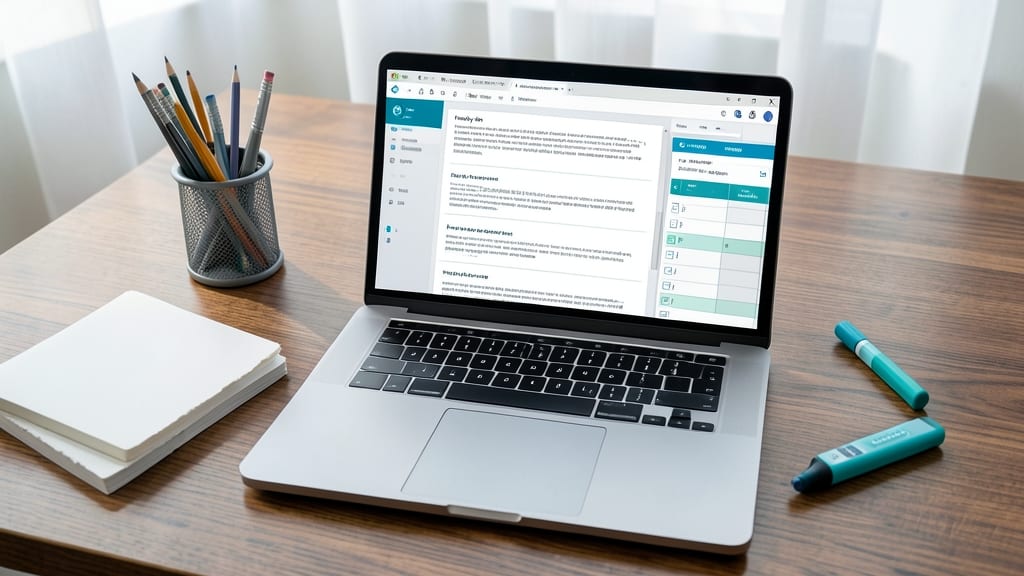
Microsoft Teams isn’t just for business—it’s a game-changer for educators. Discover how this powerful tool transforms classroom communication, simplifies lesson planning, and keeps students engaged—all while saving teachers valuable time.
Seamless Classroom Communication Hub
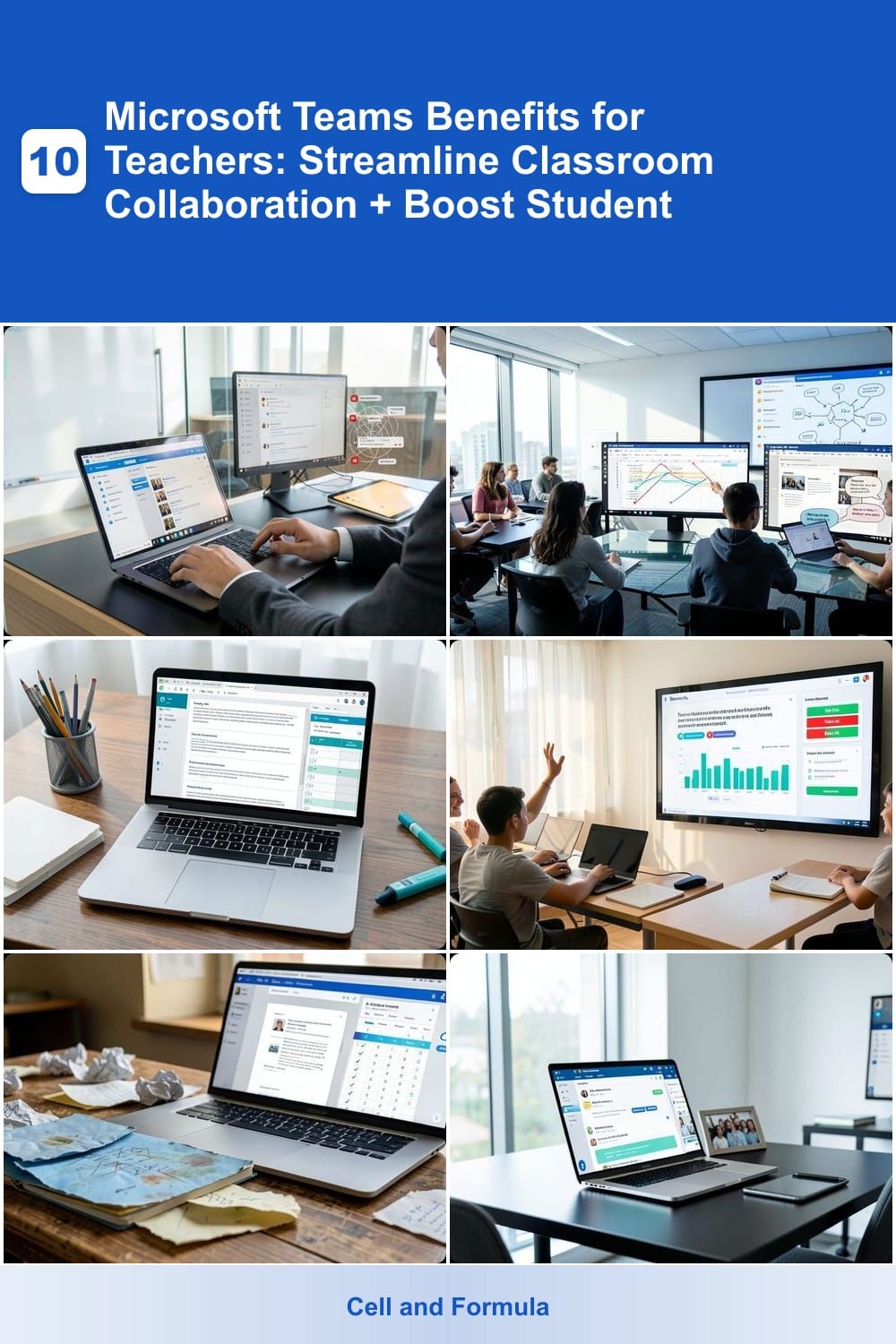
Say goodbye to the email black hole and scattered group chats—Microsoft Teams transforms your classroom into a single, organized communication hub where every message, file, and announcement stays in one secure place. No more digging through cluttered inboxes or missing critical updates buried in long threads.
Create dedicated channels for announcements, student feedback, or parent updates, each with its own chat history and file storage. The @mention system ensures students and parents receive relevant messages without flooding their inboxes, while threaded discussions keep conversations tidy. With end-to-end encryption and FERPA-compliant security, sensitive information stays protected—ideal for schools with strict data policies.
This is the perfect solution for teachers juggling multiple classes, hybrid learners, or busy parents who need quick, organized updates. Start with a #Class-Announcements channel and watch communication transform from chaotic to seamless. 💡
Real-Time Student Collaboration Tools
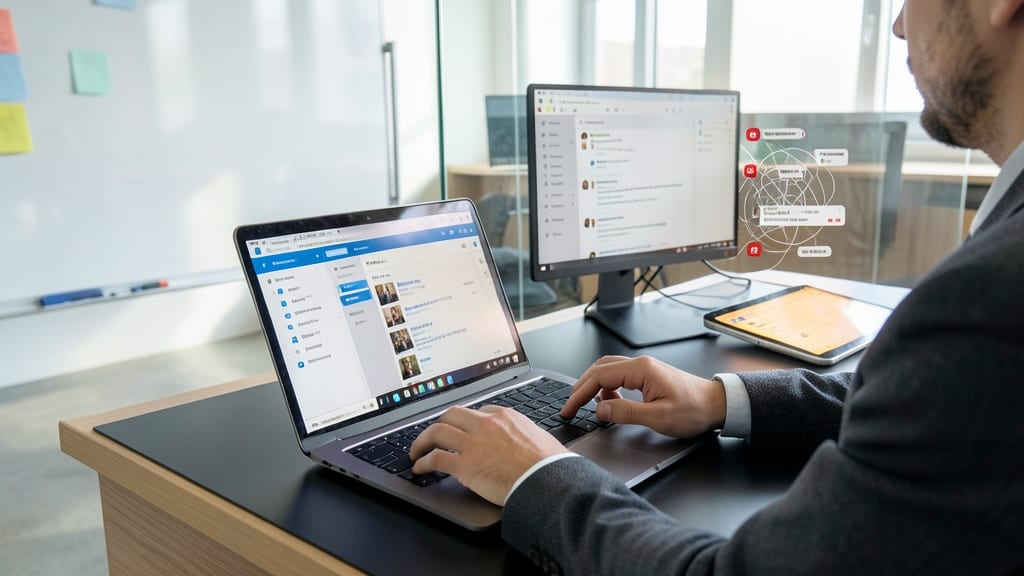
Forget static assignments and separate group chats—Microsoft Teams turns every project into a live collaboration hub. Students can edit the same Word document, Excel spreadsheet, or PowerPoint presentation simultaneously, with changes appearing in real-time. No more "final version" confusion: the platform tracks edits by user, so you can see who contributed what and when.
The co-authoring features extend beyond documents—students can brainstorm in shared whiteboards, annotate PDFs together, or even collaborate on coding projects using GitHub integration. With hybrid learning support, remote students join the same workspace as in-person peers, ensuring everyone participates equally. The @mention system lets you tag specific students for feedback, while the version history recovers lost work with one click.
This is the ultimate tool for group projects, debate prep, or peer editing sessions—where every student’s voice matters equally. Whether you're teaching English, science, or computer programming, real-time collaboration keeps engagement high and eliminates the "I didn’t know we were supposed to work together" excuses. ✨
Built-In Lesson Planning Templates
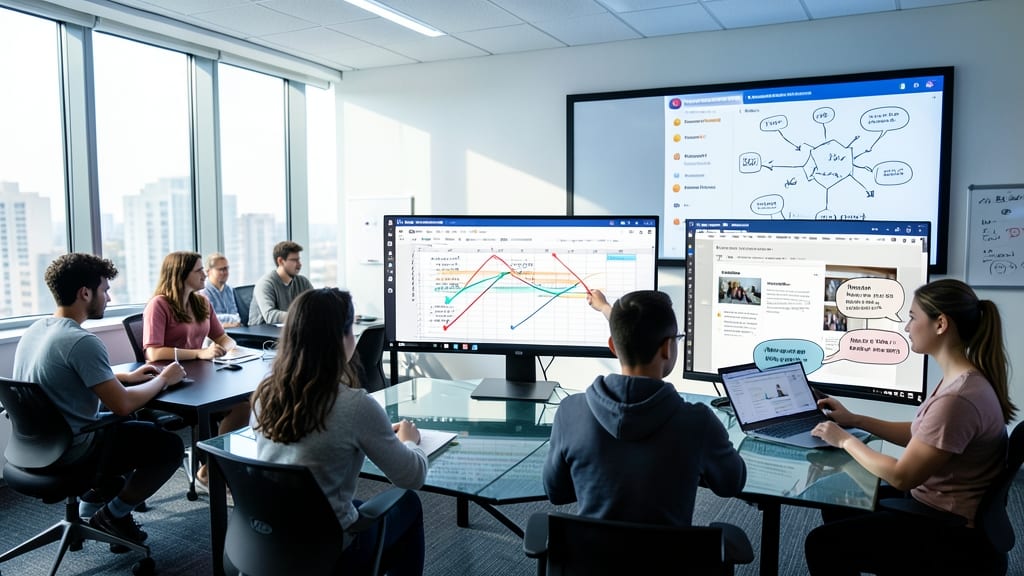
Tired of spending hours designing lesson plans from scratch? Microsoft Teams’ built-in lesson planning templates cut your prep time dramatically—with ready-to-use formats for syllabi, rubrics, and grading checklists.
Simply select a template (like the syllabus builder or assessment rubric generator) and customize it in minutes. The 40% time savings comes from eliminating repetitive formatting—whether you’re aligning standards or tracking student progress. Plus, these templates sync seamlessly with Office 365 tools like Word and Excel for easy edits.
Perfect for busy educators juggling lesson prep, grading, and classroom management. ⚡
Interactive Classroom Polls and Quizzes
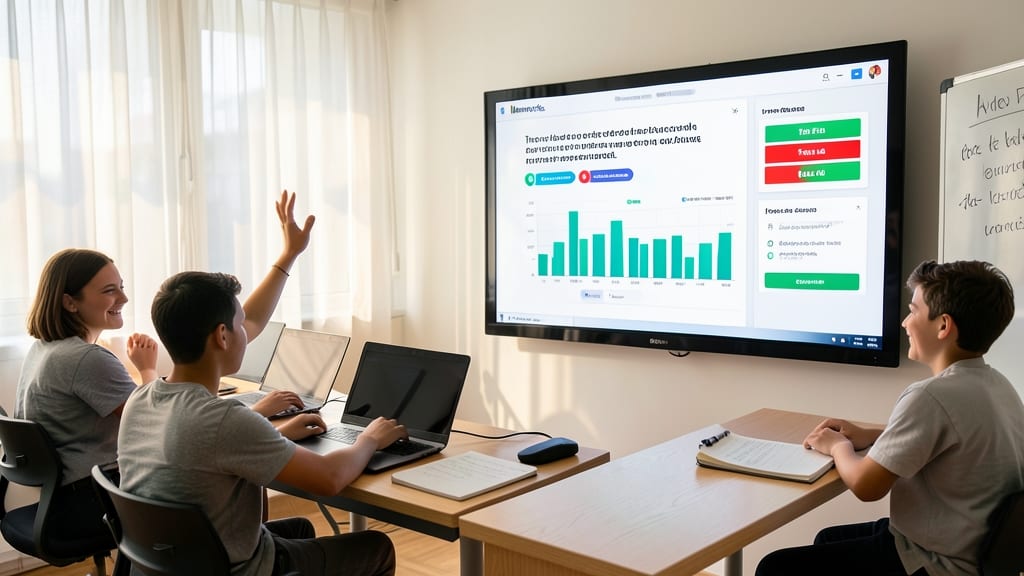
Turn passive lectures into dynamic discussions with Microsoft Teams' built-in polling and quiz tools. Create real-time multiple-choice, true/false, or short-answer questions that instantly show results—no grading required—so you can adjust your lesson on the fly.
Use exit tickets to check comprehension at the end of class or deploy live quizzes with customizable scoring to reinforce key concepts. The platform supports up to 100 participants per poll and integrates with Office 365 assignments, making it easy to track progress over time.
Perfect for formative assessments, this feature helps identify struggling students early while keeping engagement high. Whether you're teaching math, science, or history, interactive polls transform lectures into two-way conversations. ✨
Secure File Sharing and Grading

Tired of chasing down missing assignments or deciphering handwritten notes on crumpled papers? Microsoft Teams’ cloud-based assignments and grading tools turn submission chaos into a streamlined process—all while keeping student work safe and organized.
Upload assignments directly to Teams, where students submit files in one place, and you grade them with real-time feedback annotations (like digital red pens) that stay attached to the original document. The automated grading tools for quizzes and rubrics save hours, while version history ensures you’re always working with the latest draft. Plus, secure file sharing means no more lost USB drives or misplaced hard copies.
This feature is a lifesaver for teachers juggling multiple classes, especially those using hybrid or remote learning where digital workflows are essential. Say goodbye to version control headaches and hello to a paperless, efficient grading system! ✨
Parent-Teacher Communication Simplified
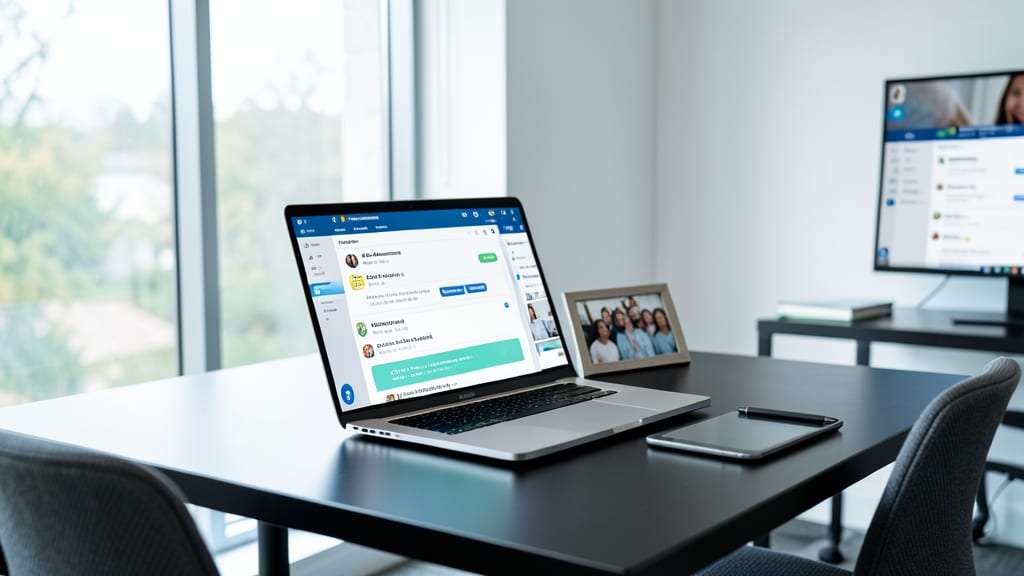
Tired of parent emails getting lost in a cluttered inbox? Microsoft Teams lets you create dedicated parent channels—a centralized hub for school updates, homework reminders, and event calendars—all without overwhelming anyone’s inbox.
Set up a #Class-Announcements channel to share weekly updates, a #Homework-Help tab for assignments, and even a shared calendar for parent-teacher conferences. Parents can opt in to notifications, ensuring they only see what matters to them. The @mention feature lets you tag specific families for urgent messages, while file sharing keeps permission slips and volunteer sign-ups organized.
Perfect for busy parents and teachers alike, this streamlines communication while keeping everyone on the same page—no more missed emails or last-minute surprises. ✨
Virtual Classroom with Screen Sharing

When snow days or flipped classrooms disrupt your lesson plan, Microsoft Teams’ virtual classroom becomes your digital lifeline. Host live lectures, share presentations in real-time, and record sessions for absent students—all without leaving the platform.
With 4K@60fps video support and screen-sharing for PowerPoint, Excel, and OneNote, you can deliver dynamic lessons while keeping students engaged. The built-in recording feature automatically saves sessions to the cloud, so students can review missed content anytime. Plus, breakout rooms let you split classes for small-group discussions during hybrid sessions.
This is perfect for substitute teachers, snow-day coverage, or flipped learning models where students watch lectures at home and complete work in class. ✨
Integration with Microsoft Office Suite

Tired of bouncing between apps during lessons? Microsoft Teams’ native integration with Word, Excel, and PowerPoint turns your classroom into a unified workspace. Simply upload files directly into chats or channels, and students can edit them in real-time—no need to switch to separate Office apps mid-lesson.
With co-authoring features, multiple students can work on the same Excel budget spreadsheet or Word essay simultaneously, while PowerPoint presentations can be shared instantly for live feedback. The integration also syncs with Office 365, so updates auto-save to OneDrive, and teachers can assign files as tasks with due dates—all while keeping everything organized in one place.
This is a game-changer for subjects requiring group work, like history projects or math collaborations, where seamless file sharing keeps students focused and engaged. 💻
Student Engagement Through Breakout Rooms
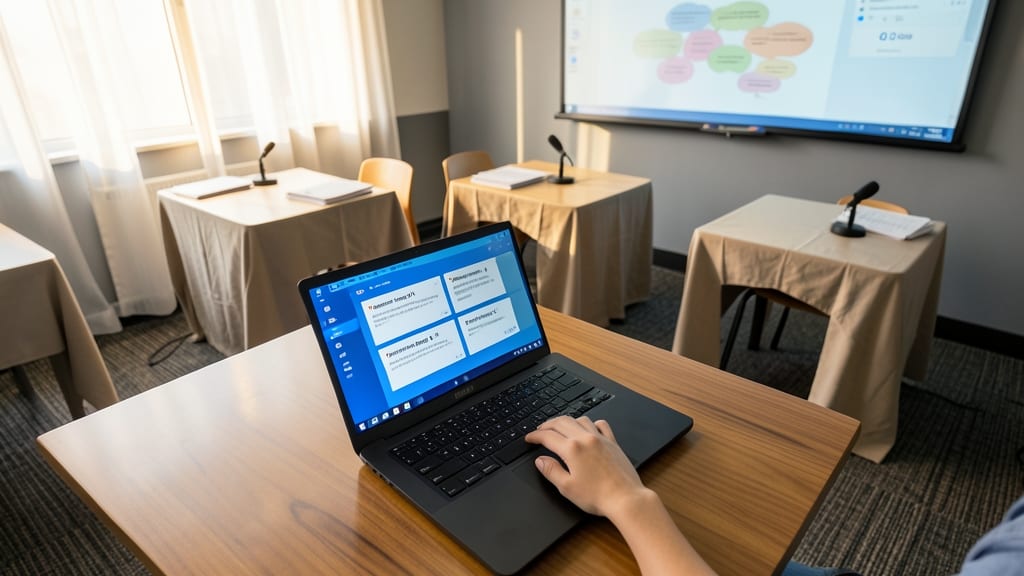
Turn large lectures into dynamic discussions with Microsoft Teams’ breakout rooms—a built-in feature that splits your class into smaller groups instantly. Whether you’re facilitating debates, language practice sessions, or peer review workshops, this tool ensures every student participates without the chaos of managing multiple chats.
With just one click, you can create up to 50 breakout rooms (scalable to class size) and assign students randomly or manually. Each room includes a shared whiteboard, chat, and screen-sharing for collaborative work, while you monitor progress or jump in to guide discussions. The timer feature helps keep sessions structured, and you can reassign groups or gather everyone back together effortlessly.
Perfect for language teachers running speaking exercises, project-based learning teams, or icebreaker activities—breakout rooms transform passive listeners into active contributors. 💡
Automated Reminders and Deadlines
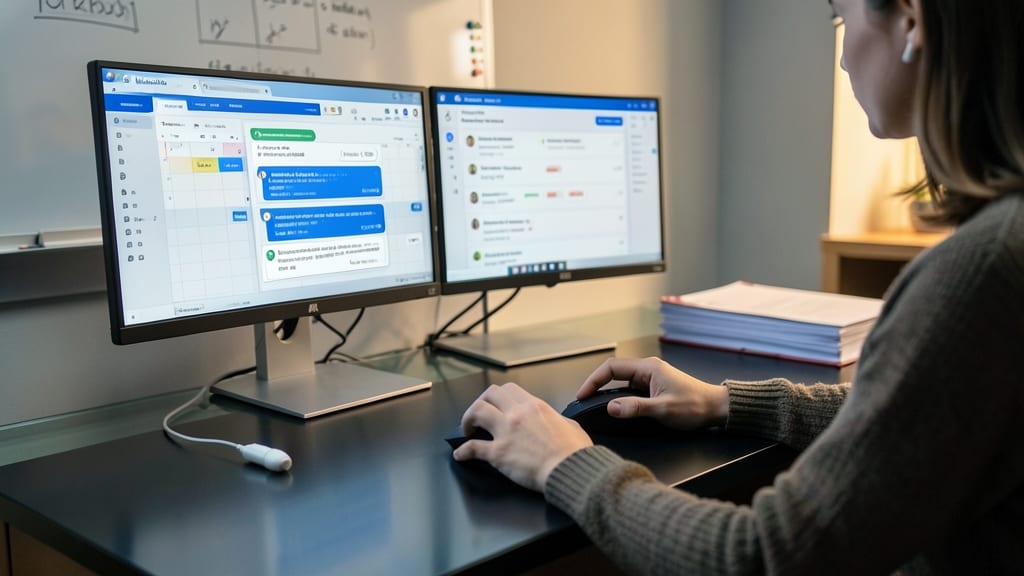
Tired of chasing students down for late assignments or scrambling to remind parents about upcoming meetings? Microsoft Teams’ automated reminders turn forgetfulness into a thing of the past. With just a few clicks, you can schedule notifications for assignments, tests, and parent conferences—delivered via email, app alerts, or even in-class pop-ups.
The system lets you set recurring deadlines (like weekly homework) or one-time alerts (such as a field trip sign-up). You can even customize messages to include deadlines, links to assignments, or last-minute study tips. For busy teachers, the Planner integration syncs tasks across your calendar, ensuring nothing slips through the cracks—no more frantic emails at 11 PM. 💻