Skip to content
Cell and Formula

Cell and Formula

  • All Articles
  • App
  • Coding
  • Hardware
  • More
    • Operating System
    • Outlook
    • PowerPoint
    • Review
    • Software
    • Tip & Trick
    • Troubleshooting
    • Windows

PowerPoint

3d Animated Powerpoint Templates Free Download: Instant Downloads for Stunning Presentations
November 6, 2026 by Lionel Radcliffe
3d Animated Powerpoint Templates Free Download: Instant Downloads for Stunning Presentations

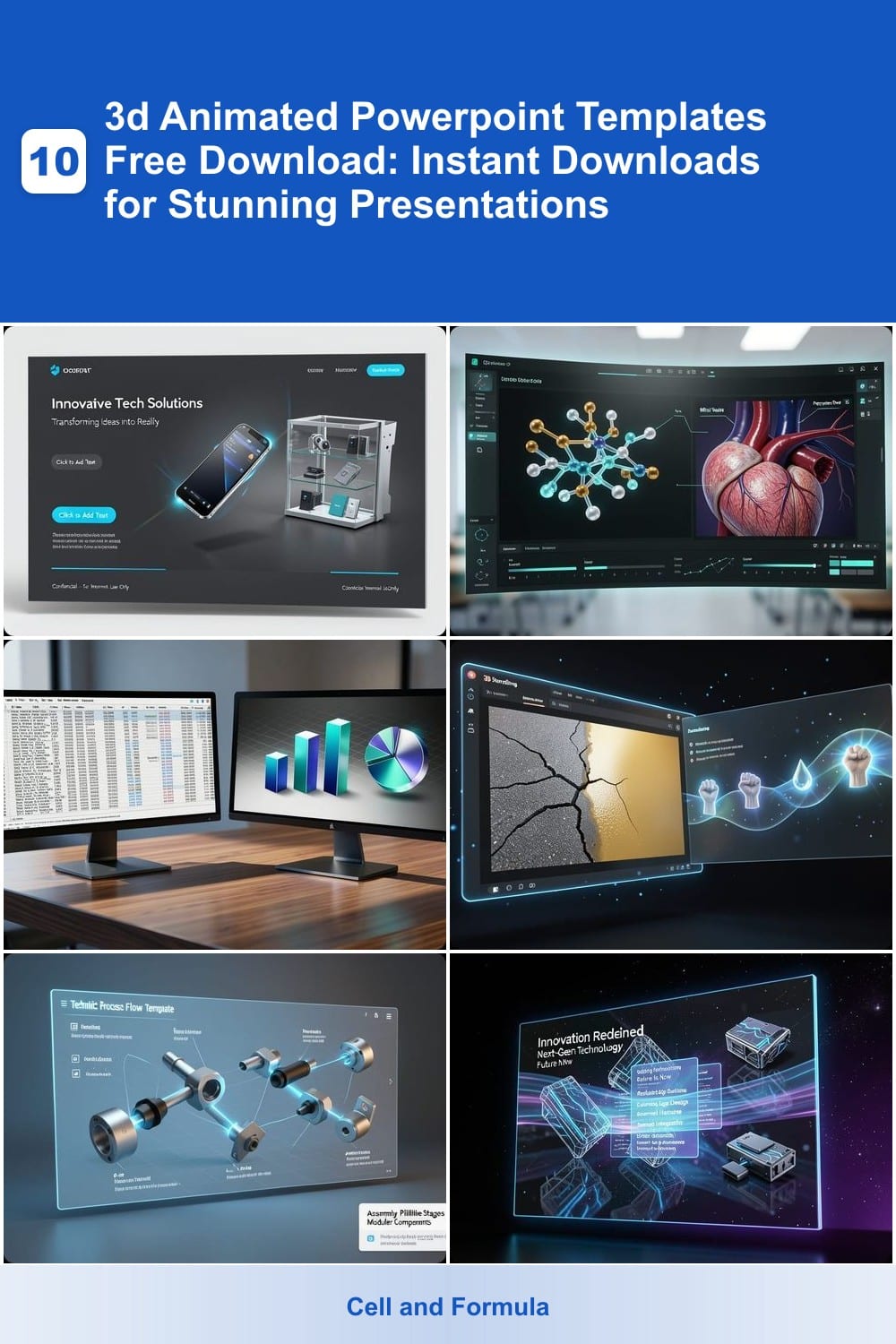
Elevate your presentations instantly with these seven **free 3D animated PowerPoint templates**—no design skills required. Perfect for business pitches, educational lectures, or creative projects, these downloadable…


Read more

Categories PowerPoint

How to Add Footnotes in PowerPoint: Hidden Text Tricks for Professional Presentations

October 12, 2026 by Lionel Radcliffe
How to Add Footnotes in PowerPoint: Hidden Text Tricks for Professional Presentations

Adding footnotes in PowerPoint isn’t just possible—it’s a game-changer for presentations that need depth without clutter. ✨ I’ve used this trick to slip in citations, speaker notes, or hidden references that only appear…

Read more

Categories PowerPoint

How to Download PowerPoint on iPad: One-Tap Access in Seconds

October 7, 2026 by Lionel Radcliffe
How to Download PowerPoint on iPad: One-Tap Access in Seconds

To download PowerPoint on your iPad, you’re just one tap away from turning your tablet into a presentation powerhouse. ✨ I’ve helped countless users—from students to executives—skip the confusion and get started in…

Read more

Categories PowerPoint

How to Embed a File in PowerPoint: Instant Access Without Losing Data

October 9, 2026 by Lionel Radcliffe
How to Embed a File in PowerPoint: Instant Access Without Losing Data

Embedding files in PowerPoint keeps your presentations complete without bloating the file size. ✨ I’ve spent hours fixing broken presentations where linked files vanished, and embedding solves that forever. The key is…

Read more

Categories PowerPoint

How to Install Powerpoint from Office 365: Quick Installation in 5 Simple Steps

October 8, 2026 by Lionel Radcliffe
How to Install Powerpoint from Office 365: Quick Installation in 5 Simple Steps

Installing PowerPoint from Office 365 is the fastest way to get up and running with Microsoft's presentation software. ✨ I’ve helped dozens of clients through this process—some nervous about tech, others just…

Read more

Categories PowerPoint

How to Outline Text in PowerPoint: Visual Hierarchy Made Simple

October 12, 2026 by Lionel Radcliffe
How to Outline Text in PowerPoint: Visual Hierarchy Made Simple

Outlining text in PowerPoint transforms messy slides into clear, professional presentations—something I learned the hard way after watching my uncle’s IBM presentations look like a tangled mess in the '90s. ✨ The secret…

Read more

Categories PowerPoint

How to Print Handouts in PowerPoint: Slide-by-Slide Setup for Perfect Copies

October 12, 2026 by Lionel Radcliffe
How to Print Handouts in PowerPoint: Slide-by-Slide Setup for Perfect Copies

Printing handouts in PowerPoint used to frustrate me until I learned this slide-by-slide trick that turns messy copies into perfect reference sheets every time. ⚡ The secret isn’t just hitting print—it’s the hidden…

Read more

Categories PowerPoint

How to Write on Powerpoints on Ipad: Apple Pencil-Friendly Slides in Minutes

October 11, 2026 by Lionel Radcliffe
How to Write on Powerpoints on Ipad: Apple Pencil-Friendly Slides in Minutes

Mastering how to write on PowerPoints on iPad in 2014 still sends shivers down my spine—especially when I saw my messy scrawls transform into polished, editable text. ✨ Today, that same ease is built right into modern…

Read more

Categories PowerPoint

List of Transition Effects in Powerpoint: Smooth Slideshow Flow for Professional Presentations

October 12, 2026 by Lionel Radcliffe
List of Transition Effects in Powerpoint: Smooth Slideshow Flow for Professional Presentations

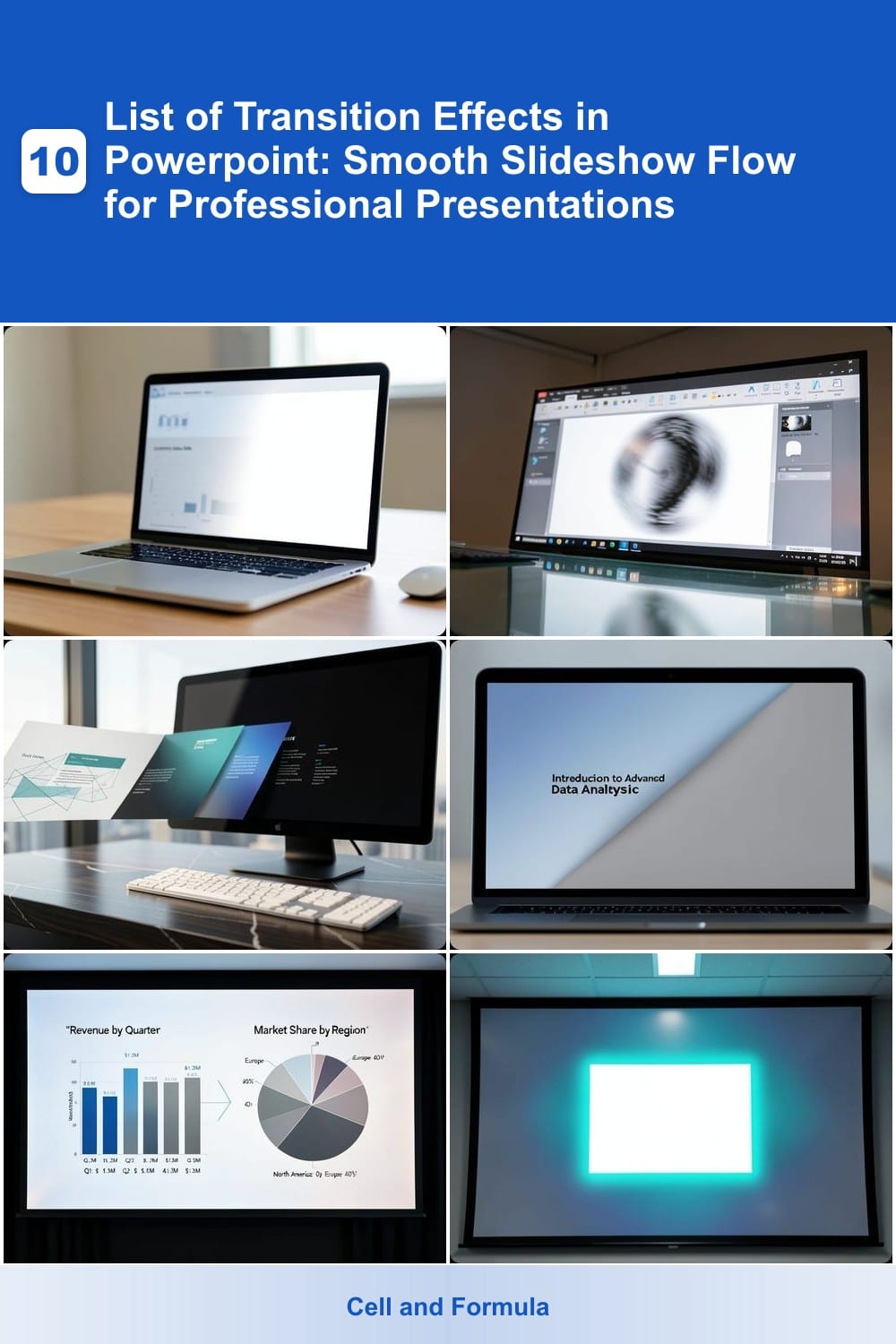
Want to elevate your PowerPoint presentations with polished, professional transitions? These seven transition effects help create smooth slideshow flow while keeping your audience engaged without distracting from your…

Read more

Categories PowerPoint

Microsoft Clip Art Images Free Download: High-Quality Templates for PowerPoint Presentations

October 7, 2026 by Lionel Radcliffe
Microsoft Clip Art Images Free Download: High-Quality Templates for PowerPoint Presentations

Download free Microsoft clip art images directly from Office Online—no subscription or credit card required, and all files come with commercial-use rights. Stuck with outdated clip art or generic stock images that don’t…

Read more

Categories PowerPoint
Page1Page2Next →

About Me

Lionel Radcliffe

Lionel Radcliffe
My first computer was a hand-me-down 486 with a cracked screen, and I spent more time figuring out how to make it do things it wasn’t supposed to than actually using it for schoolwork. That machine taught me more about patience—and creativity—than any textbook ever could. Now, I run this site to share the practical, no-nonsense tech advice I wish I’d had back then: troubleshooting guides that actually work, software tips that save time, and hardware reviews that cut through the marketing fluff.

Learn more

Recent Posts

  • Acrobat PDFMaker Office COM Addin Download: Trusted Direct Install for Seamless PDF Creation
    Acrobat PDFMaker Office COM Addin Download: Trusted Direct Install for Seamless PDF Creation
  • Windows 8 Email Setup: Instant Sync for Contacts, Calendar, and Mail
    Windows 8 Email Setup: Instant Sync for Contacts, Calendar, and Mail
  • How to Set Up Templates in Outlook: Quick-Click Ready for Emails and Meetings
    How to Set Up Templates in Outlook: Quick-Click Ready for Emails and Meetings
  • Uninstall McAfee Endpoint Security for Mac: Data-Safe Removal in 5 Simple Steps
    Uninstall McAfee Endpoint Security for Mac: Data-Safe Removal in 5 Simple Steps
  • Downloading Pics from Camera to Computer: Instant Transfer Without a Hiccup
    Downloading Pics from Camera to Computer: Instant Transfer Without a Hiccup
  • All Guides
  • About
  • Contact
  • Privacy Policy
  • Cookie Policy
  • Terms of Use
© 2026 cellandformula.com