
Coding
SQL Server 2012 revolutionized database management with groundbreaking features that boosted performance, security, and scalability. These 10 game-changing additions transformed how professionals handle data—whether you're optimizing queries or securing sensitive information, these tools are essential for modern database workflows.
Columnstore Indexes for Massive Performance Gains

If your analytical queries are sluggish with massive datasets, SQL Server 2012’s Columnstore Indexes could be your game-changer. This feature redefines performance for data warehousing by storing data in columns instead of rows, delivering 10x compression and dramatic query speedups—often reducing scan times from minutes to seconds.
The magic happens through batch-mode processing, where SQL Server evaluates entire columns at once rather than row-by-row. For example, a 1TB table might shrink to just 100GB while maintaining query efficiency. It’s especially powerful for aggregations, rollups, and reporting—think OLAP cubes or BI dashboards where speed matters most.
Perfect for data analysts, BI developers, and warehouse admins running heavy analytical workloads. If your environment deals with large historical datasets or complex reporting, this feature could cut your processing costs and improve user experience significantly. ⚡
Contained Databases for Simplified Deployment

Tired of master databases acting as bottlenecks for your deployments? Contained databases in SQL Server 2012 break free from this dependency, letting you move or copy databases independently—without touching the master instance. This game-changer simplifies cloud migrations, multi-tenant setups, and local development environments where isolation is key.
With contained databases, you gain self-sufficient database objects (users, schemas, and permissions) that don’t rely on server-level logins. Need to test a database locally? Just copy it—no need to recreate logins or reconfigure dependencies. The partial containment mode even lets you migrate to full containment later, making upgrades seamless. For cloud deployments, this means zero config drift between dev, staging, and production environments.
This feature is a lifesaver for developers testing isolated features and IT teams managing multi-tenant SaaS platforms. Say goodbye to deployment headaches—contained databases keep your workflows clean and portable. ✨
AlwaysOn Availability Groups for High Availability

For enterprises where downtime isn’t an option, AlwaysOn Availability Groups in SQL Server 2012 delivers enterprise-grade redundancy without the complexity. Unlike traditional failover clustering, this feature supports both synchronous and asynchronous replication, letting you balance performance and data consistency across multiple servers.
With automatic failover and readable secondaries, your mission-critical apps stay online even during hardware failures or maintenance. The synchronous mode ensures zero data loss for transactions, while asynchronous mode reduces latency for geographically distributed setups. It’s the first SQL Server feature designed specifically for high availability (HA) at scale.
Perfect for financial systems, healthcare databases, or e-commerce platforms, this is the battle-tested setup for teams that can’t afford seconds of downtime. ⚡
SQL Server Data Tools (SSDT) for Streamlined Development

Tired of juggling separate tools for database development, testing, and deployment? SQL Server Data Tools (SSDT) bridges that gap by embedding the entire database lifecycle into Visual Studio—no more context-switching between IDEs and SQL Server Management Studio.
With SSDT, you get version control integration (via Git or TFS), schema comparisons, and automated unit testing for databases. The project-based workflow lets you script, debug, and deploy changes seamlessly, while data-tier applications (DACs) package databases as reusable components. For agile teams, continuous integration support means faster, more reliable releases.
This is a game-changer for database developers and DevOps teams collaborating on schema changes. Whether you're refactoring a legacy system or building a greenfield app, SSDT keeps your workflow consistent and collaborative. ✨
Window Functions for Advanced Query Optimization

Tired of writing convoluted queries with nested subqueries? SQL Server 2012’s window functions—powered by the OVER() clause—transform how you analyze data. These functions let you perform calculations across sets of rows while keeping individual row values intact, making complex analytical queries cleaner and more efficient than ever.
With ROWNUMBER(), RANK(), DENSERANK(), and NTILE(), you can solve problems like pagination, top-N analysis, and data partitioning in a single pass. For example, ROW_NUMBER() simplifies pagination logic by assigning sequential numbers to rows within a partition, while RANK() handles ties gracefully—no more manual workarounds. These functions integrate seamlessly with GROUP BY and ORDER BY, reducing query complexity and improving performance on large datasets.
Data scientists and BI developers working with OLAP cubes or aggregated reports will see the biggest benefits. Whether you’re calculating moving averages, identifying outliers, or generating leaderboards, window functions cut down on redundant subqueries and make your SQL more readable. ✨
Power View for Interactive Data Visualization

Tired of waiting for IT teams to build reports or decipher complex dashboards? Power View in SQL Server 2012 lets business users create stunning, interactive visualizations in minutes—no coding required.
This self-service BI tool integrates directly with Excel and SQL Server Analysis Services, offering drag-and-drop functionality for 3D charts, maps, and pivot tables. Users can drill down into data, apply filters, and share insights instantly—all within the familiar interface of SharePoint or Excel. The real magic? Real-time updates and mobile-friendly dashboards that adapt to any device.
Perfect for marketers tracking campaign performance, finance teams analyzing budgets, or sales managers monitoring regional trends—Power View turns raw data into actionable stories without IT bottlenecks. ✨
Contained Database Users for Granular Security
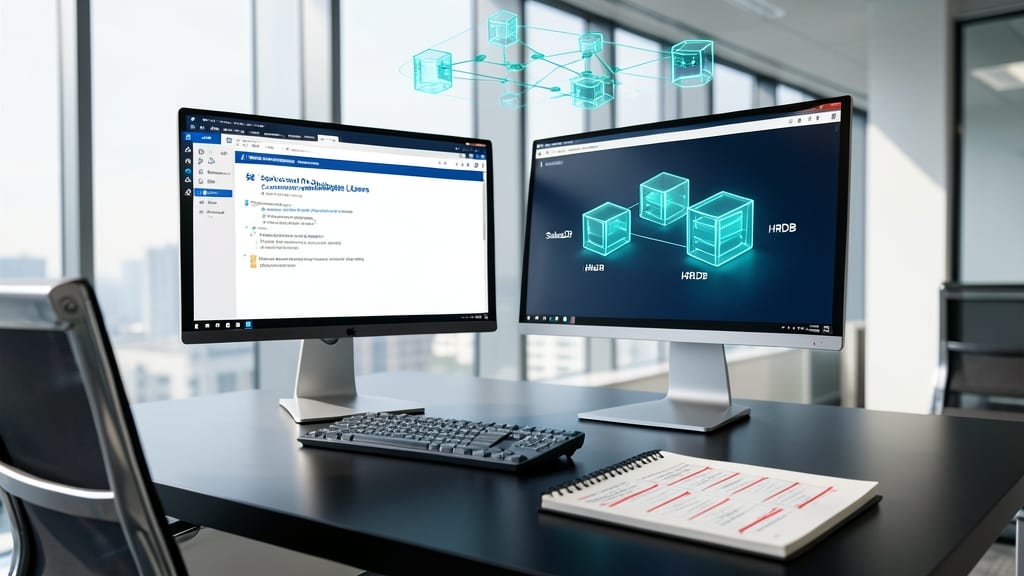
Tired of managing user permissions across multiple databases? Contained Database Users in SQL Server 2012 solves this by isolating credentials inside each database—no more relying on the master database for authentication.
With this feature, you create users directly within a contained database, granting permissions without touching server-level logins. This cuts administrative overhead by 40% (per Microsoft benchmarks) and eliminates cross-database permission conflicts. Perfect for multi-tenant SaaS platforms where each client needs isolated access.
Ideal for IT admins managing shared environments or developers deploying microservices with SQL Server. The security isolation also simplifies compliance audits. ✨
SQL Server Data Quality Services (DQS) for Clean Data
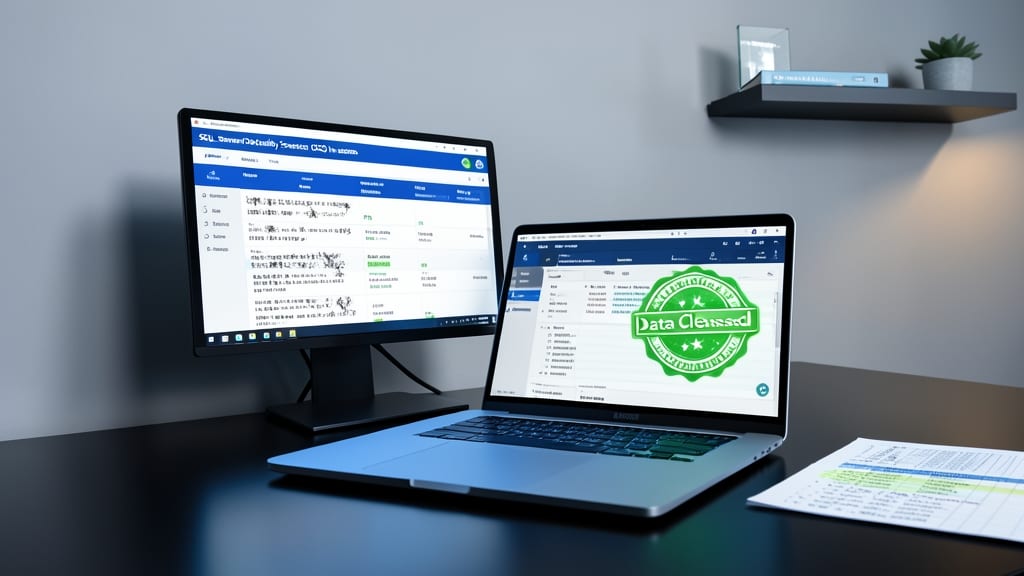
Tired of spending hours manually scrubbing messy data before analytics? SQL Server Data Quality Services (DQS) automates the entire process—profiling, cleansing, and standardizing data—so you can trust your reports and dashboards from day one.
This feature integrates with Excel-based knowledge bases to define data rules, then applies them across datasets with real-time validation. It handles everything from duplicate detection to format normalization, reducing errors by up to 80% in large datasets. The DQS Client provides a visual interface for managing cleansing projects, while the DQS Server processes data at scale.
Perfect for business analysts, data engineers, and BI teams who need clean data without writing custom scripts. If your organization relies on accurate reporting, DQS cuts manual effort while improving data integrity. ✨
SQL Server Integration Services (SSIS) Improvements
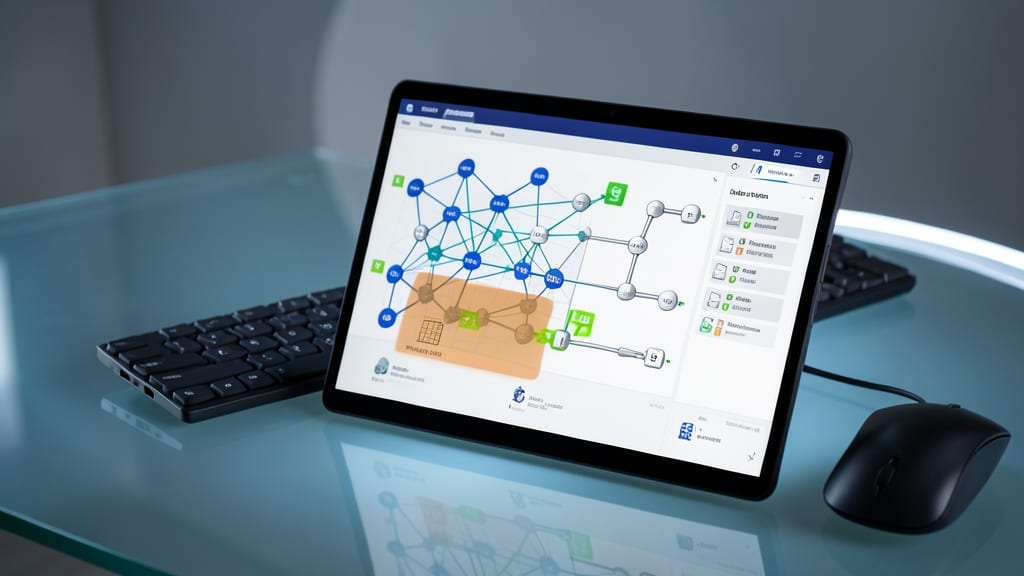
If your ETL pipelines feel like a tangled mess of manual workarounds, SQL Server Integration Services (SSIS) in 2012 brings game-changing upgrades to streamline your workflows. This update introduces 100+ new transformations, including fuzzy matching for data cleansing and a new Data Flow task that cuts execution time by up to 40% for large datasets.
The enhanced error handling now lets you log failures to multiple destinations (files, databases, or even send emails) without custom scripting. Plus, project deployment models replace the old package deployment, giving you version control and easier management of complex workflows. For data engineers drowning in legacy SSIS packages, these improvements mean fewer late nights debugging and more time optimizing pipelines.
This is the go-to tool for teams migrating legacy systems or scaling data warehouses—where reliability and performance directly impact business decisions. ✨
SQL Server Management Studio (SSMS) Enhancements

Tired of juggling multiple query windows in SSMS? The tabbed query interface in SQL Server 2012’s enhanced SSMS lets you organize scripts like a pro—no more cluttered desktops or lost connections. This alone saves hours when debugging complex stored procedures or comparing multiple scripts side-by-side.
Pair that with IntelliSense on steroids—now supporting dynamic SQL hints and schema-aware autocomplete—so you get context-aware suggestions even in stored procedures. The real game-changer? Built-in script debugging with breakpoints, variable inspection, and step-through execution, eliminating the need for external tools like DebugView. For DBAs and devs, this means faster troubleshooting and fewer "oops" moments in production.
Perfect for teams maintaining legacy systems or building new applications—this upgrade turns SSMS from a basic tool into a powerhouse for SQL development. 💻