
Operating System
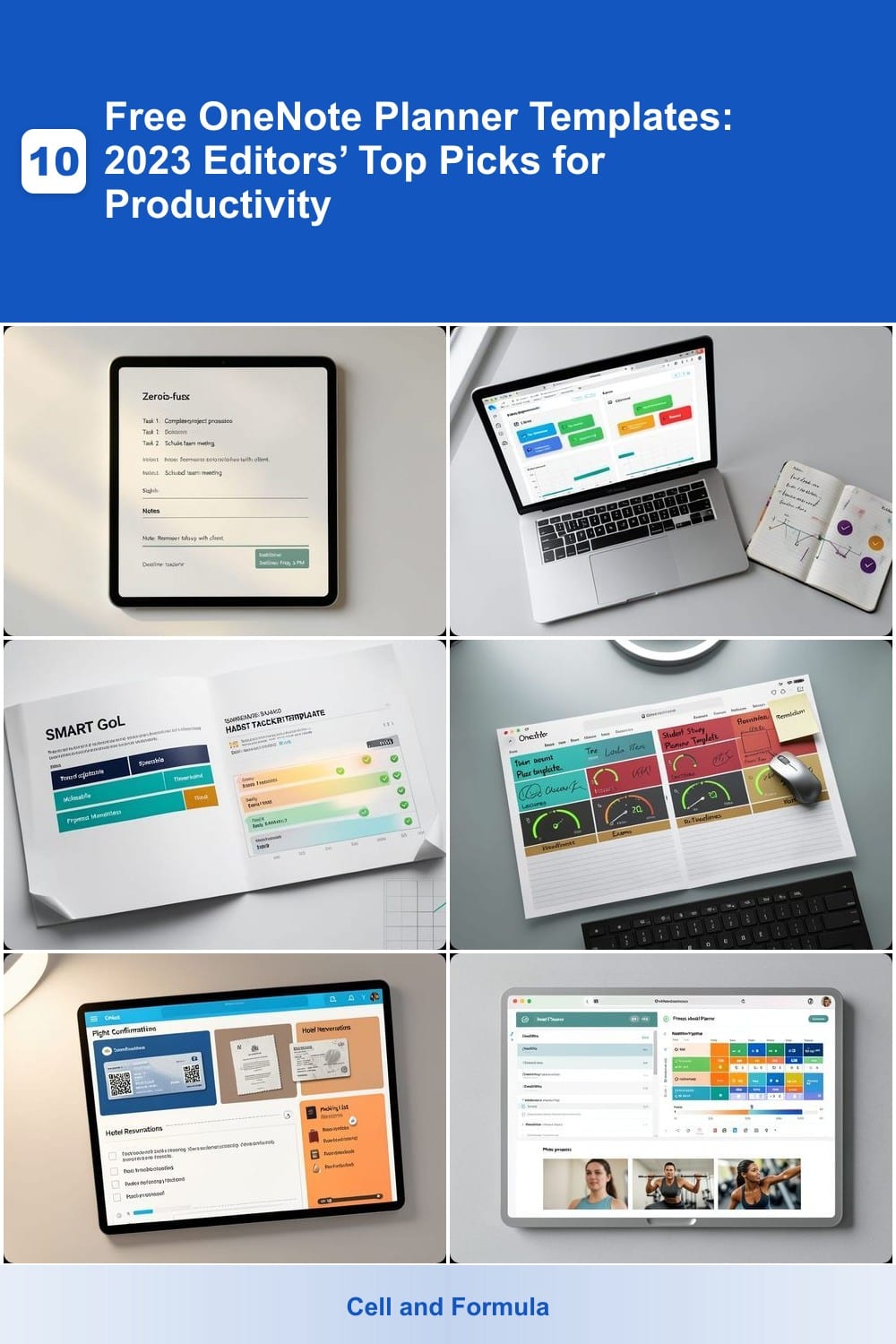
Struggling to stay organized in OneNote? These 10 free 2023 planner templates transform your digital notebook into a productivity powerhouse—whether you're managing projects, tracking habits, or planning your week. All are compatible with Microsoft 365 and ready to download instantly.
Minimalist Weekly Planner Template
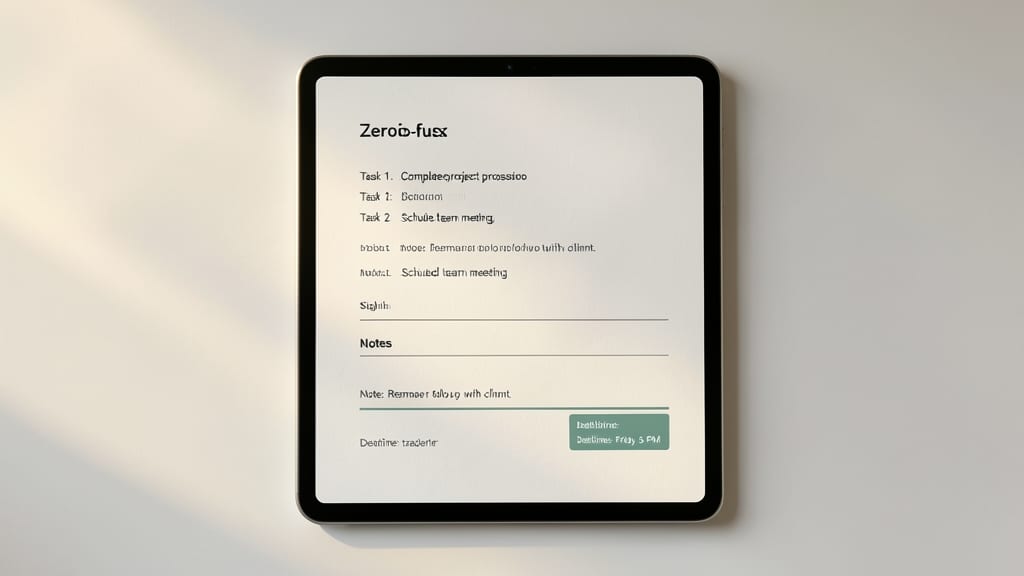
Tired of overwhelming planners that leave you drowning in unnecessary details? The Minimalist Weekly Planner Template strips away the noise, offering a zero-fuss layout with just the essentials: tasks, notes, and deadlines—all in a single, distraction-free page. Designed for digital minimalists, it replaces clutter with a clean, white-space-heavy design that lets your focus stay sharp.
This template includes color-coded sections (soft blues and grays) for easy scanning, time-blocking guides to structure your day, and dedicated note-taking areas for quick jots. The modular design lets you resize or hide sections as needed, while the built-in deadline tracker ensures nothing slips through the cracks. Best of all, it syncs seamlessly across OneNote for Windows, Mac, and mobile, so your planner adapts to your workflow—whether you're at your desk or on the go.
Perfect for professionals, students, or anyone who values efficiency over aesthetics, this template is your secret weapon for staying organized without the mental overhead. Try it once, and you’ll wonder how you ever lived with anything else. ✨
Project Management Dashboard Template
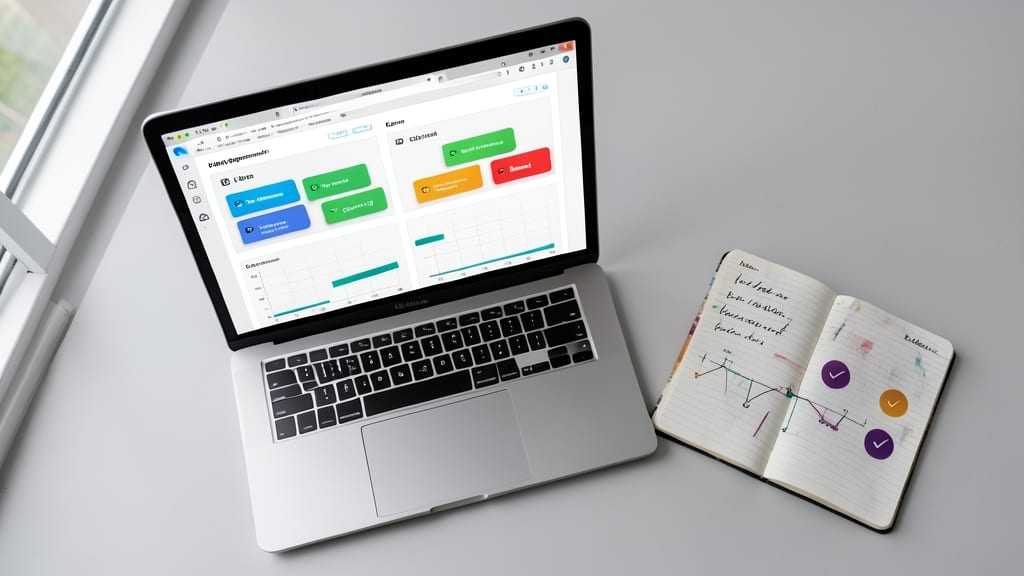
Tired of juggling Trello or Asana just to track your projects? This Project Management Dashboard Template brings Kanban boards, Gantt charts, and milestone trackers directly into OneNote—no app switching required.
With drag-and-drop task cards for workflow visualization, a built-in timeline view for deadlines, and progress bars to monitor milestones, it’s designed for freelancers and small teams. The template even includes priority labels and dependency tracking to keep complex projects on track.
Perfect for developers, designers, or anyone managing multiple projects—whether you're a solo hustler or collaborating with a team. 💻
Habit Tracker and Goal Planner
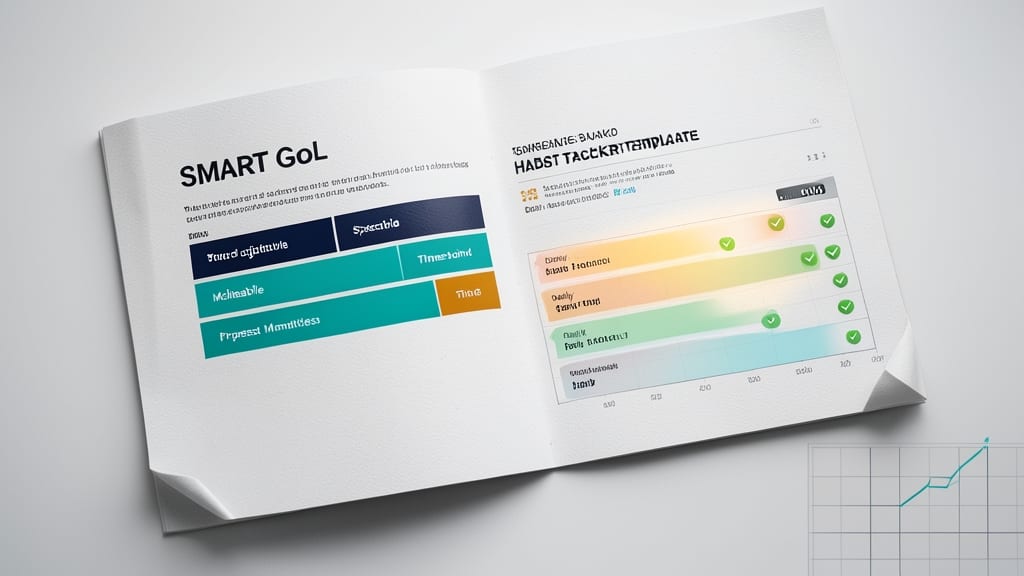
Tired of setting goals that fade by February? This science-backed habit tracker turns vague intentions into measurable progress with SMART goal frameworks and visual streak counters—because consistency is built on small, trackable wins.
You’ll get daily/weekly/monthly progress charts that adapt to your rhythm, plus customizable habit categories (from coding marathons to morning runs). The built-in reflection sections help you adjust strategies mid-stream, while the color-coded priority system keeps motivation high. No fluff—just the psychology-backed tools you need to stick with your goals.
Perfect for students crushing study habits, developers tracking coding streaks, or anyone who’s quit resolutions too many times. Try it for 30 days and watch consistency become second nature. ✨
Student Study Planner Template
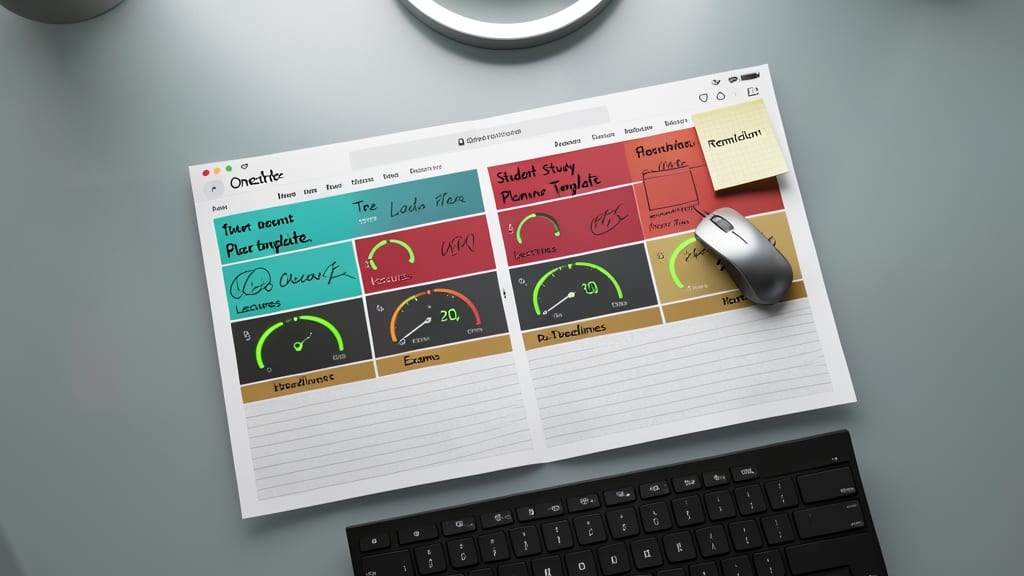
Balancing lectures, exams, and deadlines just got easier with the Student Study Planner Template, designed specifically for college life. This isn’t just another to-do list—it’s a battle-tested system that merges lecture notes, color-coded subject tabs, and built-in Pomodoro-style study timers to keep you focused.
The template includes dedicated sections for exam schedules, flashcard organizers, and even a "brain dump" whiteboard for jotting down ideas mid-class. With pre-formatted tables for grading trackers and reminders for assignment deadlines, you’ll never miss a due date again. The mobile-friendly layout ensures you can update notes between classes or study sessions on the go.
Perfect for undergrads, grad students, or anyone juggling coursework, this template turns OneNote into your personal academic command center. 💻
Travel Itinerary Organizer
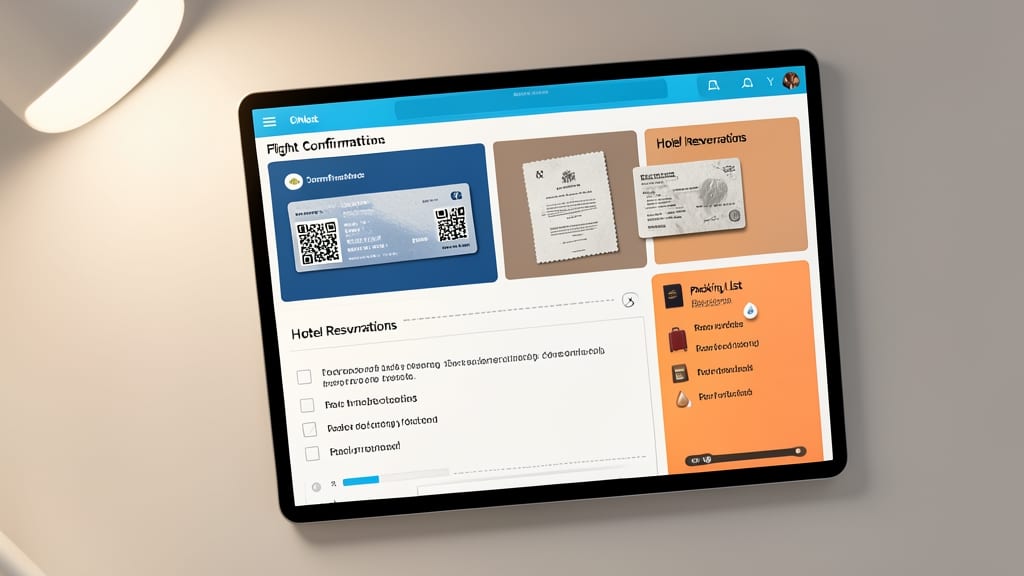
Forget scattered notes and lost receipts—this Travel Itinerary Organizer keeps every detail of your trip in one place. Designed specifically for OneNote, it includes dedicated sections for flight confirmations, hotel reservations, and real-time packing lists, so you never overpack or forget essentials.
You’ll find built-in for travel documents (passport, visas), a budget tracker with currency conversion tools, and even a weather forecast section to plan outfits. The template also integrates with OneNote’s mobile app, so you can update your itinerary on the go—whether you’re at the airport or checking into your hotel.
Perfect for solo adventurers or families coordinating group trips, this template ensures everyone stays on the same page. No more digging through emails—just one organized hub for your entire journey. ✨
Fitness and Meal Planner
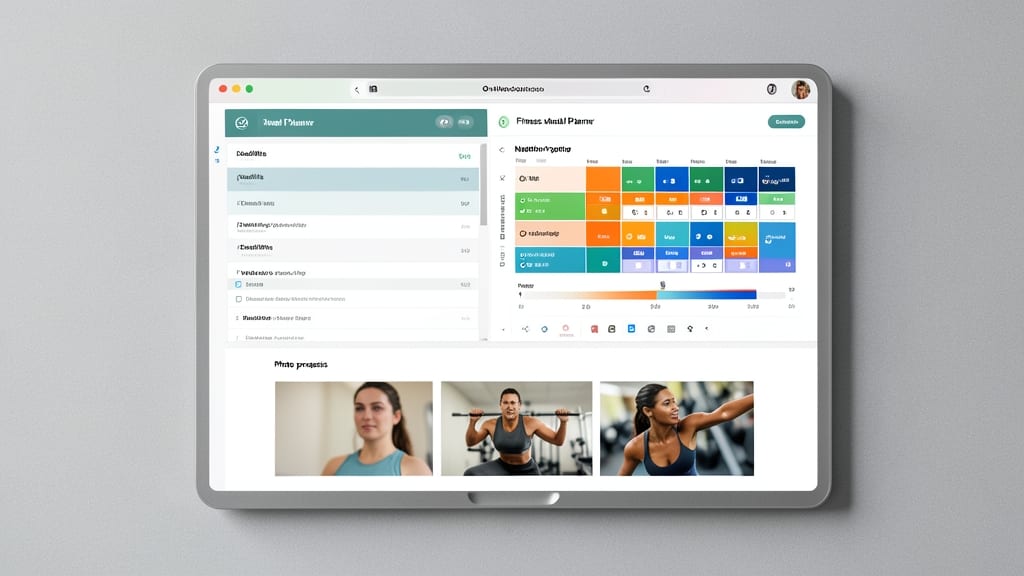
If you’re juggling gym sessions, meal prep, and progress tracking, this Fitness and Meal Planner template consolidates everything into one sleek OneNote workspace. No more app-hopping—just a centralized hub for your health journey, complete with workout logs, nutrition trackers, and photo progress sections.
Key features include customizable workout templates (strength, cardio, yoga), a daily calorie/macro tracker, and dedicated spaces for before-and-after photos. The color-coded sections make it easy to spot trends, while the built-in weekly review page helps you stay accountable. Best of all, it’s fully editable to match your goals—whether you’re bulking, cutting, or just staying active.
Perfect for gym-goers, meal preppers, and anyone tracking fitness progress—this template turns OneNote into your all-in-one health dashboard. 💪
Meeting Notes and Action Items
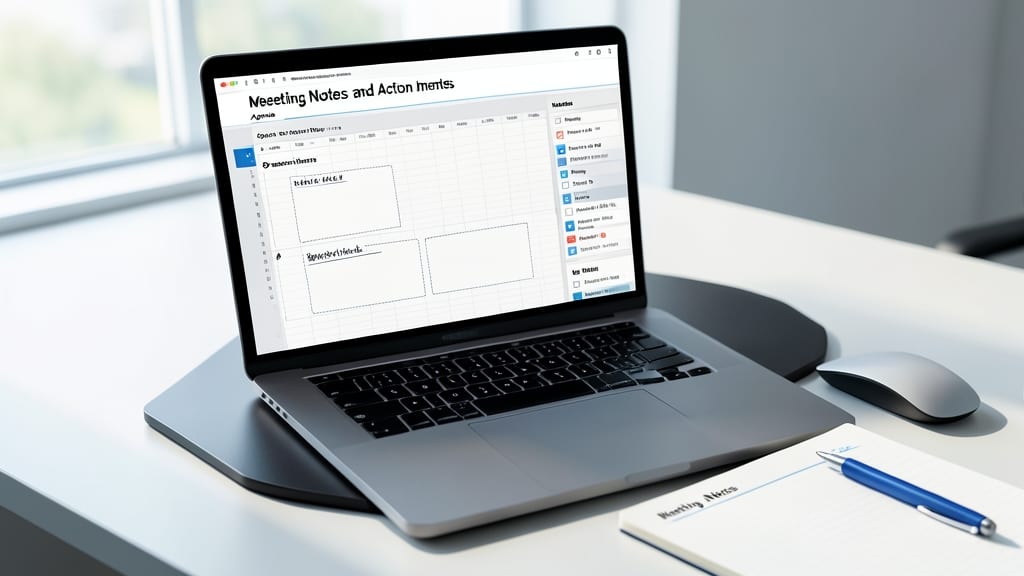
Tired of losing track of meeting follow-ups or scrambling to recall key discussion points? This Meeting Notes and Action Items template solves that with a pre-built agenda section, speaker note placeholders, and a dedicated action-item tracker—all in one clean layout.
The template includes color-coded sections for meeting objectives, time stamps, and assigned tasks, with checkboxes to mark completion. You’ll also find a follow-up timeline to schedule reminders, ensuring no deadlines slip through the cracks. Best of all, it syncs seamlessly across OneNote for Windows, Mac, and mobile for on-the-go professionals.
Perfect for managers, freelancers, or anyone who leads or attends meetings regularly, this template turns chaotic discussions into actionable outcomes without extra effort. 💪
Budget Tracker and Expense Log
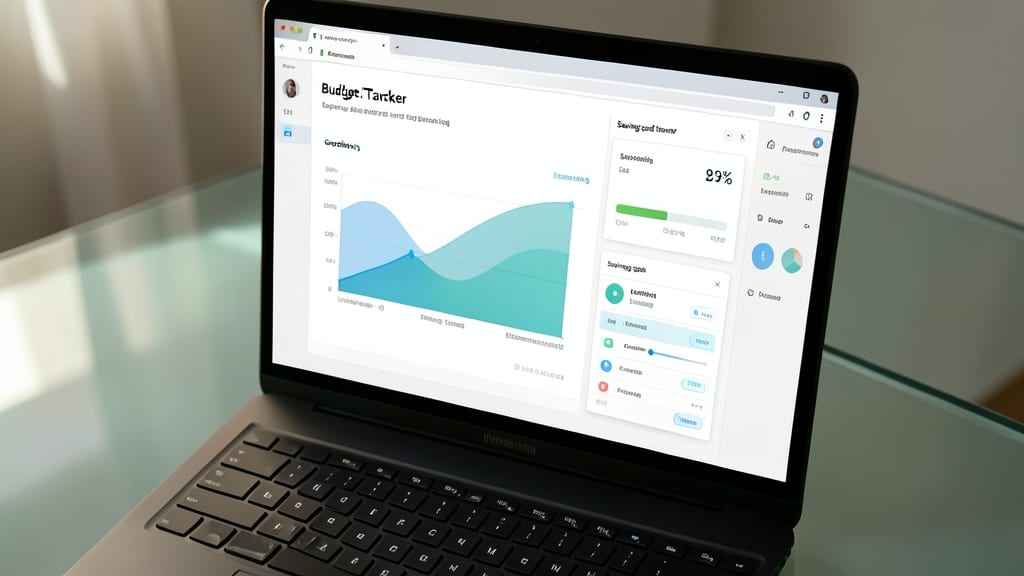
Tired of juggling spreadsheets and mental math to track your finances? This Budget Tracker and Expense Log template turns OneNote into your personal financial assistant with real-time graphs, customizable categories, and savings goal trackers—all without requiring Excel skills.
The template includes pre-built income/expense categories (like groceries, utilities, and entertainment) that auto-populate into visual budget graphs, so you can spot spending trends at a glance. Add monthly savings goals with progress bars, and the template even calculates your savings-to-income ratio automatically. No plugins or macros needed—just drag-and-drop entries.
Perfect for freelancers, students, or anyone who wants to simplify budgeting without switching apps. Whether you're saving for a vacation or just trying to cut back on daily expenses, this template keeps your finances clear, organized, and stress-free. 💡
Creative Writer’s Notebook Template
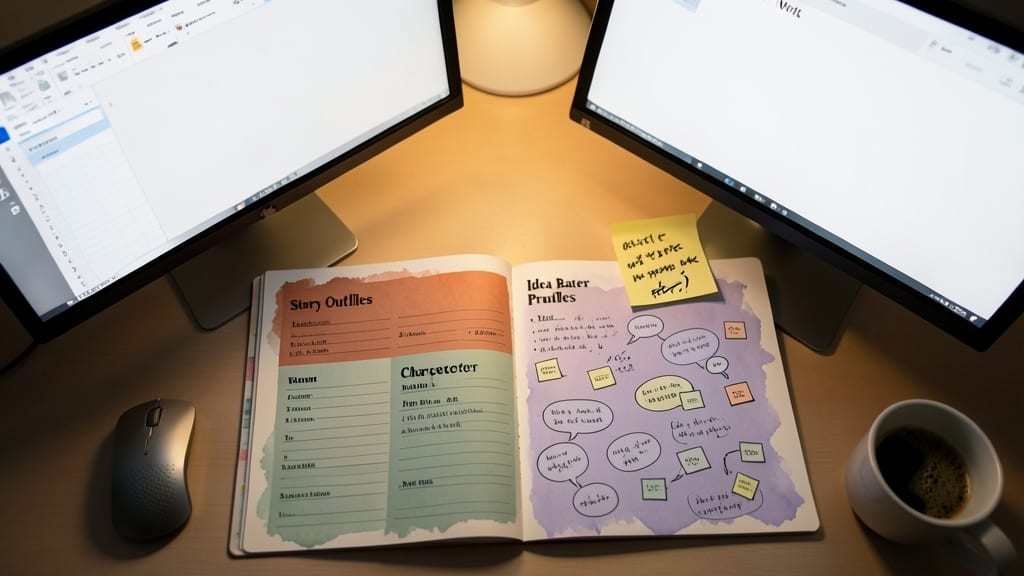
Stuck staring at a blank page? The Creative Writer’s Notebook Template turns OneNote into your brain's digital filing cabinet, designed specifically for authors and bloggers. With dedicated sections for story outlines, character profiles, and idea banks, it’s like having a literary assistant at your fingertips—no more lost notebooks or scattered Post-it notes.
This template includes interactive storyboards for plotting chapters, detailed character sheets with backstories and motivations, and a brainstorming whiteboard for jotting down plot twists. The literary-themed design (think burgundy, gold, and cream) keeps you inspired while the modular layout lets you expand sections as your project grows. Perfect for novelists drafting their next manuscript or bloggers planning content series.
Whether you're a plotter or a pantser, this template adapts to your workflow. Aspiring writers will love how it organizes research, while seasoned authors can use it to track revisions and deadlines—all in one place. ✨
Event Planner for Weddings and Parties
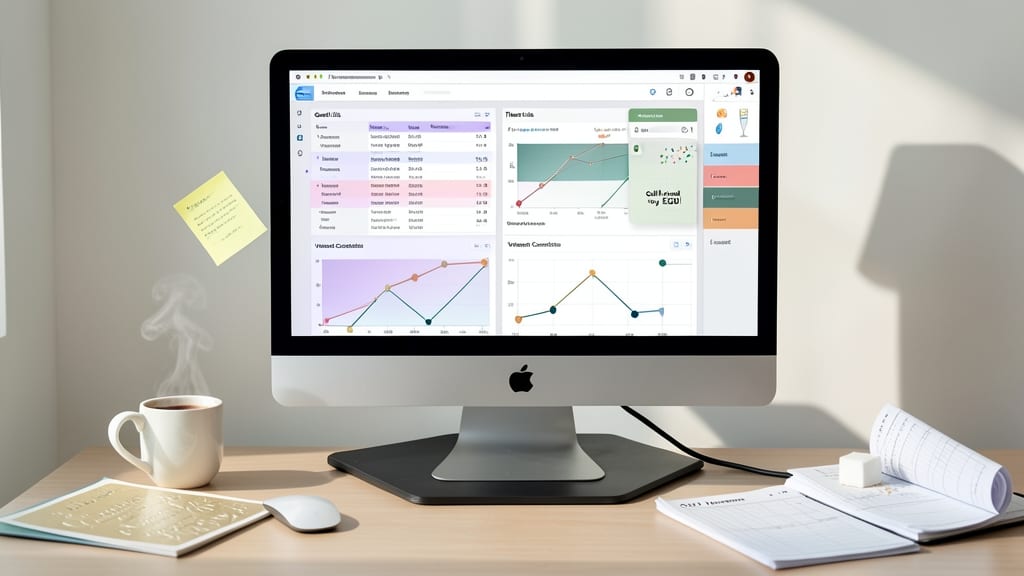
Hosting a wedding or party but drowning in sticky notes and scattered spreadsheets? The Event Planner for Weddings and Parties template consolidates everything into one sleek digital workspace—no more juggling Google Docs, emails, and handwritten lists.
This all-in-one template includes a customizable guest list with RSVP tracking, a detailed timeline for event flow, a vendor contact directory (caterers, photographers, florists), and a budget spreadsheet with color-coded categories. The drag-and-drop checklist ensures no detail slips through the cracks, while embedded tables let you track RSVPs and seating arrangements in real time.
Perfect for brides, event planners, or anyone coordinating celebrations—whether it’s a small gathering or a 100-guest wedding. Download it once, and watch hours of manual organization vanish. ✨