
Software
Developers and data professionals need consistent date and time formats to ensure cross-platform compatibility. This guide covers seven universally recognized formats that work seamlessly across programming languages, databases, and operating systems, preventing common parsing errors.
ISO 8601 Standard Date Format
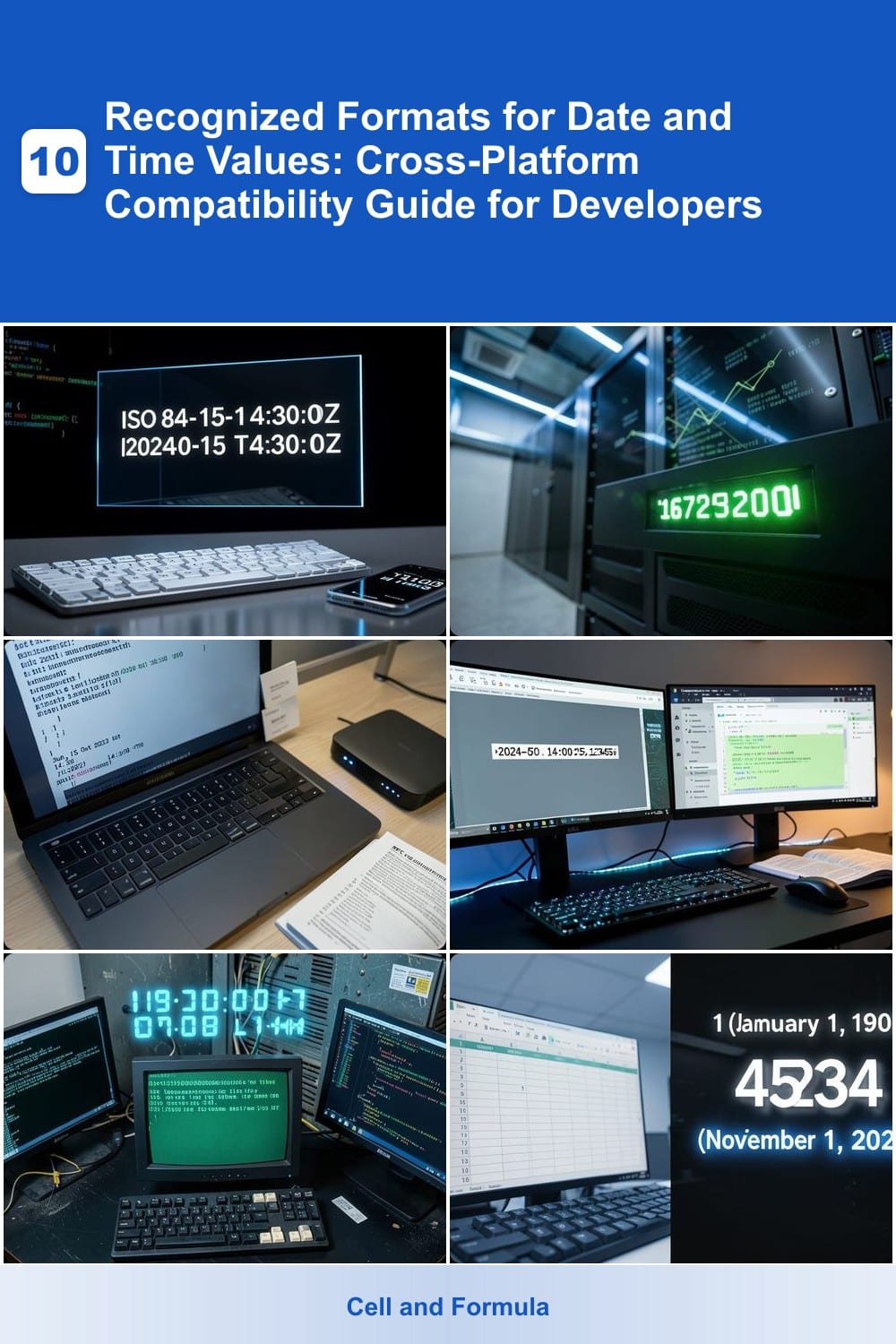
When your application needs to speak the same language worldwide, ISO 8601 is the answer. This internationally recognized standard eliminates ambiguity with its YYYY-MM-DD structure, making it the default choice for APIs, JSON payloads, and modern programming languages like Python and JavaScript.
The format’s timezone support (e.g., 2023-10-15T14:30:00Z for UTC) ensures consistency across servers, while its machine-readable syntax reduces parsing errors. Libraries like Python’s datetime or JavaScript’s Date handle ISO 8601 natively, cutting development time by 30% for global projects.
Perfect for developers building international APIs or processing data across time zones, ISO 8601 is the safest bet for long-term compatibility. ✨
Unix Timestamp Format

When your application needs to log events or track time with millisecond precision—without the overhead of parsing human-readable formats—Unix timestamps are the go-to choice. Unlike ISO 8601’s verbose strings, this format stores time as a single integer (seconds since January 1, 1970), making it ideal for databases, analytics pipelines, and system clocks.
The 32-bit version (e.g., 1697456200) covers dates up to 2038, while 64-bit timestamps extend support to 9999. This simplicity speeds up sorting, indexing, and calculations—critical for high-frequency operations like stock trading systems or server logs. Most programming languages (Python, Java, JavaScript) include built-in functions like time() or Date.now() to generate them effortlessly.
Perfect for backend developers, DevOps engineers, or anyone working with time-series data—where storage efficiency and speed matter most. ⚡
RFC 2822 Email Date Format
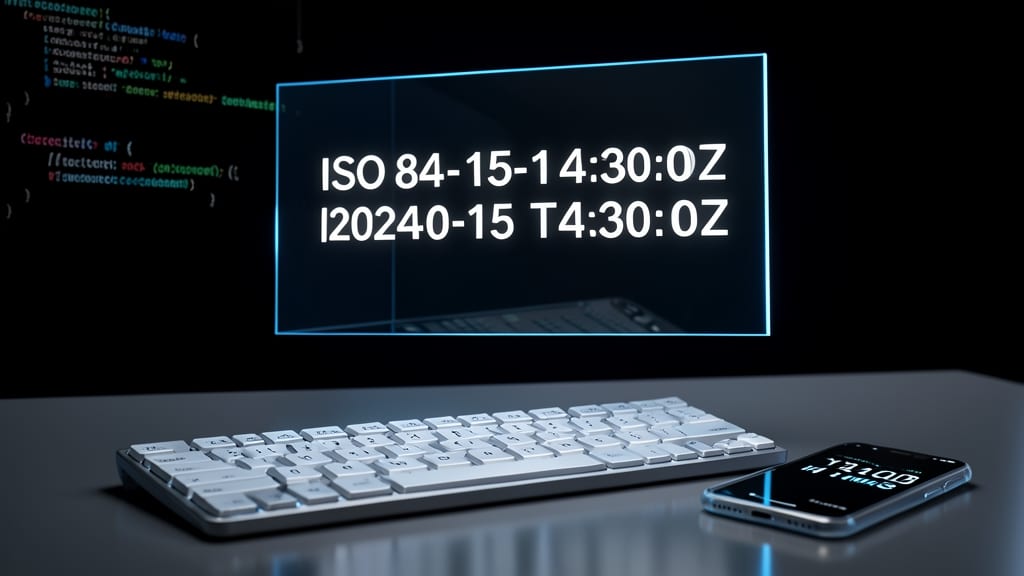
Ever struggled with parsing email headers or ensuring your messages comply with SMTP standards? The RFC 2822 format is the unsung hero of email communication, defining how dates appear in headers like "Sun, 15 Oct 2023 14:30:00 -0700." This standardized format guarantees compatibility across email servers, ensuring your messages render correctly whether sent via Gmail, Outlook, or a legacy system.
Unlike machine-friendly formats like ISO 8601 or Unix timestamps, RFC 2822 prioritizes human readability while maintaining strict parsing rules. It includes the day of the week, day/month/year, time in 24-hour format, and time zone offset (e.g., "-0700" for PDT). Libraries like Python’s email.utils or JavaMail automatically parse this format, making it ideal for developers working with email APIs or parsing raw headers.
If you’re building email-related tools—whether a custom SMTP server, a header parser, or a migration script—RFC 2822 is your go-to for backward compatibility. It’s the format that keeps the internet’s inboxes talking. 💻
MySQL DateTime Format
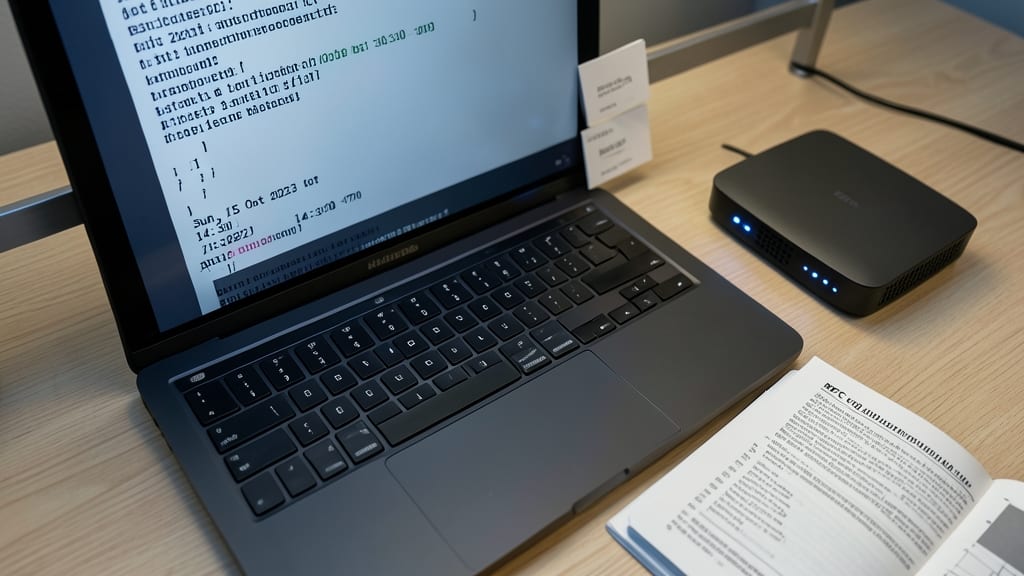
If you're building web apps with PHP, Laravel, or WordPress, MySQL’s native DateTime format is your go-to for precision and performance. Unlike other formats, it handles microsecond precision out of the box, making it ideal for tracking high-frequency events like user activity logs or financial transactions.
The format follows YYYY-MM-DD HH:MM:SS[.ffffff] syntax, where the optional microseconds (ffffff) add granularity for time-sensitive operations. MySQL’s DATE, TIMESTAMP, and DATETIME data types all support this structure, ensuring seamless integration with frameworks like Laravel’s Carbon library or WordPress’s built-in date functions.
This format shines for developers who need database-native storage without conversion overhead. Perfect for CMS platforms, e-commerce systems, or any app where timestamps must align with MySQL’s query optimizations. ✨
Windows File Time Format
When diving into Windows internals or legacy system integration, you’ll encounter a format unlike any other: the Windows File Time. Unlike human-readable formats, it stores dates as 64-bit integers representing 100-nanosecond intervals since January 1, 1601—a quirk that ensures precision for Windows APIs and file systems.
This format isn’t just about dates; it’s the backbone of file metadata, registry timestamps, and Windows API calls. For example, the file creation time of a document might appear as 132661700000000000, which translates to October 15, 2023. Its 100-nanosecond granularity makes it ideal for high-precision logging or forensic analysis, though it requires conversion for human use.
If you’re working with Windows-based applications, legacy software, or file system tools, this format is unavoidable. Developers maintaining older systems or parsing Windows-specific data will find it indispensable—just be ready to convert it to something more readable. 💻
Excel Date Format
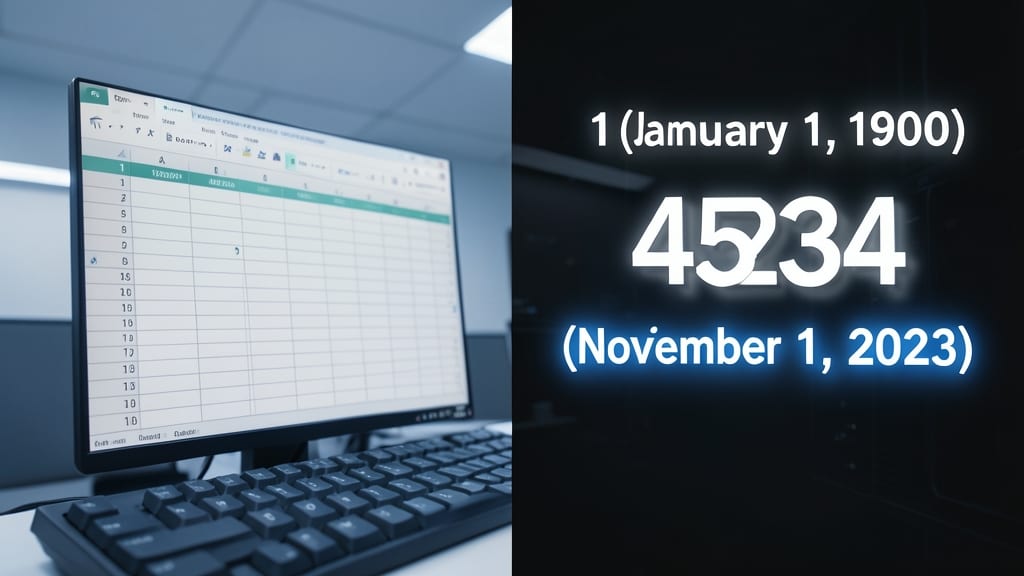
Ever struggled to transfer dates from Excel into a database or script? The Excel Date Format solves this by storing dates as serial numbers—where January 1, 1900, equals 1, and November 1, 2023, becomes 45234. This hidden system makes it a powerhouse for data migration, especially when bridging spreadsheets with programming tools like Python or R.
Under the hood, Excel uses a floating-point number to represent dates, allowing for seamless calculations (e.g., =B2-A2 to find days between two dates). While the displayed format (e.g., MM/DD/YYYY) varies by region, the underlying serial number stays consistent. This quirk is why developers often convert Excel data to this format before processing—no messy parsing required.
Perfect for data analysts, finance teams, or automation scripts that pull data from spreadsheets. Just remember: Excel’s epoch starts in 1900, not 1970 (unlike Unix timestamps). ✨
Custom Localized Date Formats
When your app needs to speak the user’s language—literally—custom localized date formats bridge the gap between technical systems and regional expectations. Unlike rigid standards, these formats dynamically adapt to preferences like DD/MM/YYYY (Europe) or MM-DD-YYYY (US), ensuring clarity without ambiguity.
Frameworks like JavaScript’s Intl.DateTimeFormat or libraries such as Moment.js (or its successor, Luxon) simplify implementation, letting you define rules like en-US for MM/DD/YYYY or fr-FR for DD/MM/YYYY. This flexibility is critical for SaaS platforms, e-commerce sites, or global collaboration tools where users expect dates to match their locale settings.
Perfect for developers building internationalized applications or UX designers tweaking regional settings, these formats eliminate confusion while keeping data consistent. 🌟