
Software
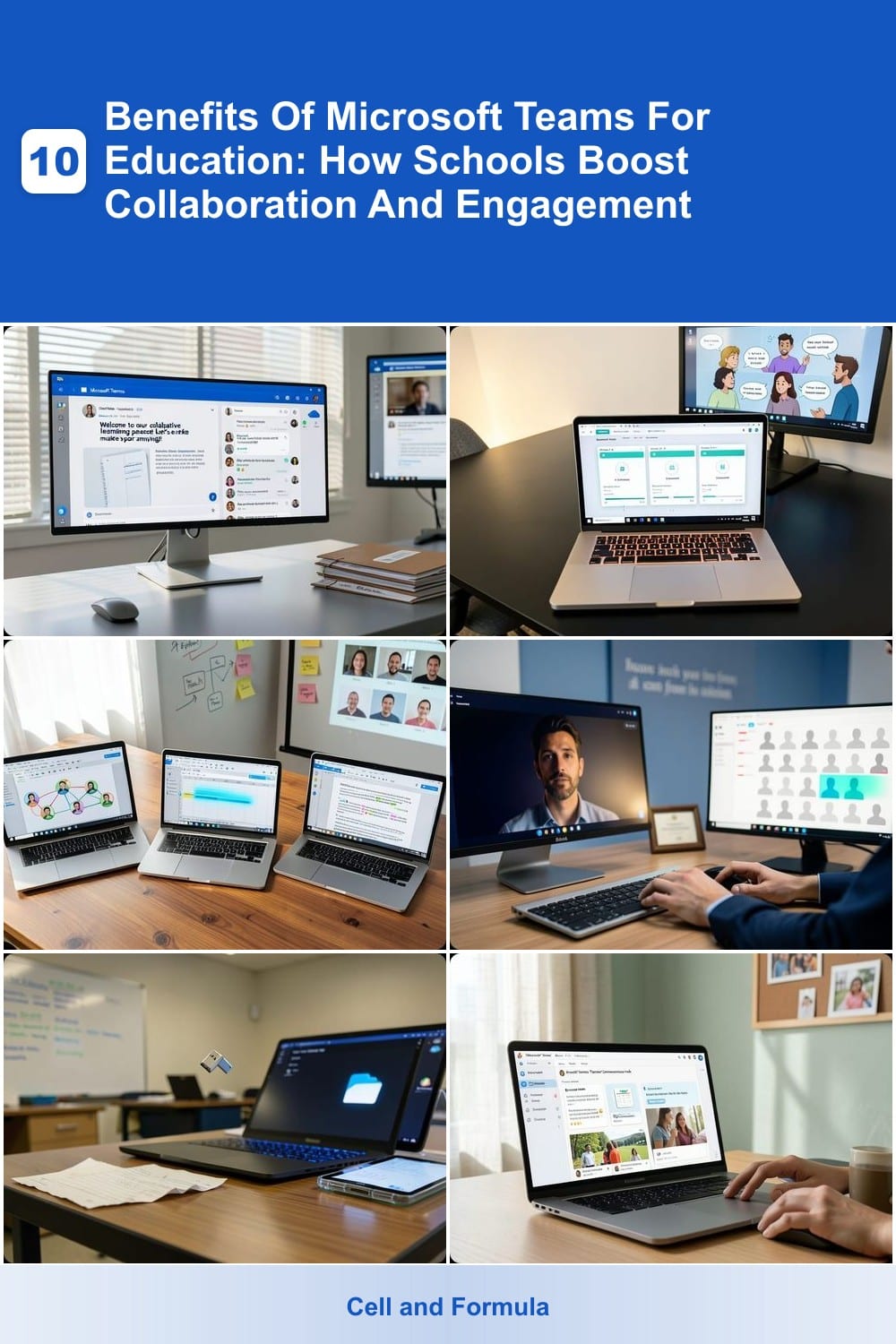
Microsoft Teams is revolutionizing classrooms by turning digital collaboration into an interactive learning experience. Discover how schools leverage this powerful tool to enhance engagement, streamline communication, and prepare students for the modern workforce—all while keeping educators organized.
Seamless Classroom Communication Platform
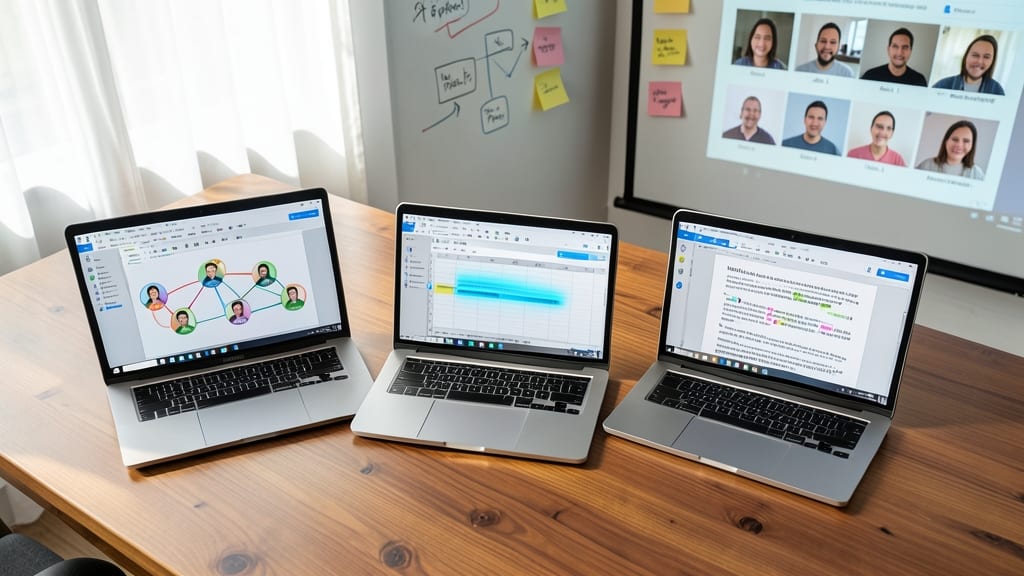
Say goodbye to the chaos of scattered emails and lost announcements—Microsoft Teams creates a single, organized hub where teachers post updates, share files, and engage students in real-time discussions, all in one place. No more digging through inboxes or missing critical messages; everything from homework reminders to lesson recaps stays neatly organized in dedicated class channels. Students can ask questions, submit assignments, and collaborate—all without leaving the platform.
The persistent chat and file-sharing features ensure no assignment slips through the cracks. Teachers can pin important announcements, while students receive instant notifications for new posts or mentions. With integrated Office 365 tools, educators can attach Word documents, Excel spreadsheets, or PowerPoint presentations directly to discussions, making it effortless to distribute materials. The searchable archive keeps past conversations and files accessible for review, reducing the need for repetitive emails.
This centralized approach is a game-changer for busy teachers and distracted students, cutting down on missed deadlines and improving response rates. Whether it’s a quick question or a group project update, everyone stays on the same page—literally. ⚡
Virtual Classroom Integration With Breakout Rooms
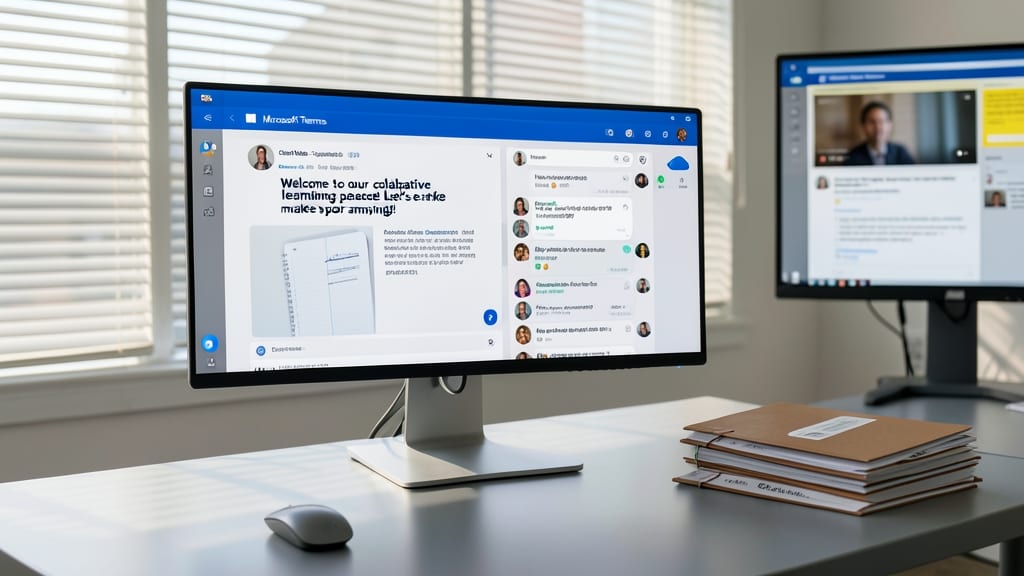
Struggling to recreate the energy of in-person group work in a virtual classroom? Microsoft Teams’ breakout rooms solve this by letting teachers split students into smaller, focused discussion groups with just one click—no third-party tools required.
With customizable room sizes (from 2 to 50 participants), teachers assign students randomly or manually, then monitor progress through a live dashboard. The whiteboard and screen-sharing features in each room enable collaborative brainstorming, while timers and reminders keep discussions on track. Students can even share files or use the chat to collaborate without leaving their breakout space.
This tool is a game-changer for language classes, debate teams, or project-based learning, where peer interaction drives deeper understanding. It’s also ideal for hybrid classrooms, ensuring remote students feel just as engaged as those in the room. ✨
Real-Time Collaboration On Documents
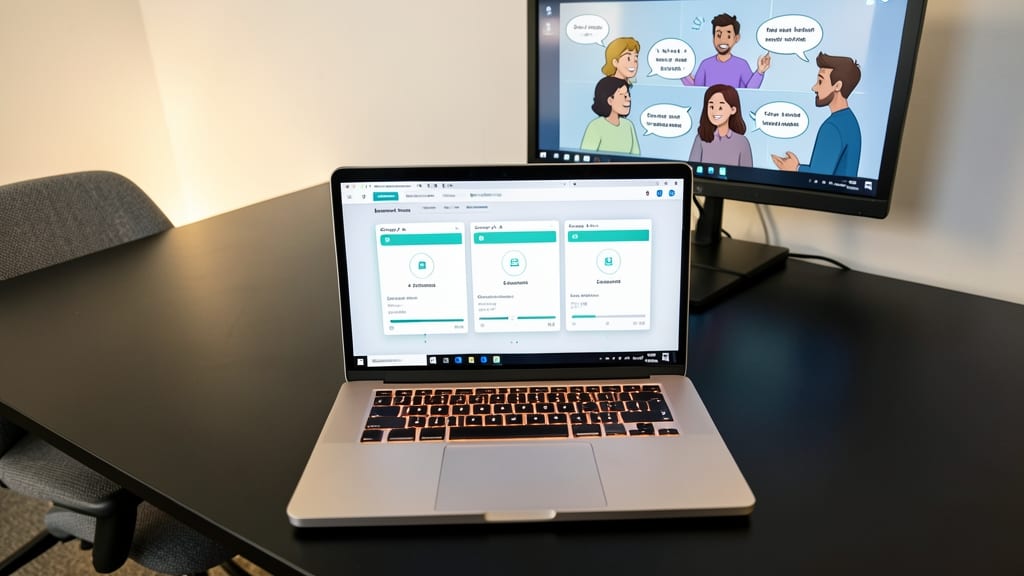
Say goodbye to endless email chains and confusing file versions—Microsoft Teams lets students and teachers co-edit documents in real time using familiar tools like Word, Excel, and PowerPoint. With simultaneous collaboration, multiple users can work on the same presentation, spreadsheet, or research paper at once, seeing changes appear instantly.
The platform tracks edits with version history, so no work is lost, and teachers can provide live feedback directly in the document. For example, a history class can draft a group project together, while a math teacher corrects formulas in an Excel sheet mid-lesson—all without leaving Teams. This seamless workflow cuts down on back-and-forth revisions and keeps everyone aligned.
Perfect for group projects, peer reviews, and teacher-student workshops, this feature turns passive assignments into dynamic, interactive learning experiences. 💻
Built-In Classroom Management Tools
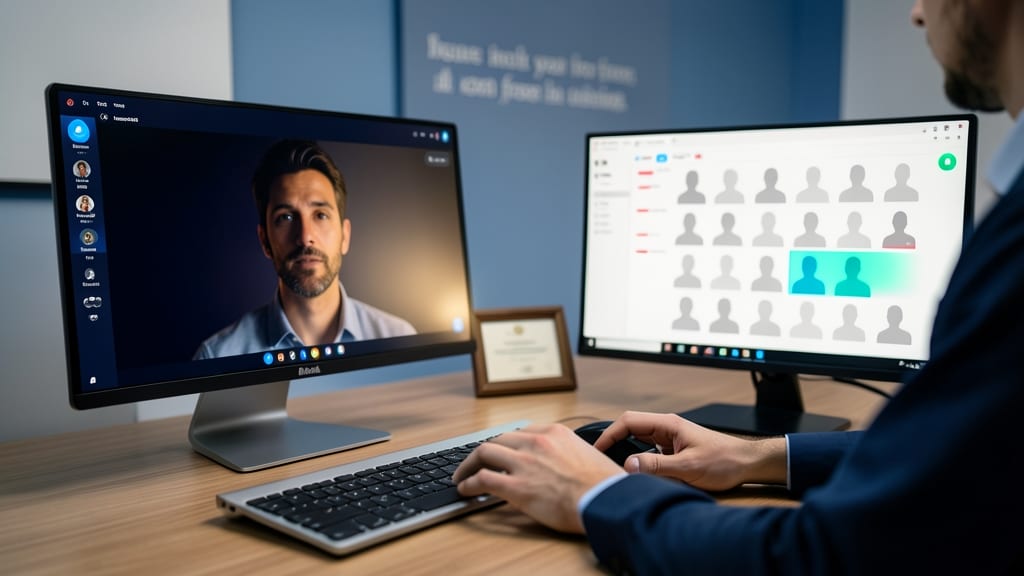
Virtual classrooms don’t have to feel like a free-for-all—Microsoft Teams gives teachers full control over student participation with built-in management tools that keep lessons focused and engaging. From instantly muting disruptive microphones to locking meetings once class starts, these features eliminate distractions while maintaining a professional learning environment.
The attendance tracking feature automatically logs who joins (and when), while live polls and quizzes let educators gauge understanding in seconds—no more guessing if students are following along. With one-click breakout rooms and participant spotlight, teachers can highlight key students or split classes into discussion groups without leaving the platform. These tools transform passive lectures into dynamic, interactive sessions where every student stays accountable. 💻
Secure File Sharing And Storage
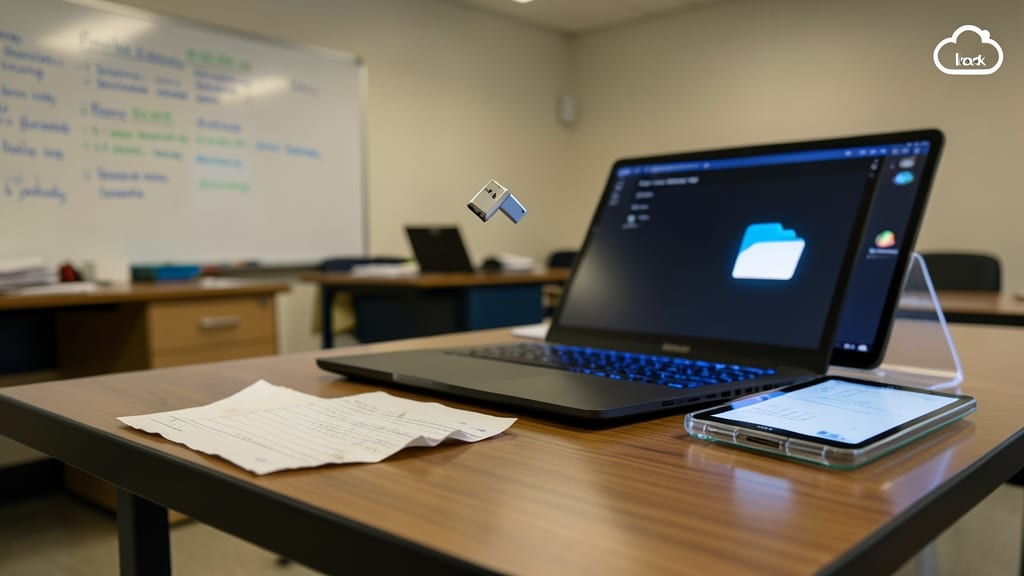
Tired of lost USB drives or forgotten homework left on school computers? Microsoft Teams’ OneDrive integration turns file sharing into a seamless, secure experience—keeping lesson plans, assignments, and student work safely in the cloud with enterprise-grade encryption and school-approved access controls.
Teachers can share files instantly with version history tracking, so students always access the latest drafts. The 1TB+ storage (scalable for districts) eliminates local storage limits, while permissions settings ensure sensitive data—like grades or parent records—stays protected. Files sync across devices, so educators and students stay productive whether they’re in class or working remotely.
This feature is a game-changer for substitute teachers, hybrid classrooms, and long-term project-based learning, where continuity matters most. 💻
Parent-Teacher Communication Hub
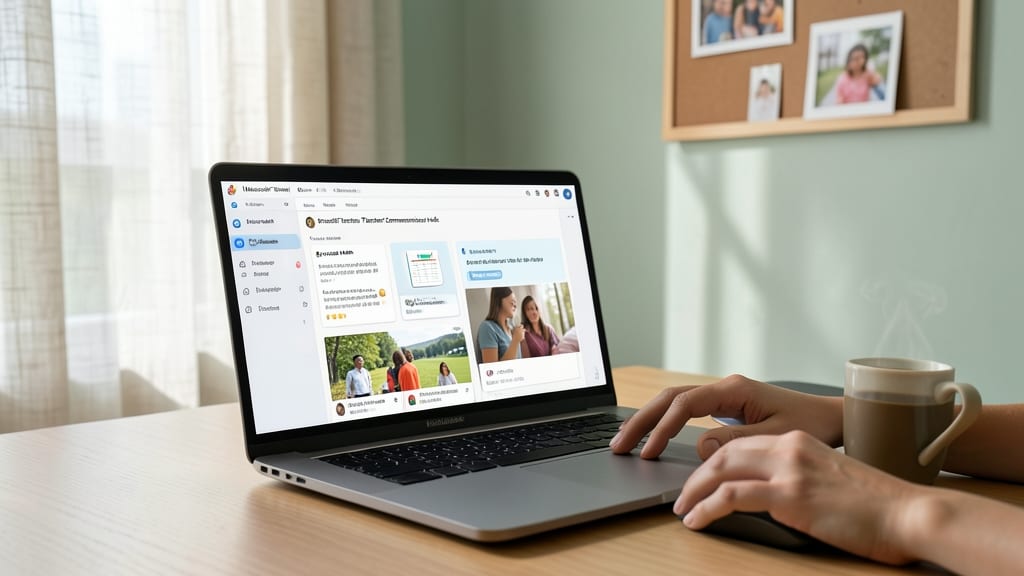
Tired of parents drowning in school emails or scrambling to catch updates through group chats? Microsoft Teams’ Parent-Teacher Communication Hub solves this by creating dedicated channels—one per class or grade—where teachers post announcements, homework assignments, and event reminders in one organized space.
Parents join these channels via a simple invite, eliminating the need for personal email overflow. Teachers can pin , share lesson recaps, or even post video updates—all while keeping conversations searchable and archived. The @mention feature ensures no one misses critical messages, and file-sharing lets parents access rubrics or project guidelines instantly.
This system works best for schools prioritizing transparent, low-friction communication. Busy parents and teachers alike benefit from a single source of truth, reducing misplaced emails and last-minute surprises. ✨
Interactive Lessons With Live Polls
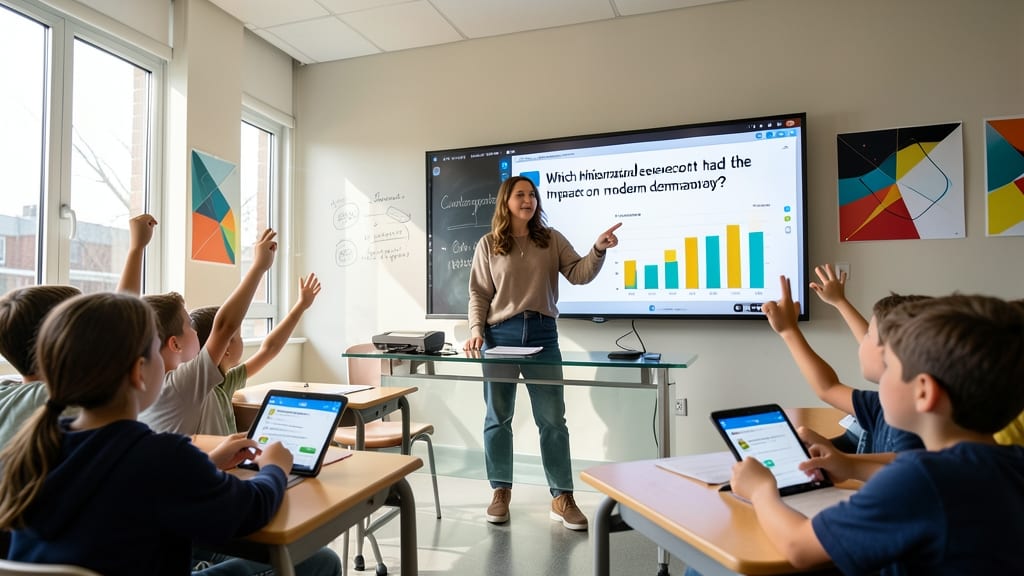
Turn passive lectures into dynamic discussions with Microsoft Teams' live polls and quizzes, designed to transform classrooms into interactive hubs. These tools let educators instantly gauge understanding, spark debates, and adjust lessons on the fly—keeping students actively engaged rather than passively listening.
Create multiple-choice polls, word clouds, or quick quizzes in seconds, with results displayed in real time. The reactions feature (thumbs up/down, clapping) adds a fun way for students to show agreement or confusion without raising hands. Teachers can also export poll results to Excel or PowerPoint for later review, making data-driven adjustments effortless.
This feature shines brightest in flipped classrooms or hybrid learning, where immediate feedback helps bridge gaps between in-person and remote students. 💡
Integration With Other Microsoft Tools
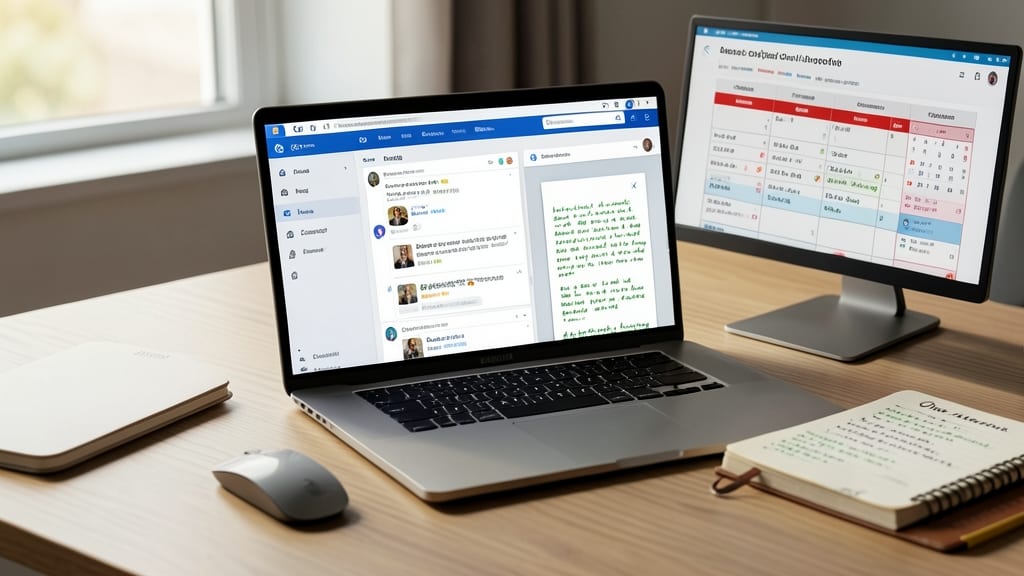
Tired of juggling multiple apps to keep your lesson plans, schedules, and notes organized? Microsoft Teams eliminates that chaos by natively integrating with Outlook, PowerPoint, and OneNote, turning your workflow into a unified powerhouse.
With Outlook integration, you can schedule classes directly from Teams, syncing events with your calendar while keeping all related files and discussions in one place. Record lectures in PowerPoint and attach them to your Teams channel—students access them instantly without leaving the platform. OneNote syncs seamlessly, letting you organize lesson plans, student notes, and resources in a single, searchable notebook that updates across all devices.
This zero-switching approach saves educators hours weekly, making it ideal for busy teachers balancing grading, planning, and student interactions. 💻
Accessibility Features For All Learners
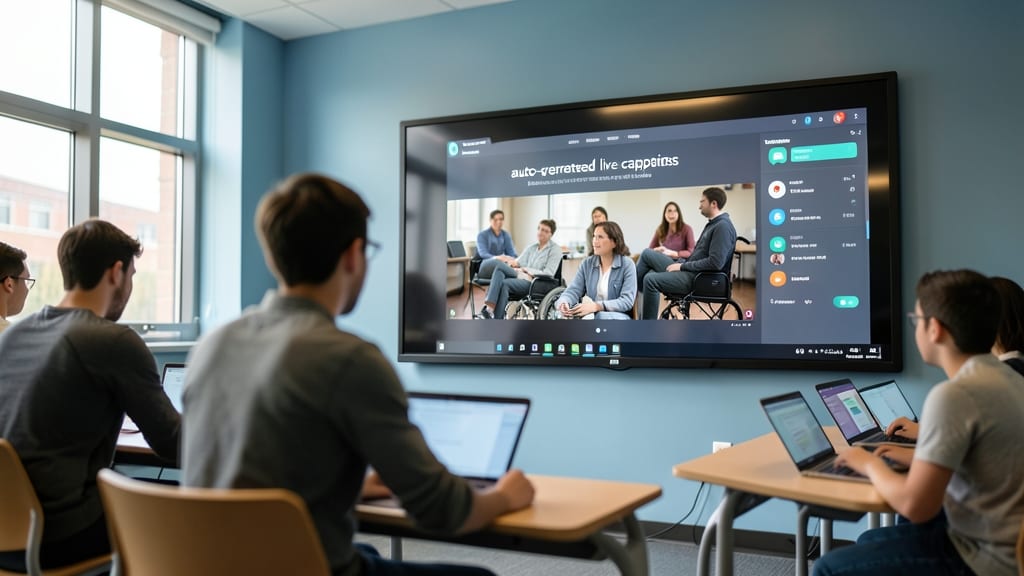
Every student deserves to engage fully in learning—no exceptions. Microsoft Teams removes barriers with built-in accessibility tools designed to support diverse learning needs, ensuring no student is left behind in digital classrooms.
The platform offers live captions (auto-generated subtitles in real-time), screen reader compatibility with JAWS and NVDA, and customizable text sizes (up to 200%) for visual impairments. Teachers can also enable immersion mode for students with ADHD, reducing distractions by simplifying the interface. These features work seamlessly across devices, from laptops to tablets.
Perfect for schools prioritizing inclusive education, these tools empower educators to create classrooms where every learner—whether neurodivergent, hard of hearing, or visually impaired—can participate equally. 💡
Preparing Students For Future Workplaces
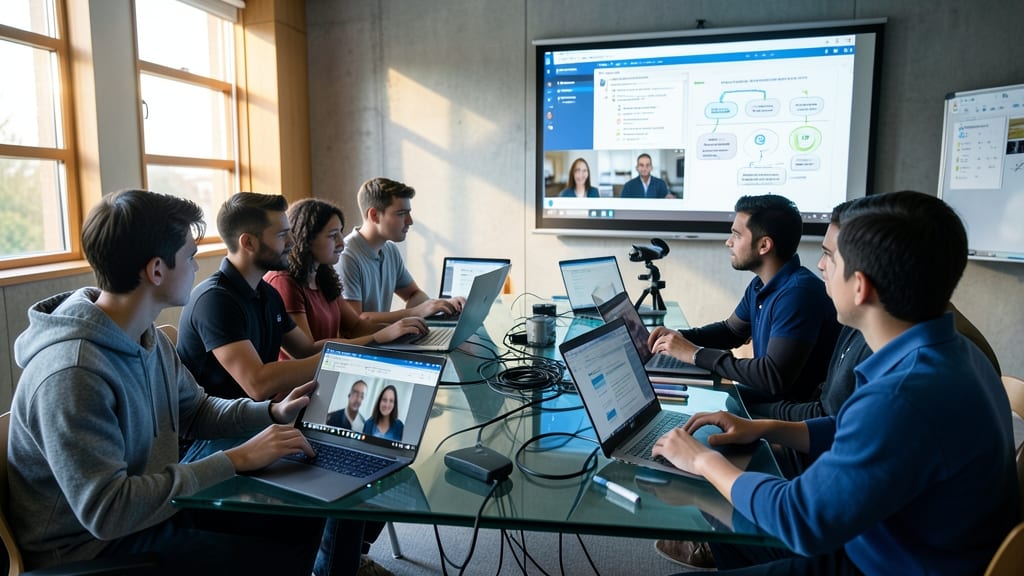
Today’s workforce thrives on virtual collaboration, yet many students graduate without hands-on experience using tools like Teams. Schools bridge this gap by simulating real-world workflows—from cloud-based project management to professional video meetings—giving students a head start in tech-driven industries.
With Teams for Education, students practice skills like managing shared calendars, using @mentions for professional communication, and tracking tasks in Planner. The platform’s integrated training modules (like LinkedIn Learning courses) teach best practices for remote work, while features like recording meetings and screen sharing mirror corporate environments. Employers increasingly value candidates who can navigate these tools confidently.
This isn’t just about using tech—it’s about building digital confidence. High schoolers preparing for internships or college grads entering hybrid roles gain the exact skills companies demand, all while teachers can monitor progress through activity reports. 💻