
Tip & Trick
Remote work opens doors to flexibility—but also exposes you to cyber threats like phishing, malware, and data breaches. These 10 security best practices will fortify your digital workspace, whether you're freelancing, managing a team, or working from home.
Use Multi-Factor Authentication Everywhere
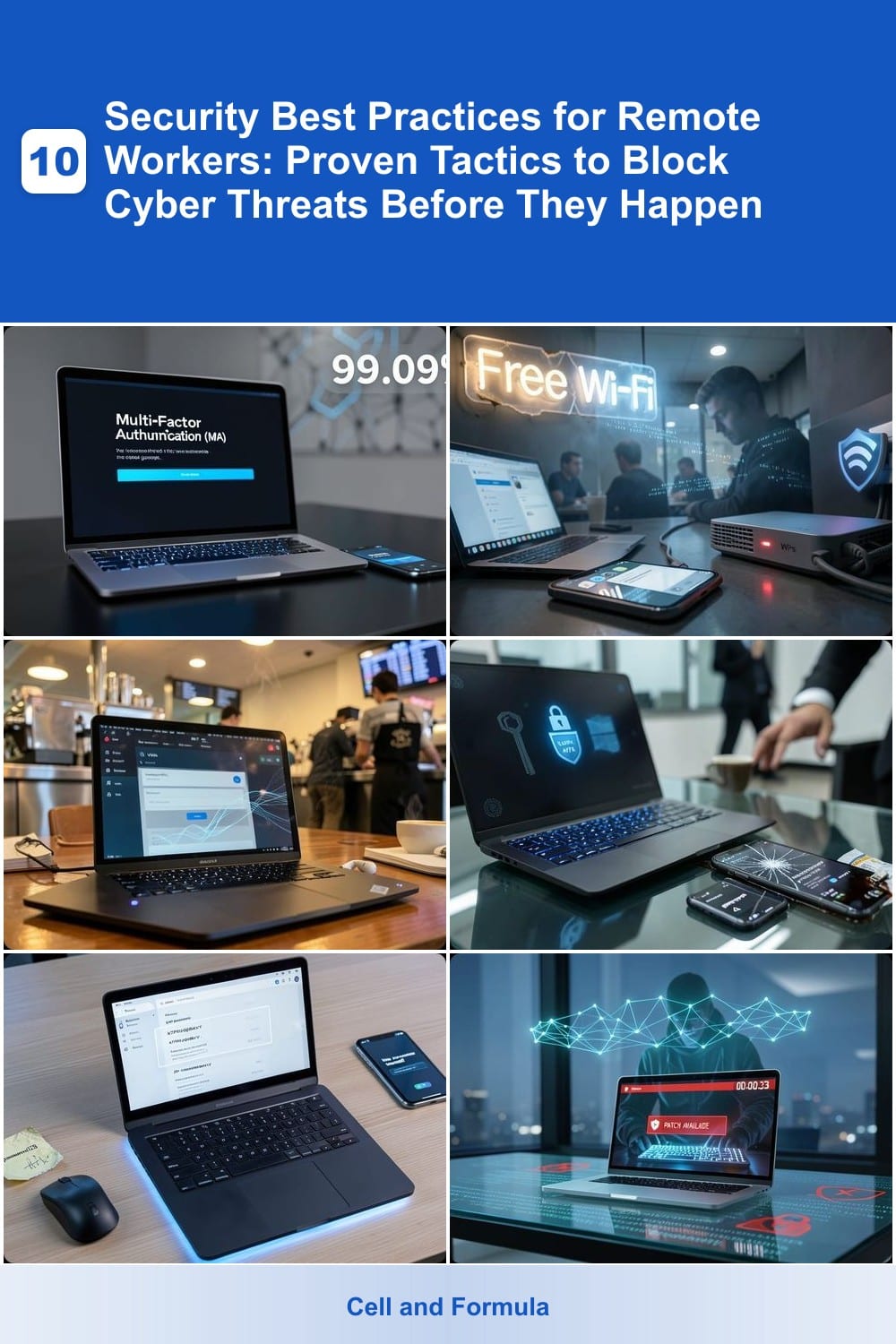
If you think passwords alone are enough to protect your accounts, think again—99.9% of automated attacks are blocked by simply adding a second layer of security. Multi-Factor Authentication (MFA) turns a stolen password into useless garbage for hackers, making it the single most effective defense for remote workers.
Start with your most critical accounts: email (Gmail, Outlook), cloud storage (Dropbox, Google Drive), and banking. Most platforms support SMS codes, authenticator apps (like Google Authenticator or Authy), or hardware keys—pick one that fits your workflow. Even better, use FIDO2 security keys for near-unbreakable protection on high-value targets.
Freelancers, managers, and anyone handling sensitive data should enable MFA today. It takes two minutes to set up and could save you from a nightmare scenario. 💪
Secure Your Wi-Fi Network Properly
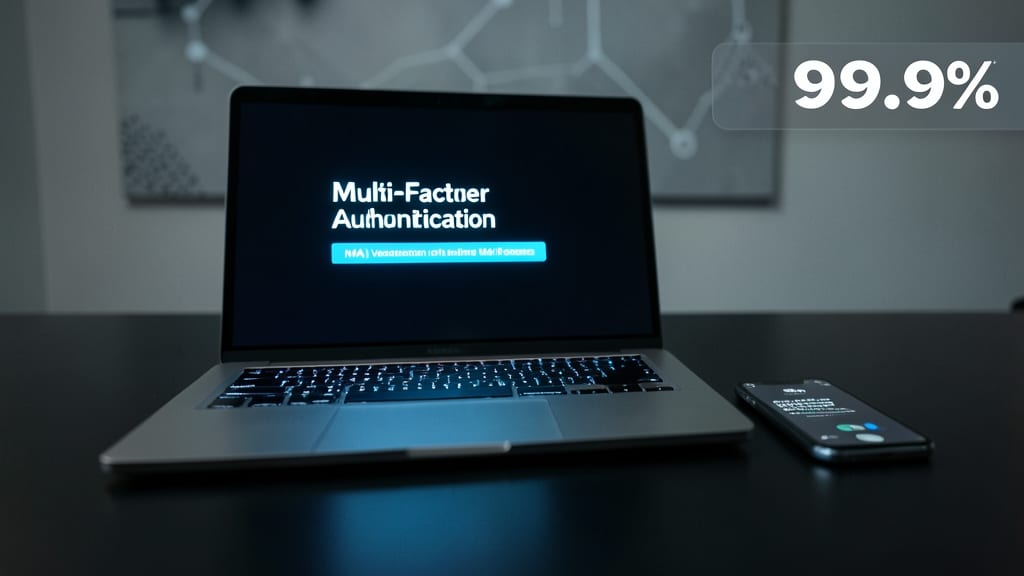
Public Wi-Fi networks are like unguarded front doors for hackers—your devices are vulnerable to man-in-the-middle attacks that steal passwords, financial data, or even hijack your browsing sessions. The fix? A three-layer defense starting with your home router.
First, disable WPS (Wi-Fi Protected Setup)—that PIN-based shortcut is a security nightmare. Next, create a separate guest network for visitors, isolating them from your main network where work devices connect. Finally, upgrade to WPA3 encryption (if your router supports it), which thwarts brute-force attacks and ensures even stronger protection than WPA2. Most modern routers let you enable this in the security settings under "Wireless."
This setup is perfect for remote workers who handle sensitive data, freelancers sharing space with roommates, or anyone who’s ever freaked out about public Wi-Fi risks. A few clicks now could save you from a nightmare later. 💪
Implement a Virtual Private Network
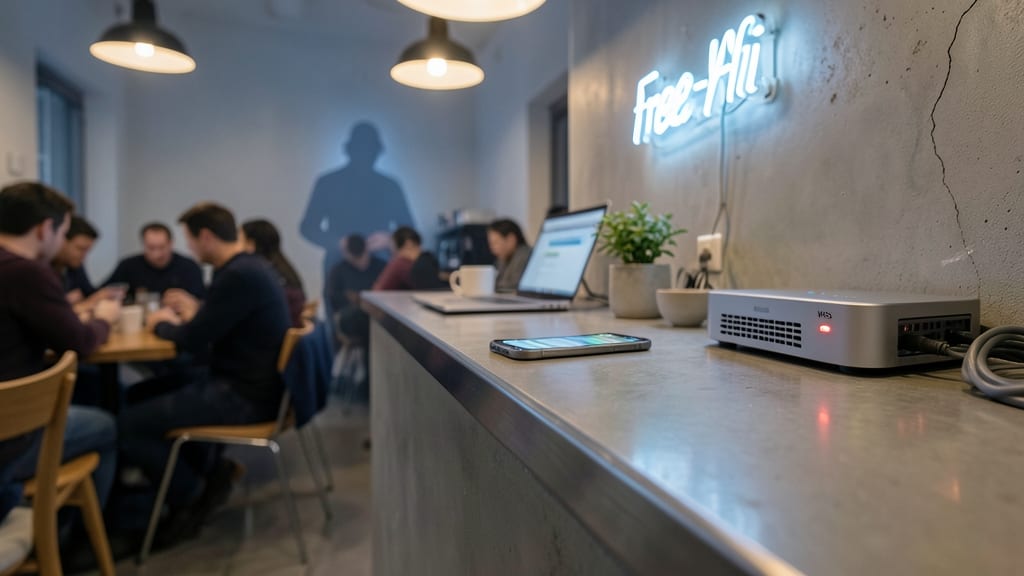
Public Wi-Fi at coffee shops or airports is convenient—but also a prime target for hackers snooping on unencrypted traffic. A Virtual Private Network (VPN) acts as your digital bodyguard, masking your IP address and encrypting all data so prying eyes can’t intercept sensitive work emails, passwords, or financial transactions.
Look for VPNs with no-log policies (ensuring your activity isn’t recorded) and kill switches (cutting your internet if the VPN drops). Services like Proton VPN or NordVPN offer strong encryption, server networks in multiple countries, and user-friendly apps for Windows, macOS, and mobile. Even a few dollars a month buys peace of mind when handling confidential company data.
This is non-negotiable for freelancers, remote teams, or anyone accessing work systems outside the office. A VPN turns a risky public network into a secure tunnel for your data. ✨
Enable Full-Disk Encryption on Devices
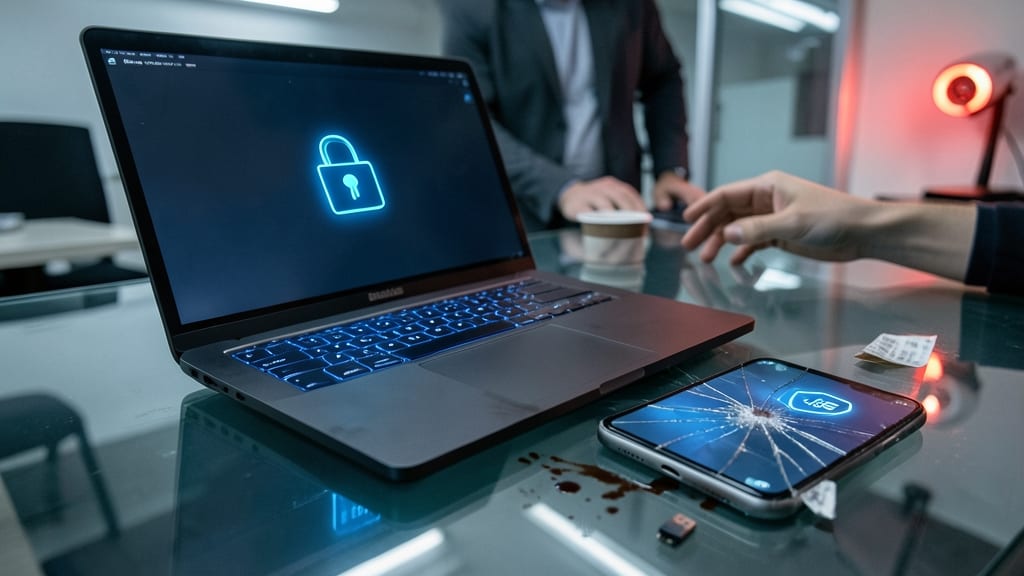
Your laptop or phone could be stolen in seconds—full-disk encryption ensures your data stays locked down even if it falls into the wrong hands. Unlike VPNs or Wi-Fi security, this protection works offline and doesn’t rely on network connections.
Windows BitLocker, macOS FileVault, and Linux LUKS all encrypt your entire drive with AES-256-bit encryption, making brute-force attacks impractical. Setup takes minutes: Windows Pro users enable BitLocker via Control Panel, while macOS handles FileVault automatically during setup. Linux users can integrate LUKS with their preferred filesystem for seamless compatibility.
This is non-negotiable for freelancers, contractors, or anyone handling sensitive work—especially if you travel with devices. Enable it today, and rest easy knowing your data stays private, even in the worst-case scenario. 🔧
Create Strong, Unique Passwords with a Manager
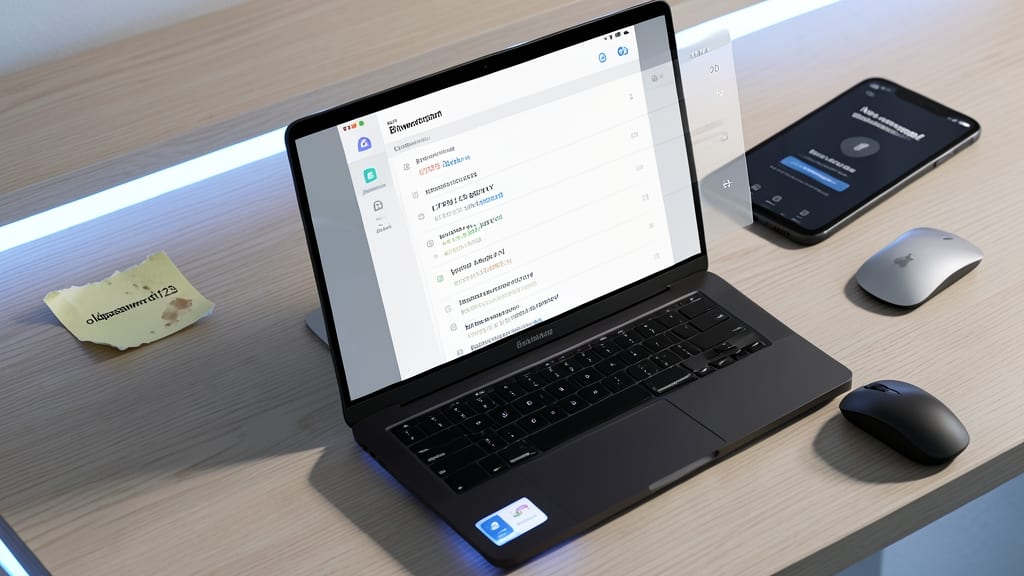
Tired of reusing passwords like "Password123"? A password manager like Bitwarden or 1Password eliminates the guesswork by generating and storing 20+ character credentials with a single master key. No more sticky notes or browser autofill vulnerabilities—just instant, secure access across all your accounts.
These tools sync across devices via end-to-end encryption, so your passwords stay private even if your device is compromised. Enable biometric login (Face ID or Touch ID) for frictionless access, while features like password health reports flag weak or reused credentials. Both options offer free tiers (Bitwarden) or affordable plans (1Password) with zero ads or tracking.
Perfect for freelancers juggling multiple clients, remote teams sharing sensitive tools, or anyone who’s ever forgotten a password mid-workday. 💡
Regularly Update All Software Systems
Hackers don’t wait for you to update your software—so why should you? The average exploit is discovered and weaponized within hours of a security flaw being revealed. Enabling automatic updates for your OS, browsers, and apps ensures critical patches are applied before cybercriminals can exploit them.
Prioritize security patches over feature updates, as these often include fixes for zero-day vulnerabilities. Tools like Windows Update, macOS Software Update, and Chrome’s auto-update make this effortless. For third-party apps, enable notifications to stay ahead of threats—especially for tools handling sensitive data like Slack or Zoom.
This is non-negotiable for freelancers, remote teams, or anyone handling client data. A single unpatched system can become the weak link in your entire security chain. ⚡
Secure Your Physical Workspace Too
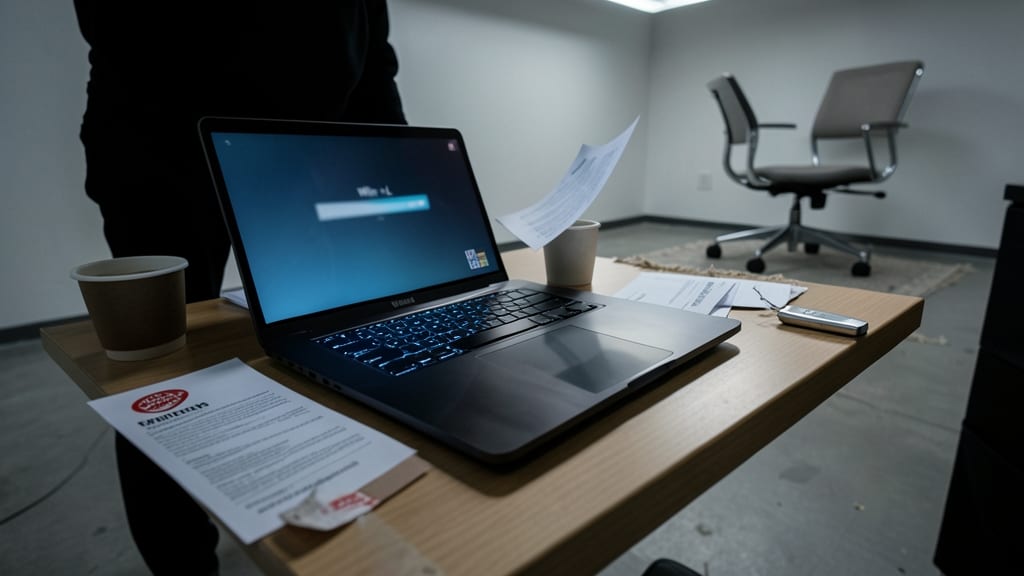
Your digital defenses are strong—but what about the real world? A stolen laptop or exposed documents can undo all your cybersecurity efforts in seconds. Physical security is the unsung hero of remote work protection, often overlooked until it’s too late.
Start with screen locks (Windows: Win + L, Mac: Ctrl + Cmd + Q)—most thefts happen when devices are left unattended. Add a cable lock (like the Kensington K180) to secure laptops to desks or furniture, making opportunistic theft nearly impossible. For sensitive documents, a cross-cut shredder (like the Fellowes 121Ci) ensures confidential data can’t be reconstructed—critical for freelancers or HR professionals handling payroll.
This is especially vital for contractors working in shared spaces or corporate employees traveling with devices. A $5 cable lock can prevent a $2,000 theft—and peace of mind is priceless. 🔧
Train Employees on Phishing Awareness
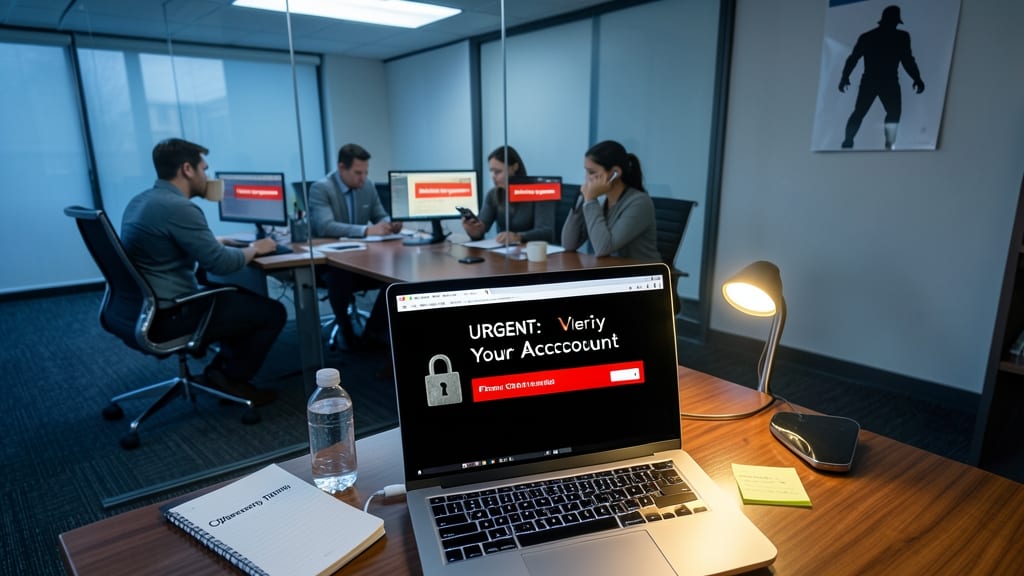
Your team might think they’re too smart to fall for phishing scams—but 90% of cyberattacks begin with a deceptive email or message. The good news? A little training and quarterly simulated phishing tests can turn your employees into your strongest cybersecurity line of defense.
Start by teaching them to hover over links before clicking, check sender email addresses for typos, and never share credentials via email. Tools like KnowBe4 or PhishMe automate realistic phishing simulations, tracking who clicks and how quickly they report it. Even a 10-minute monthly training session on new phishing tactics (like AI-generated voice scams) can drastically reduce vulnerabilities.
This is especially critical for small businesses or teams handling customer data—one clicked link can lead to ransomware or data breaches. Make it a habit, not a one-time drill. ✨
Use a Dedicated Work Device When Possible
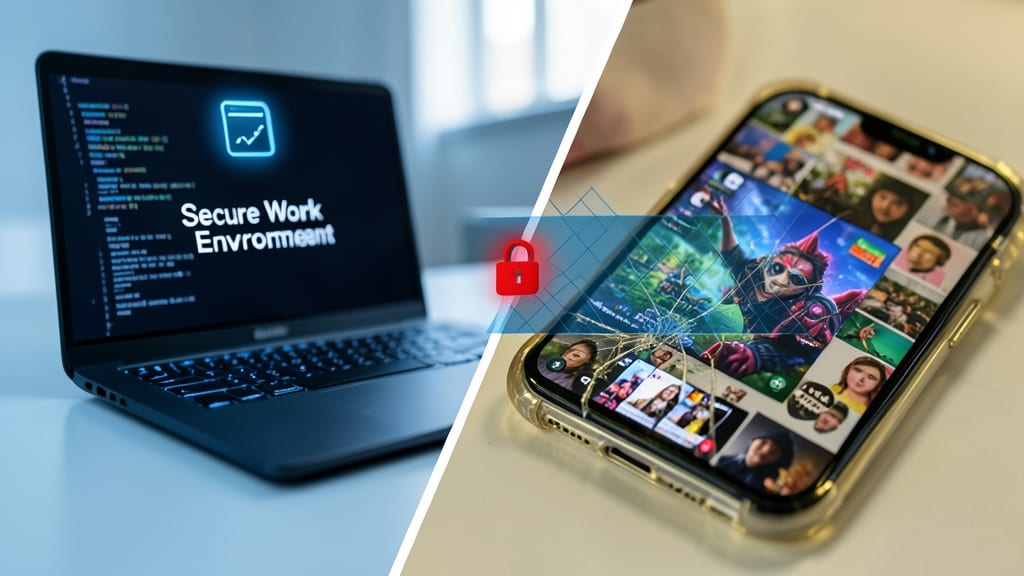
Mixing personal and work files on the same device is like leaving your front door unlocked—one breach risks everything. A dedicated work device (or a secure virtual machine) creates a firewall between your professional data and personal apps, reducing attack surfaces by up to 70% according to enterprise security studies.
Company-issued laptops or tablets come pre-configured with enterprise-grade security tools like BitLocker or mobile device management (MDM) policies. If that’s not an option, tools like VMware Workstation or VirtualBox let you spin up a sandboxed Windows/Linux environment for work tasks, isolating sensitive files from your host OS. Even free options like Tails OS (a live USB) provide zero-config anonymity for high-risk scenarios.
Freelancers juggling client projects and personal emails will benefit most, but even casual remote workers should consider this for tax documents or confidential emails. A little separation now prevents a full-blown security meltdown later. 💻
Monitor and Respond to Suspicious Activity
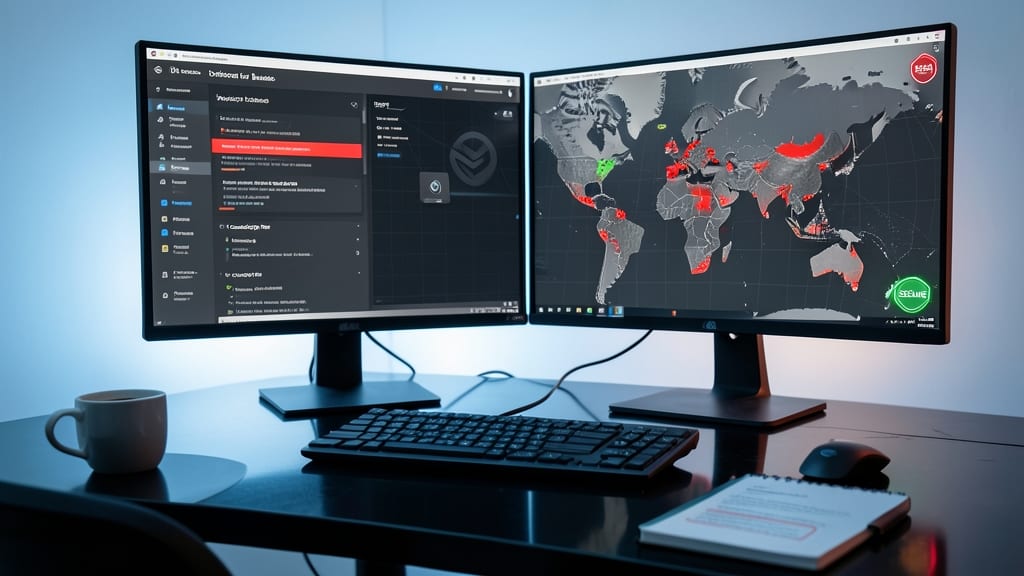
Hackers don’t always need to break in—they just need you to miss the signs. Real-time threat monitoring lets you spot suspicious activity before it becomes a breach, like unusual login locations, sudden large file transfers, or unknown apps accessing your data.
Tools like Microsoft Defender for Business (free for small teams) or CrowdStrike (enterprise-grade) analyze behavior patterns and flag anomalies instantly. Set up alerts for failed login attempts, unusual data exfiltration, or new device connections—all configurable in minutes. These systems go beyond basic antivirus by learning your normal activity and catching deviations.
Ideal for remote managers, freelancers with client data, or anyone handling sensitive files, these tools turn passive security into proactive defense. 💡