
PowerPoint
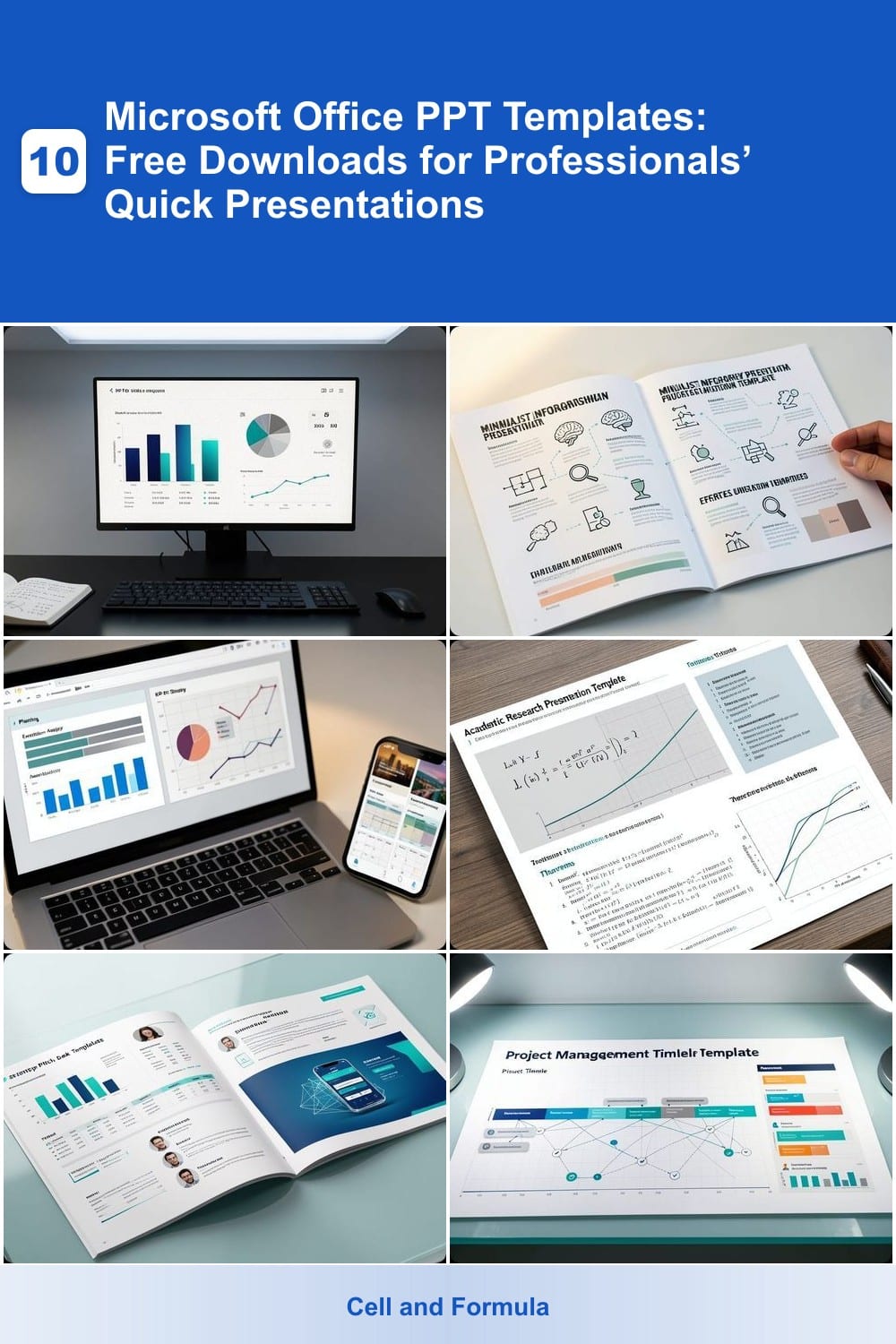
Need polished PowerPoint presentations without the design hassle? These 10 free Microsoft Office-compatible templates help professionals create stunning slides in minutes—whether for business pitches, team meetings, or client reports.
Modern Corporate Business Presentation Template
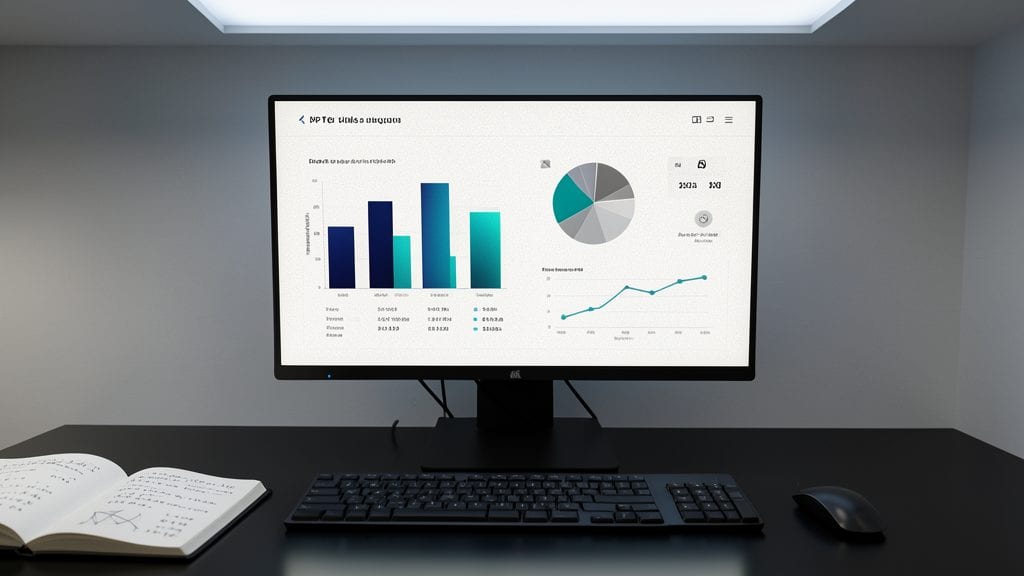
Executives drowning in data but short on design time? This Modern Corporate Business Presentation Template delivers a sleek, minimalist framework that transforms raw numbers into compelling visuals—no design skills required.
Built with pre-formatted data visualization tools (charts, graphs, and financial tables), it includes 12 customizable slide layouts optimized for strategy decks and financial reports. The dark blue/white color scheme ensures professionalism, while geometric shapes add subtle sophistication. Compatible with PowerPoint 2016/2019/365, it syncs seamlessly with Excel for live data imports.
Perfect for C-level presentations, investor pitches, or quarterly reviews—where clarity and impact matter most. ⚡
Minimalist Infographic Presentation Template
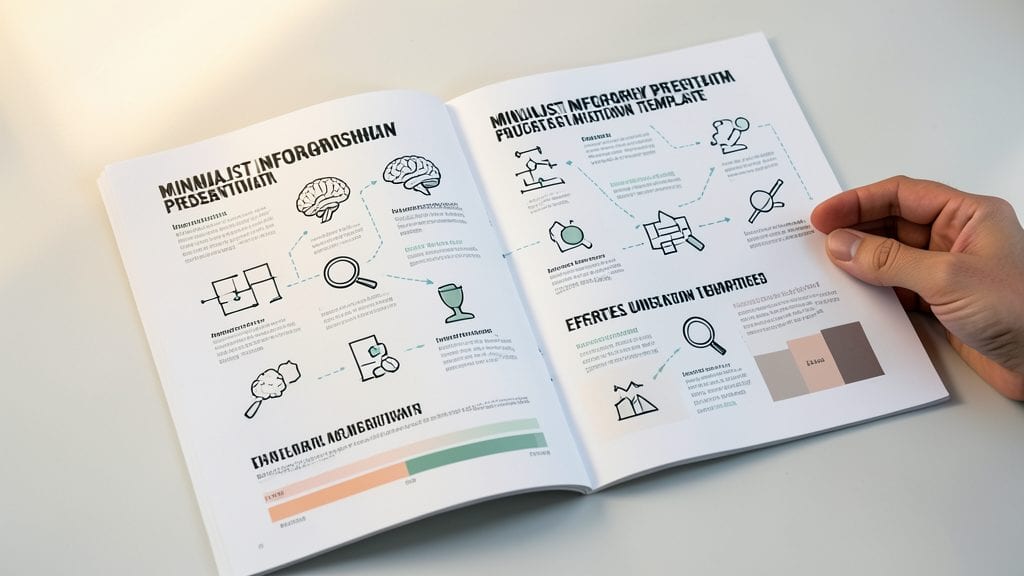
Struggling to explain complex concepts without overwhelming your audience? The Minimalist Infographic Presentation Template turns dense information into digestible visuals with just a few clicks. Built for trainers and educators, it uses icon-based layouts and visual hierarchy to guide learners through step-by-step processes, making even the most technical topics feel intuitive.
This template includes pre-designed slide masters for flowcharts, comparison charts, and process diagrams, all compatible with PowerPoint 2016 and later. The pastel color palette ensures readability, while customizable icon sets let you match your branding. Swap placeholder text with your content in minutes—no design skills required.
Perfect for corporate trainers, university lecturers, or workshop facilitators who need to keep audiences engaged. Download it for free and transform your next training session into an interactive experience. ✨
Marketing Campaign Presentation Template

Tired of scrambling to create campaign reports from scratch? This Marketing Campaign Presentation Template saves you hours with pre-built slides for timelines, KPI dashboards, and social media strategy—all designed to impress clients instantly.
Built with Microsoft Office compatibility, it includes a campaign timeline infographic, ROI tracking tables, and social media post mockups to showcase your strategy visually. The vibrant purple/teal color scheme ensures high contrast for readability, while the modular layout lets you drag-and-drop content effortlessly.
Perfect for digital marketers, agency teams, and startup founders who need client-ready decks without design headaches. Download it once and reuse for every campaign. ✨
Academic Research Presentation Template
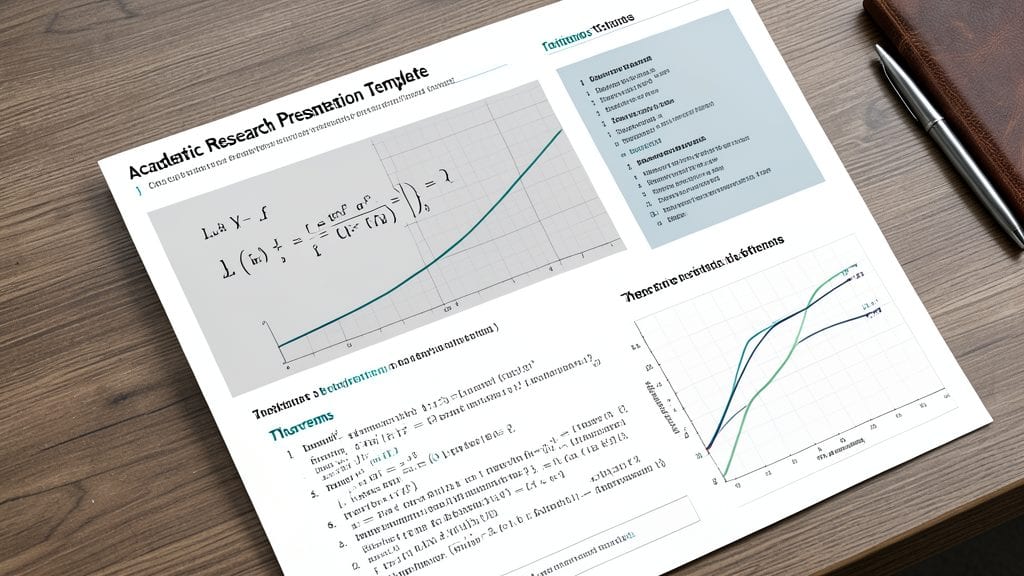
Struggling to turn dense research into a polished presentation? The Academic Research Presentation Template simplifies the process with pre-formatted slides for citations, theorems, and data visualization—perfect for conference submissions or thesis defenses.
This template includes LaTeX-style equation editors, peer-reviewed chart layouts, and APA/MLA citation placeholders to save hours of formatting. The serif font hierarchy ensures readability, while built-in slide masters maintain consistency across your entire deck. Download it for Microsoft Office 2016/365 compatibility and start presenting with confidence.
Ideal for PhD candidates, professors, and researchers who need to balance rigor with clarity—no design skills required. ✨
Startup Pitch Deck Template
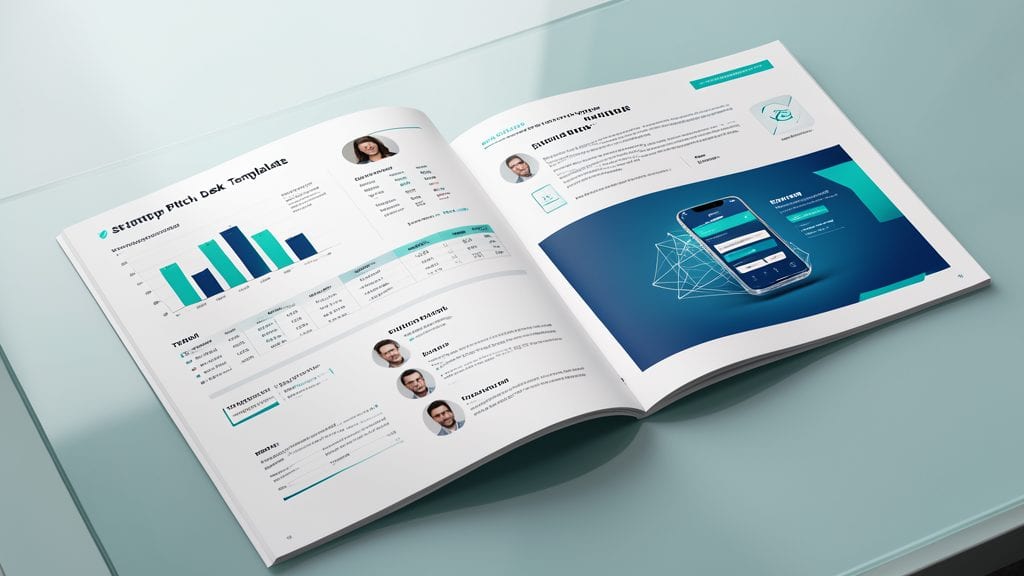
Securing funding hinges on a pitch deck that commands attention—and this Startup Pitch Deck Template delivers exactly that. With pre-formatted slides for financial projections, team bios, and product mockups, it eliminates the guesswork of structuring your pitch from scratch.
The template includes investor-focused layouts like a 5-year revenue forecast chart, a founder bios section, and a problem-solution slide with placeholder text. You’ll also find a competitor comparison table and a timeline for milestones, all designed to align with VC expectations. Compatible with PowerPoint 2016 and later, it’s ready for customization with your brand colors and metrics.
Perfect for founders prepping for Seed or Series A rounds, this template helps you focus on content—not design. Just plug in your numbers and narrative to impress investors at first glance. ✨
Project Management Timeline Template
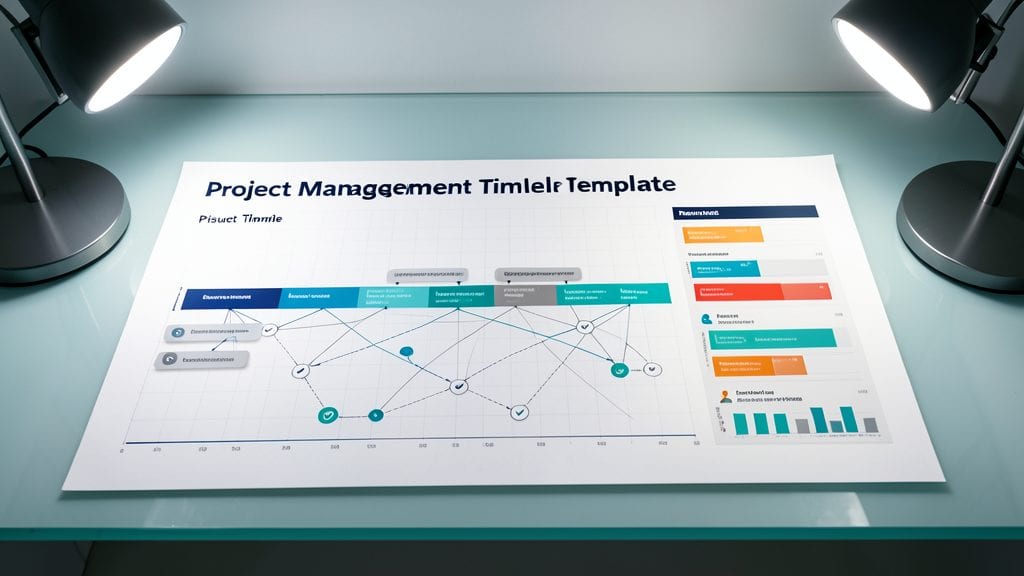
Struggling to keep your project timelines clear and stakeholders aligned? This Project Management Timeline Template transforms chaotic spreadsheets into a visualized Gantt chart with drag-and-drop milestones, dependencies, and resource allocation—all in PowerPoint.
The template includes pre-formatted timeline bars, critical path indicators, and color-coded phases to highlight progress at a glance. You’ll also find built-in risk assessment slides and team assignment trackers, so nothing slips through the cracks. Compatible with Office 2016/2019/365, it’s ready to customize with your brand colors and project specifics.
Perfect for Agile teams, construction managers, or IT project leads who need to present timelines clearly to clients or cross-functional teams. 💻
Nonprofit Impact Report Template
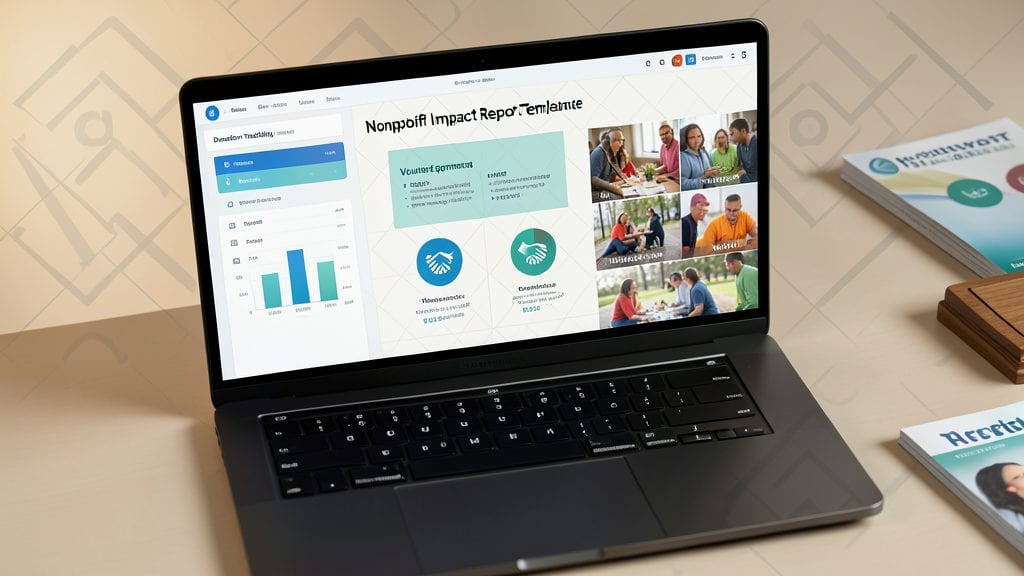
Struggling to quantify your nonprofit’s impact for donors and stakeholders? The Nonprofit Impact Report Template simplifies storytelling with pre-built sections for donation tracking, volunteer engagement metrics, and mission-driven visuals—all designed to inspire trust and transparency.
This template includes a progress bar for fundraising goals, statistical charts for volunteer hours, and dedicated slides for mission statements, ensuring your annual reports feel both professional and heartfelt. The soft blue/green color scheme aligns with nonprofit branding, while customizable placeholders let you plug in real-time data without design headaches.
Perfect for small nonprofits, fundraising teams, or board members presenting to donors—this template turns complex impact data into compelling narratives. ✨
Remote Team Meeting Agenda Template
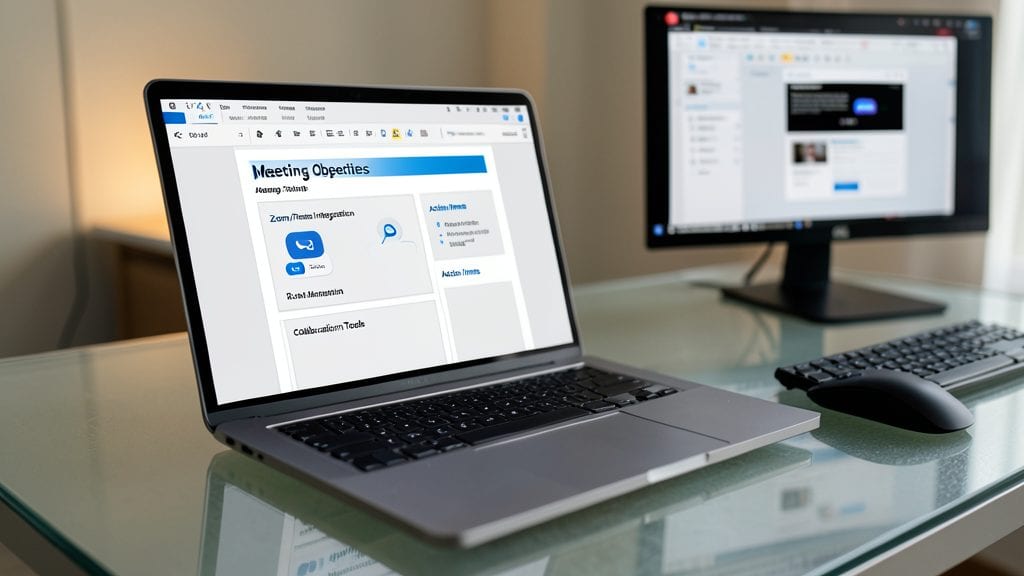
Struggling to keep remote teams aligned during virtual meetings? This Remote Team Meeting Agenda Template transforms chaotic Zoom/Teams calls into structured, action-driven sessions with built-in collaboration tools.
The template includes pre-formatted sections for meeting objectives, Zoom/Teams integration prompts (like pre-call prep reminders), and a dedicated action item tracker with owner/deadline fields. A participant feedback slide ensures everyone’s voice is heard, while color-coded timelines keep hybrid teams on schedule. Compatible with Office 365/2019, it’s ready for instant customization.
Perfect for remote managers, HR teams, and cross-functional leaders—ideal for standups, brainstorming sessions, or client check-ins where clarity and follow-through matter most. 💻
Creative Agency Portfolio Template
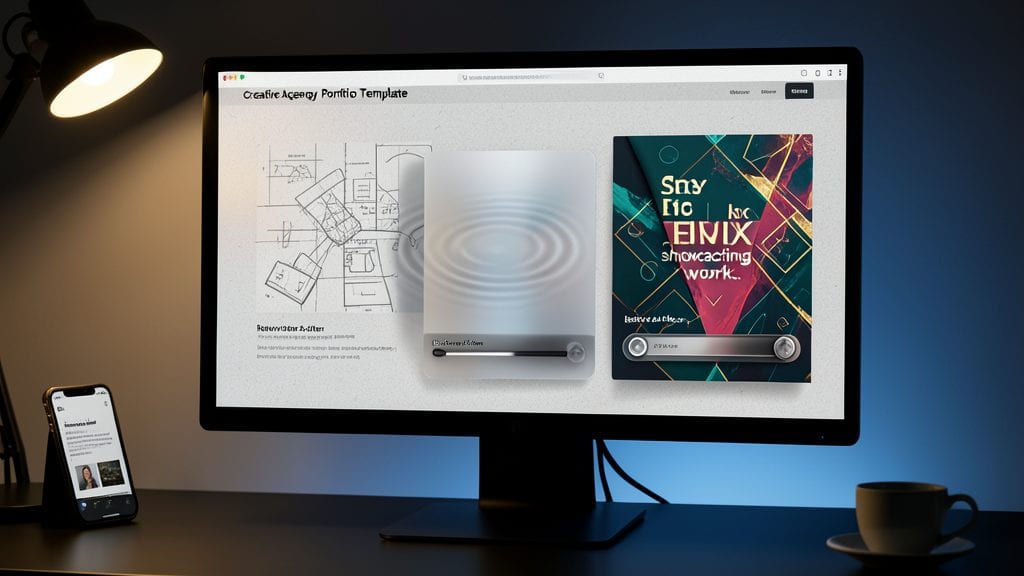
Stand out from the crowd with this Creative Agency Portfolio Template, designed specifically for designers, agencies, and freelancers who need to showcase their best work. Unlike generic templates, this one includes interactive before/after sliders to highlight design transformations, client testimonial callouts to build credibility, and detailed case study breakdowns to demonstrate your process.
The template features pre-built portfolio sections with bold typography and high-impact visuals, ensuring your work gets the attention it deserves. It also includes customizable project cards and impact metrics to quantify your results—perfect for impressing potential clients. The sleek, modern design works seamlessly in PowerPoint 2016 and later, so you can edit and present with ease.
This is the go-to choice for freelance designers, creative agencies, and branding studios looking to land high-profile clients. With everything from project mockups to client feedback, it’s your secret weapon for turning browsers into buyers. ✨
Personal Branding Speaker Deck Template
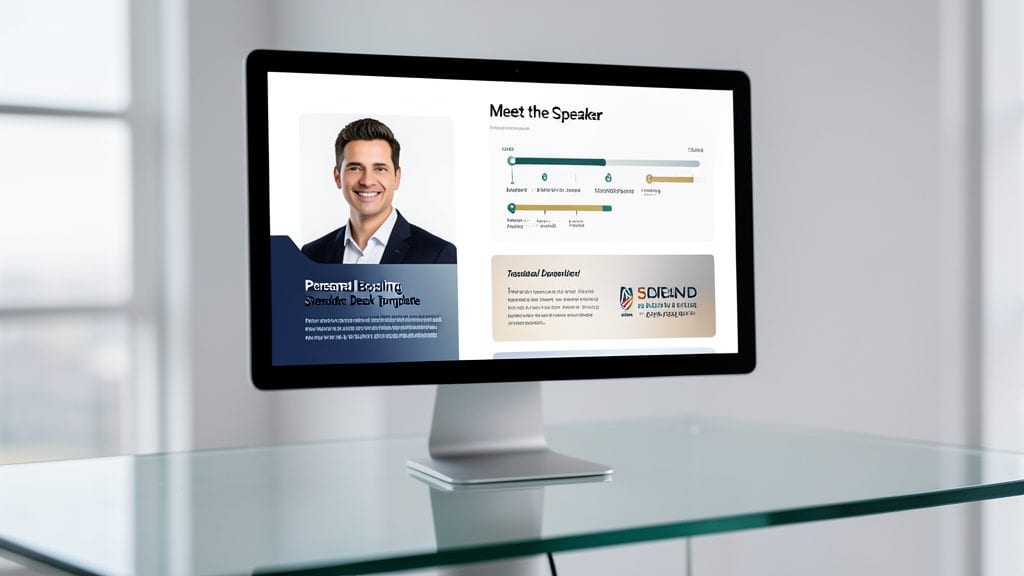
Turn your speaking engagements into a personal brand powerhouse with this Personal Branding Speaker Deck Template. Designed specifically for influencers, coaches, and public speakers, it includes dedicated bio slides with professional headshot placeholders and a "Meet the Speaker" section to build instant credibility.
The template goes beyond basic slides with audience engagement prompts like Q&A timers, live poll integration, and call-to-action sections. Social media share buttons are pre-built to let attendees instantly amplify your talk across LinkedIn, Twitter, and Instagram, turning every presentation into a networking opportunity. The sleek, modern design ensures your content—not the slides—stays the focus.
Perfect for thought leaders, TEDx speakers, and industry experts who want to leave a lasting impression. Whether you're launching a book, pitching a course, or speaking at a conference, this template turns your presentation into a branding toolkit. ✨