
Software
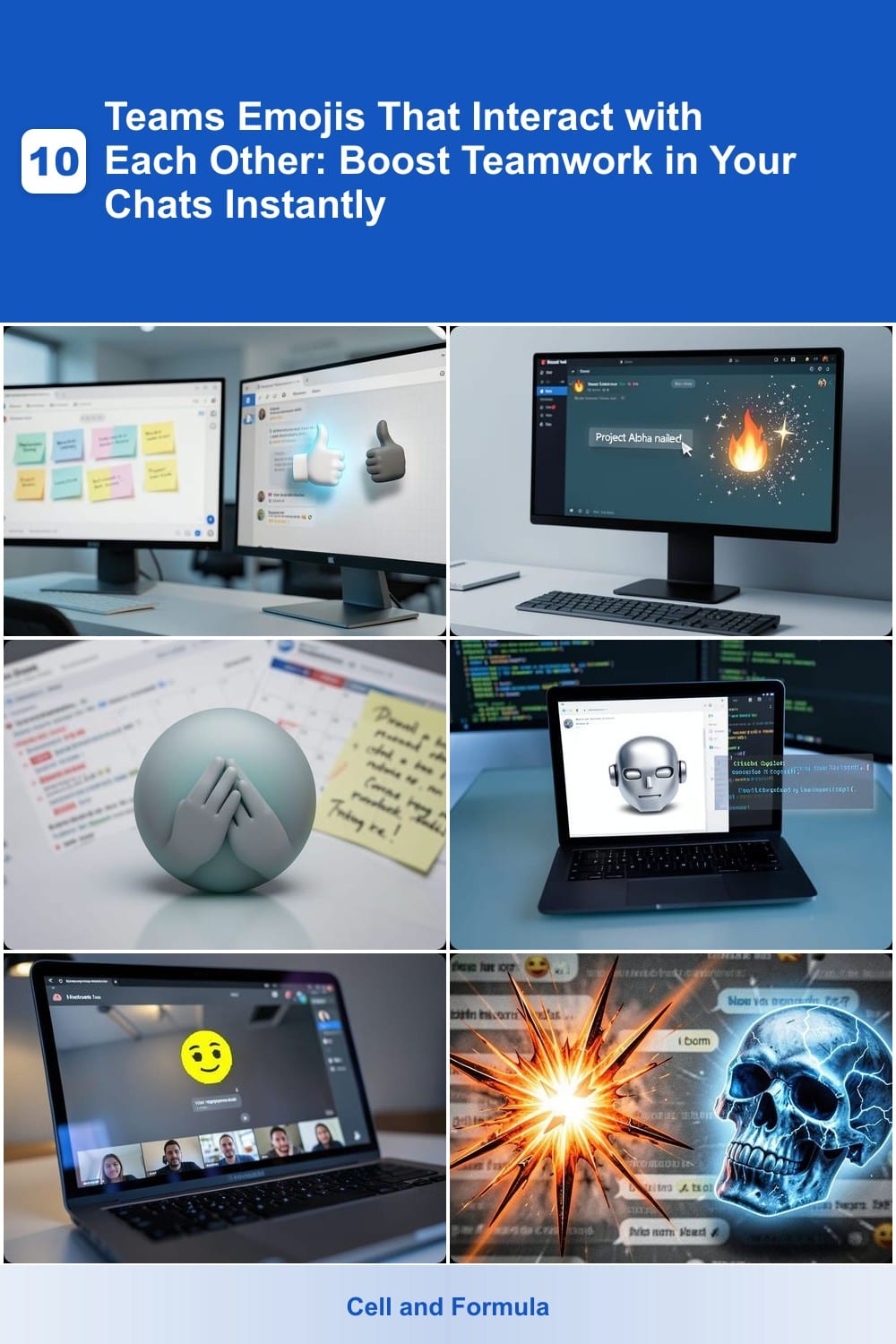
Microsoft Teams emojis aren’t just static symbols—they can transform your team chats into dynamic, engaging conversations. These interactive emojis add personality, streamline communication, and even replace lengthy messages, making collaboration smoother and more fun. Here are seven creative ways to use them.
Thumbs Up and Down for Quick Feedback
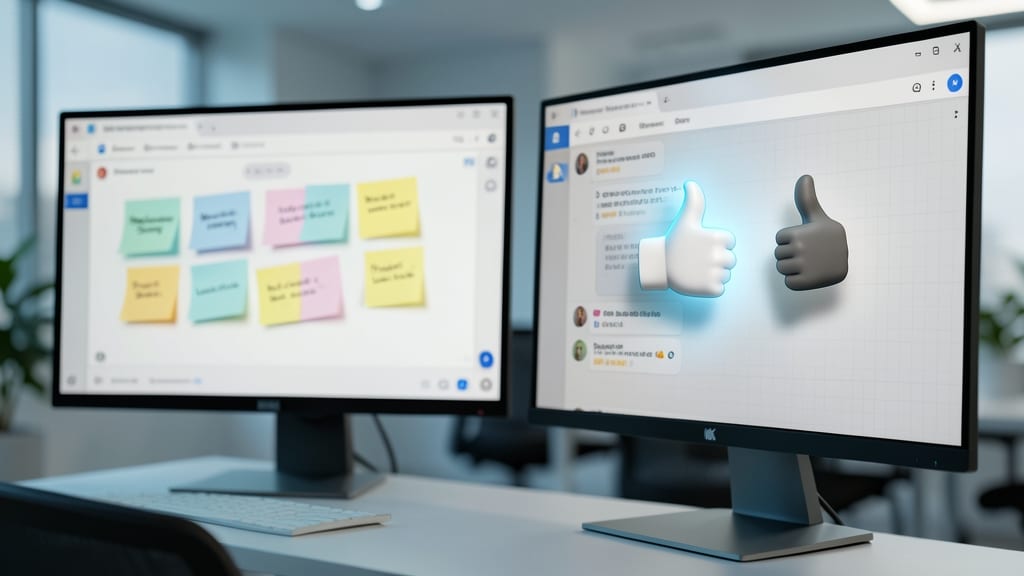
Tired of typing out "Sounds good!" or "Let's table this" during brainstorming sessions? Microsoft Teams’ thumbs up (👍) and thumbs down (👎) emojis let you approve or reject ideas in one click, cutting decision-making time by half. These aren’t just reactions—they’re built-in voting tools that sync instantly across chats and meetings, so everyone sees the consensus without scrolling through comments.
The real-time feedback works seamlessly with @mentions (e.g., @team "Should we proceed with this design? 👍/👎") and integrates with Teams polls for structured feedback. For developers reviewing PRs or designers debating mockups, these emojis replace lengthy Slack threads with visual clarity. Pro tip: Combine them with 🔥 for "love this!" or 🤯 for "this needs work" to add nuance without extra typing.
Perfect for agile teams, product managers, or anyone drowning in async feedback—these emojis turn passive chats into actionable discussions. No more waiting for replies; just react and move forward. ⚡
Fire and Sparkles for Celebrating Wins
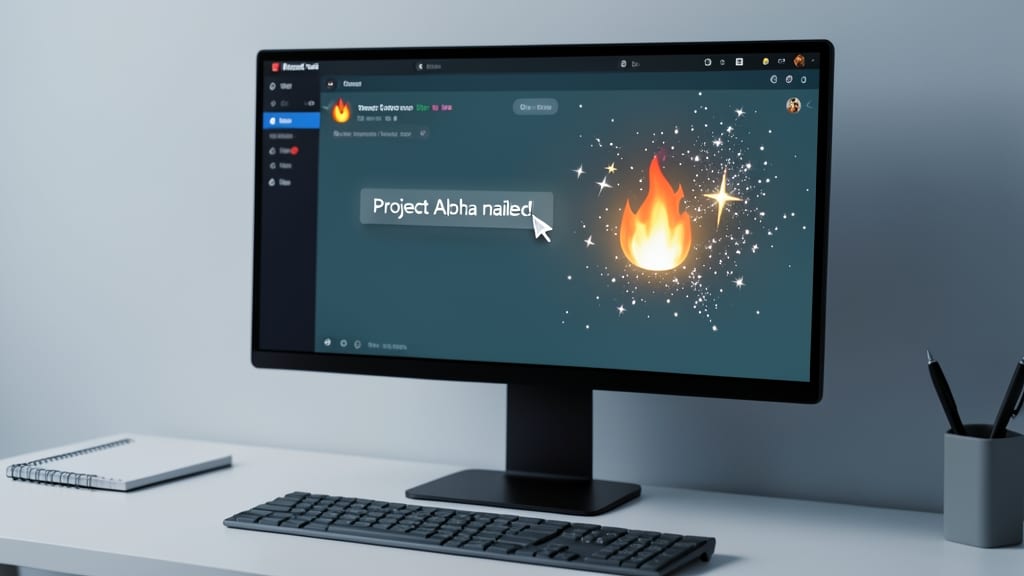
Need to celebrate a win but don’t want to derail the chat with a long message? The 🔥 fire and ✨ sparkles emojis in Teams turn milestones into instant, shareable moments—no extra typing required. Simply react to a teammate’s announcement, and the animated effects play out in real time, making every achievement feel like a shared high-five.
These emojis work seamlessly across chats and meetings, with zero setup needed. Use 🔥 for major breakthroughs (like shipping a product) or ✨ for creative solutions (like solving a tricky bug). The animations sync across devices, so your team sees the full effect whether they’re on desktop or mobile. Pro tip: Pair them with a quick “Thanks, team!” for maximum impact.
Perfect for remote teams, product managers, or anyone leading projects—these emojis replace formal meetings with quick, visual recognition. No more waiting for Slack standups to feel appreciated. ✨
Praying Hands for Support Requests

When you’re drowning in tasks but can’t type out a full plea for help, the praying hands emoji (🙏) becomes your silent SOS signal. Unlike a blunt "HELP!" message, this visual cue subtly communicates urgency without derailing the conversation or making you feel overwhelmed.
Teams supports this emoji natively in reactions, letting you flag messages with zero extra words—perfect for IT teams troubleshooting live issues or customer support agents handling escalations. The beauty? It’s universally understood as a request for assistance, not a complaint, so colleagues step in proactively without assuming panic. Pair it with a follow-up like "Stuck on X—any ideas?" for even clearer context.
Best for overwhelmed professionals who hate interrupting workflows or remote teams where context can get lost. It’s the digital equivalent of raising a hand in a meeting—polite, clear, and effective. ✨
Robot Face for Automated or AI-Generated Content
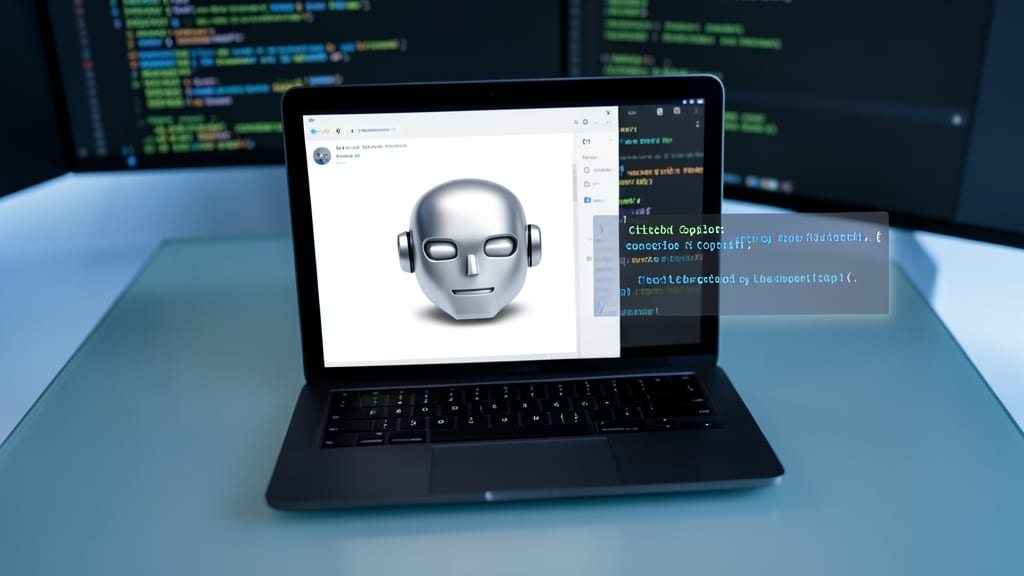
When your AI tools or scripts start chatting, how do you know who’s typing? The robot face emoji (🤖) solves this by instantly flagging automated messages—whether it’s GitHub Copilot suggesting code or a PowerShell script reporting status.
Teams automatically detects when a bot or AI generates content, and you can manually add the robot face to custom scripts or third-party integrations. This prevents confusion in fast-paced dev chats where human replies might get buried under automated logs or test outputs.
Perfect for developers, DevOps teams, or anyone testing AI-driven workflows—it keeps conversations clear without extra typing. 💻
Eyes for Active Listening or Focus
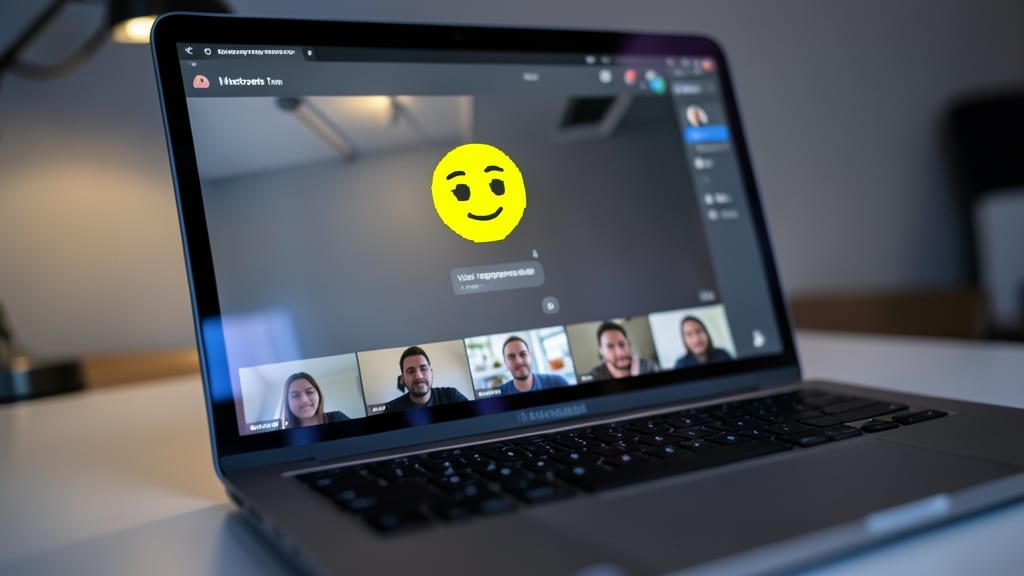
Remote meetings can feel awkward when you’re not sure if your team is truly listening—or if they’ve tuned out. The 👀 Eyes emoji in Teams solves this by letting you visually signal engagement during calls or async discussions, reducing miscommunication without breaking the flow.
Simply react with 👀 when someone speaks to show you’re actively listening, or use it in chats to confirm you’ve read a message. The subtle animation makes it stand out without being distracting, and it works seamlessly across 1:1 chats, group threads, and video calls. For managers, it’s a silent way to encourage participation without formal check-ins.
Perfect for remote workers, hybrid teams, or managers leading virtual meetings, this emoji bridges the gap between text and tone. It’s especially useful when body language is lost in digital conversations. ✨
Collision and Exploding Head for Urgent Alerts
When every second counts, 💥 Collision and 🤯 Exploding Head emojis cut through the noise like a digital airhorn. These aren’t just reactions—they’re visual alarms designed to stop scrolling and demand attention, especially in high-stakes environments where delays could cost time, money, or even security.
Use 💥 for emergency alerts (e.g., "Server down—prioritize now!") or 🤯 for shocking updates (e.g., "New competitor launched overnight!"). Teams automatically highlights these reactions in bold, ensuring no one misses them. The animated explosion effect makes them impossible to ignore, while the customizable color coding (red for urgency, yellow for high priority) lets you tailor the tone to the situation.
Perfect for IT security teams, newsrooms, or crisis management, these emojis turn chaotic moments into structured responses. No more buried messages—just instant clarity. ⚡
Custom Team Emojis for Brand Identity

Tired of generic emojis that don’t reflect your team’s unique vibe? Custom emojis let you design symbols that mirror your brand—whether it’s a 🚀 for product launches, a ☕ for coffee-fueled brainstorms, or a 🔧 for tech troubleshooting. These aren’t just placeholders; they’re visual shorthand that builds culture and recognition instantly.
Microsoft Teams lets you upload SVG-based custom emojis (up to 25 per pack) through the admin portal, with support for animations and transparent backgrounds. Startups like Slack’s original emoji sets prove how these can become iconic—think 🐶 for a pet-friendly office or 📊 for data teams. The key is consistency: assign meanings in your team handbook so everyone knows when to use the 🎯 for goals or the 💡 for ideas.
Perfect for marketing teams launching campaigns, dev squads with niche workflows, or remote-first companies needing visual glue. A well-designed emoji pack turns chats into a shared language—one that even new hires can grasp in seconds. ✨