Skip to content
Cell and Formula

Cell and Formula

  • All Articles
  • App
  • Coding
  • Hardware
  • More
    • Operating System
    • Outlook
    • PowerPoint
    • Review
    • Software
    • Tip & Trick
    • Troubleshooting
    • Windows

All Recipes — Page 8

Computer Power Log Download Windows 7: Fix BSOD Errors With Official Microsoft Archive

November 6, 2026 by Lionel Radcliffe
Computer Power Log Download Windows 7: Fix BSOD Errors With Official Microsoft Archive

The computer power log download for Windows 7 from Microsoft’s archives is your best shot at diagnosing power-related crashes—if you know where to look. Picture this: your screen flashes BSOD again, and this time, it’s…
Read more

Categories Windows

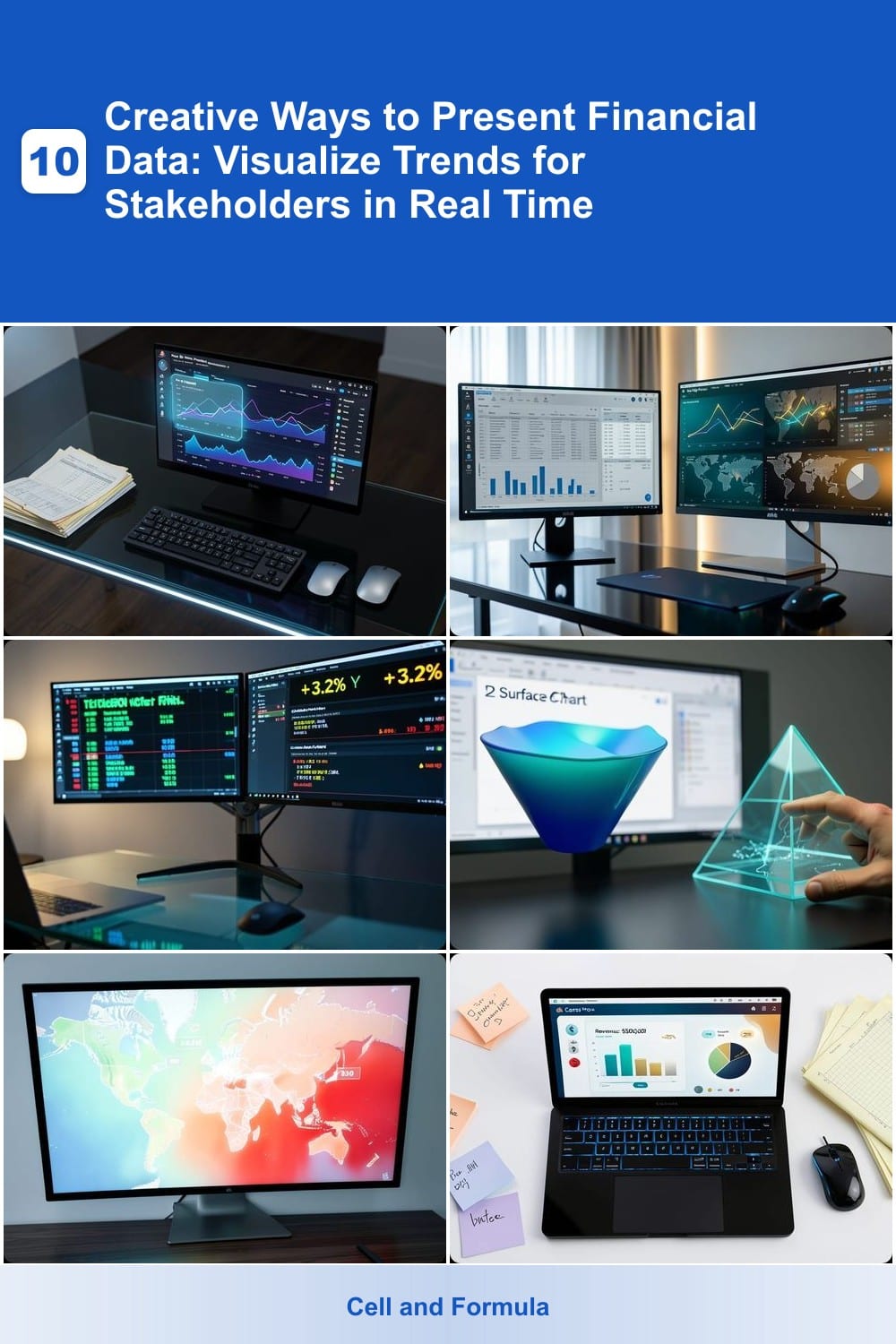
10 Creative Ways to Present Financial Data: Visualize Trends for Stakeholders in Real Time

November 6, 2026 by Lionel Radcliffe
10 Creative Ways to Present Financial Data: Visualize Trends for Stakeholders in Real Time

Boring spreadsheets won’t cut it when stakeholders demand clarity and impact. These 10 creative financial data visualization techniques transform complex numbers into engaging, real-time insights that drive…

Read more

Categories Operating System

Excel 2013 Advanced Formulas and Functions: Master Data Analysis Like a Pro

November 6, 2026 by Lionel Radcliffe
Excel 2013 Advanced Formulas and Functions: Master Data Analysis Like a Pro

Excel 2013 remains a powerhouse for data analysis, and mastering its advanced formulas can transform raw numbers into actionable insights. These seven advanced Excel 2013 functions will elevate your spreadsheet skills…

Read more

Categories Software

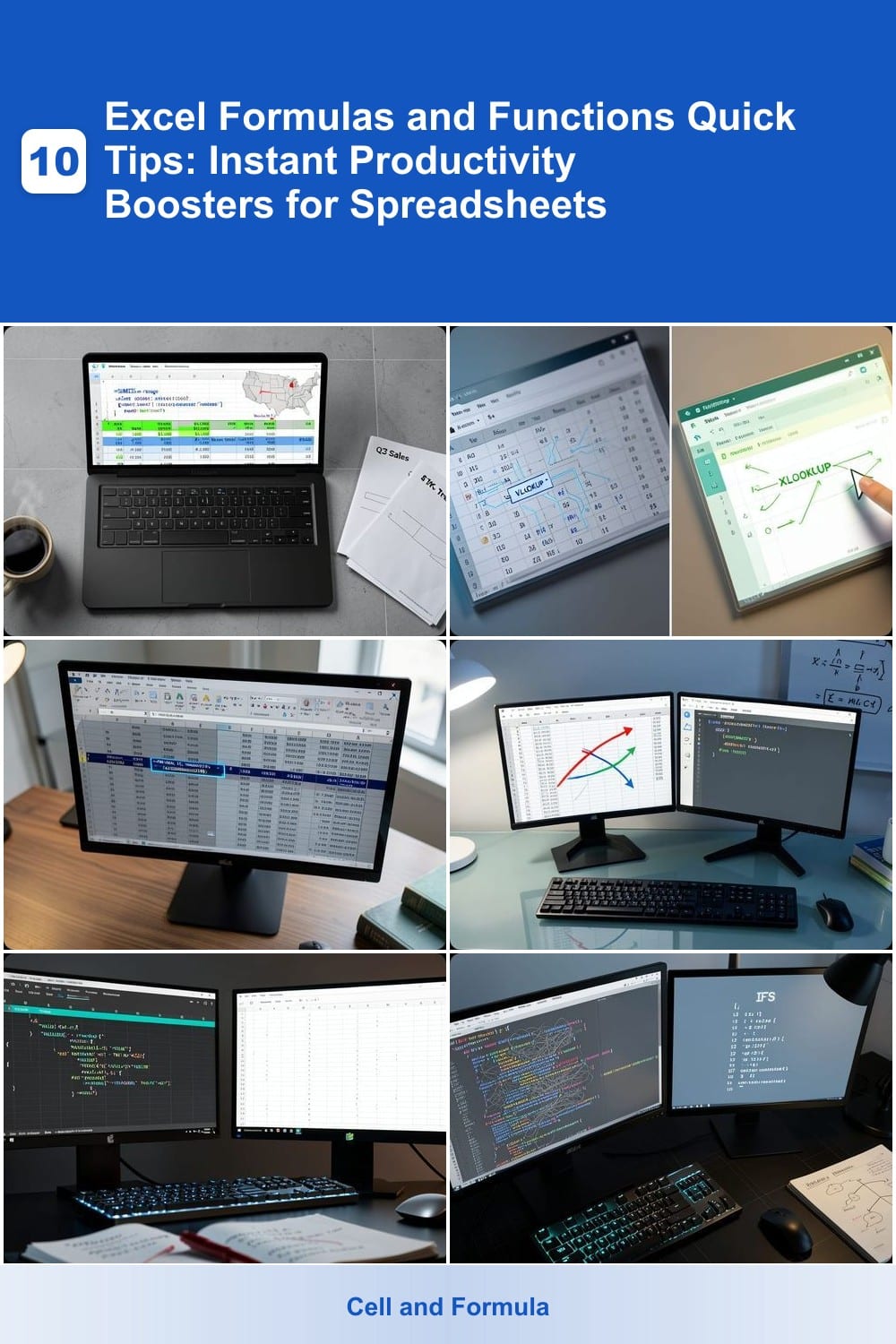
10 Excel Formulas and Functions Quick Tips: Instant Productivity Boosters for Spreadsheets

November 6, 2026 by Lionel Radcliffe
10 Excel Formulas and Functions Quick Tips: Instant Productivity Boosters for Spreadsheets

Mastering Excel formulas can transform how you work with spreadsheets—saving hours each week. These 10 quick tips cover essential functions that streamline data analysis, automate tasks, and eliminate repetitive work…

Read more

Categories Tip & Trick

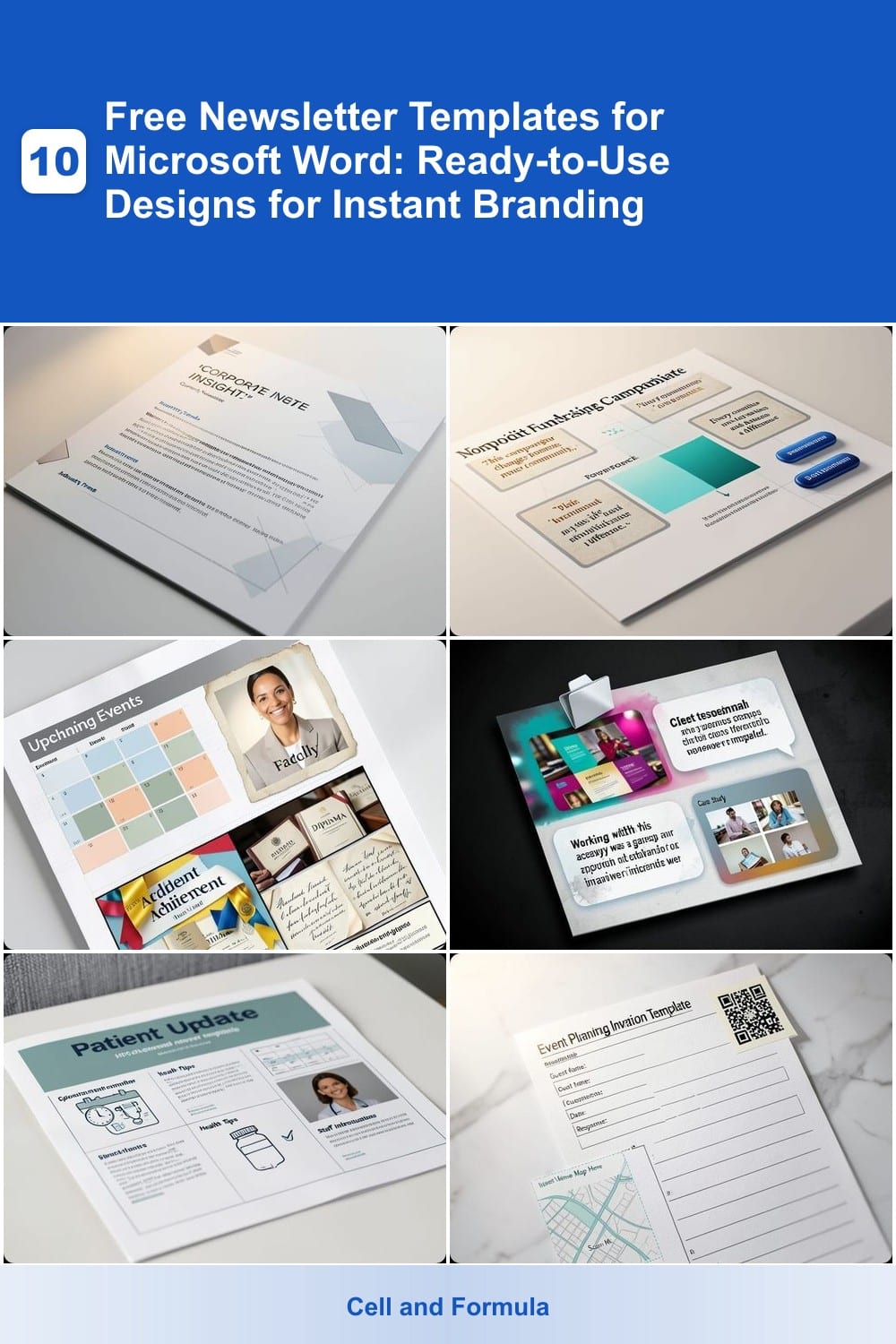
10 Free Newsletter Templates for Microsoft Word: Ready-to-Use Designs for Instant Branding

November 6, 2026 by Lionel Radcliffe
10 Free Newsletter Templates for Microsoft Word: Ready-to-Use Designs for Instant Branding

Need professional-looking newsletters without design skills? These 10 free Microsoft Word templates let you create polished, brand-aligned communications in minutes—no graphic design experience required. Perfect for…

Read more

Categories Software

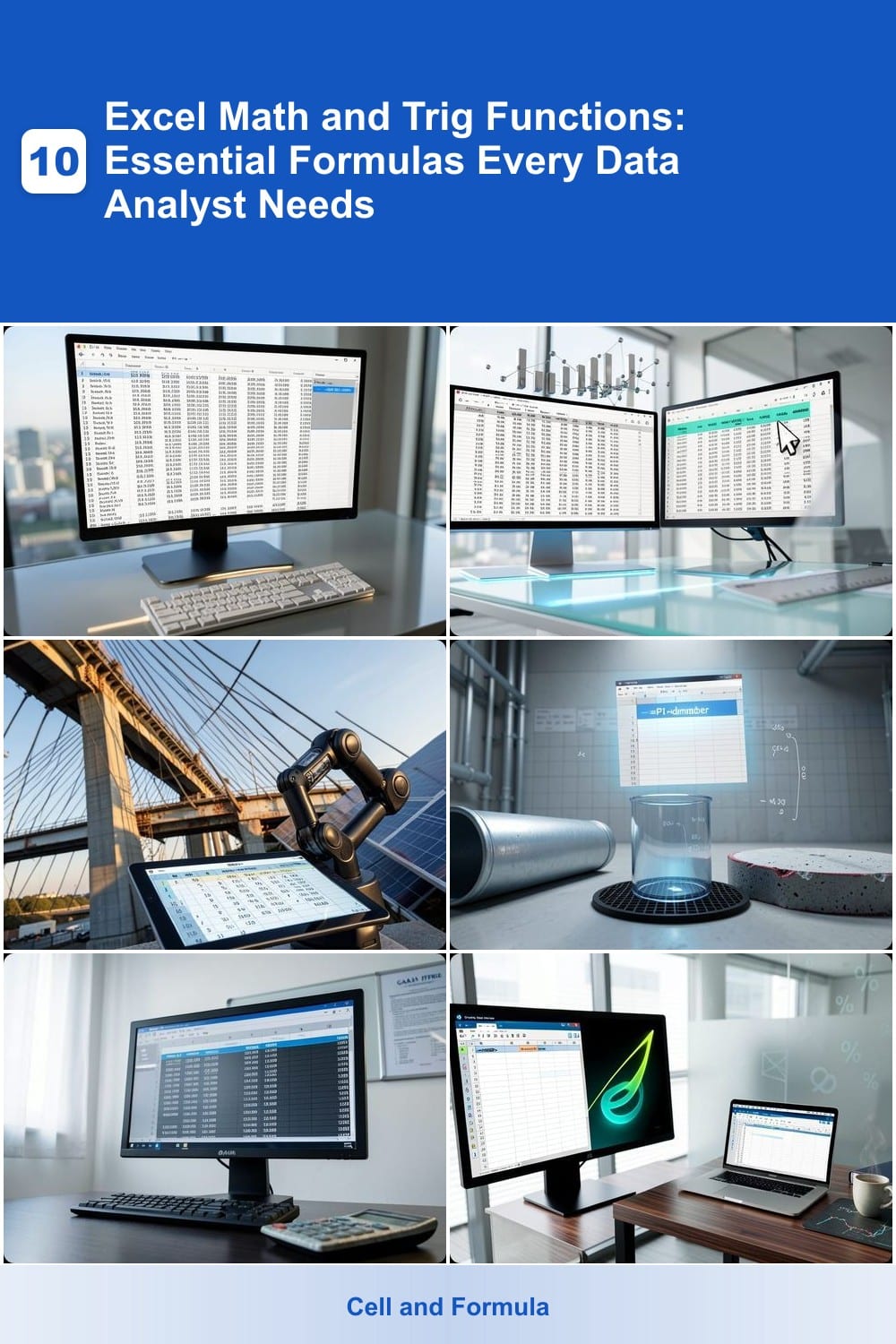
10 Excel Math and Trig Functions: Essential Formulas Every Data Analyst Needs

November 6, 2026 by Lionel Radcliffe
10 Excel Math and Trig Functions: Essential Formulas Every Data Analyst Needs

Mastering Excel's math and trig functions unlocks powerful data analysis capabilities. These 10 essential formulas will transform your spreadsheets into dynamic tools for financial modeling, scientific calculations, and…

Read more

Categories Coding

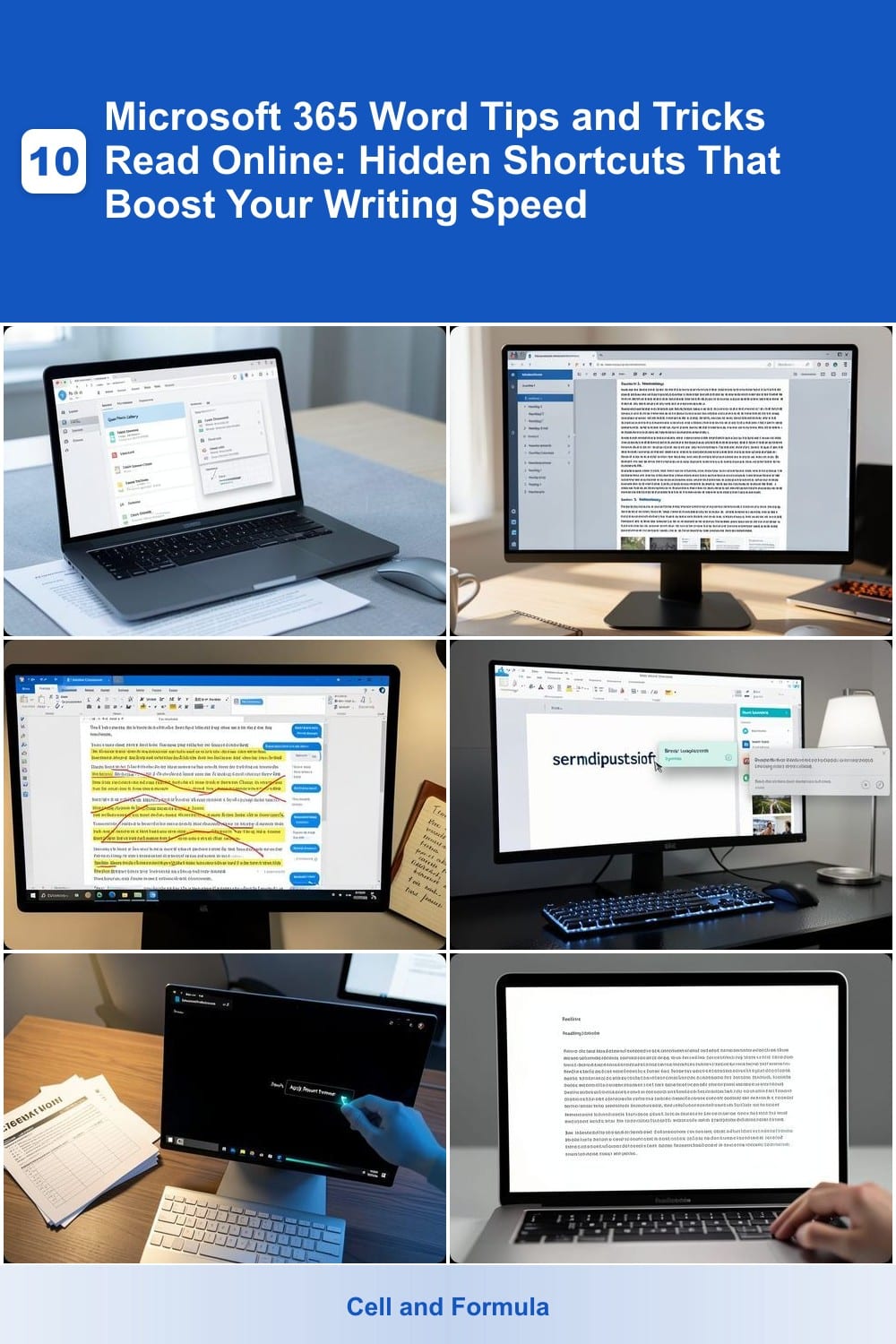
Microsoft 365 Word Tips and Tricks Read Online: Hidden Shortcuts That Boost Your Writing Speed

November 6, 2026 by Lionel Radcliffe
Microsoft 365 Word Tips and Tricks Read Online: Hidden Shortcuts That Boost Your Writing Speed

Microsoft Word is a powerhouse for writers, but most users only scratch the surface of its capabilities. These seven hidden Microsoft 365 Word tips and tricks will transform how you work—cutting time spent formatting…

Read more

Categories Tip & Trick

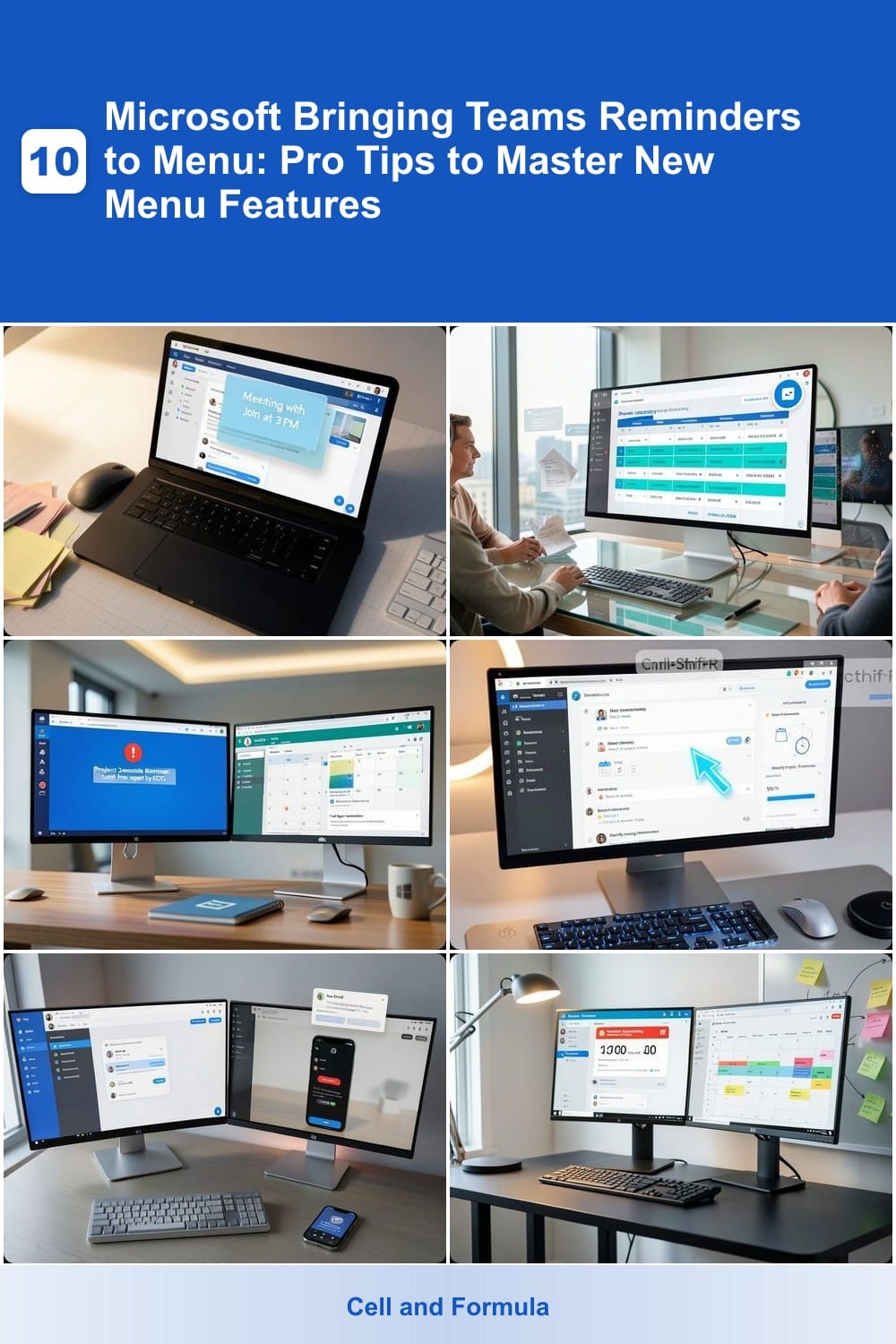
Microsoft Bringing Teams Reminders to Menu: Pro Tips to Master New Menu Features

November 6, 2026 by Lionel Radcliffe
Microsoft Bringing Teams Reminders to Menu: Pro Tips to Master New Menu Features

Microsoft is rolling out a game-changing update to Microsoft Teams by integrating reminders directly into the menu. This feature will help you stay on top of deadlines, meetings, and tasks without leaving your workflow…

Read more

Categories Software

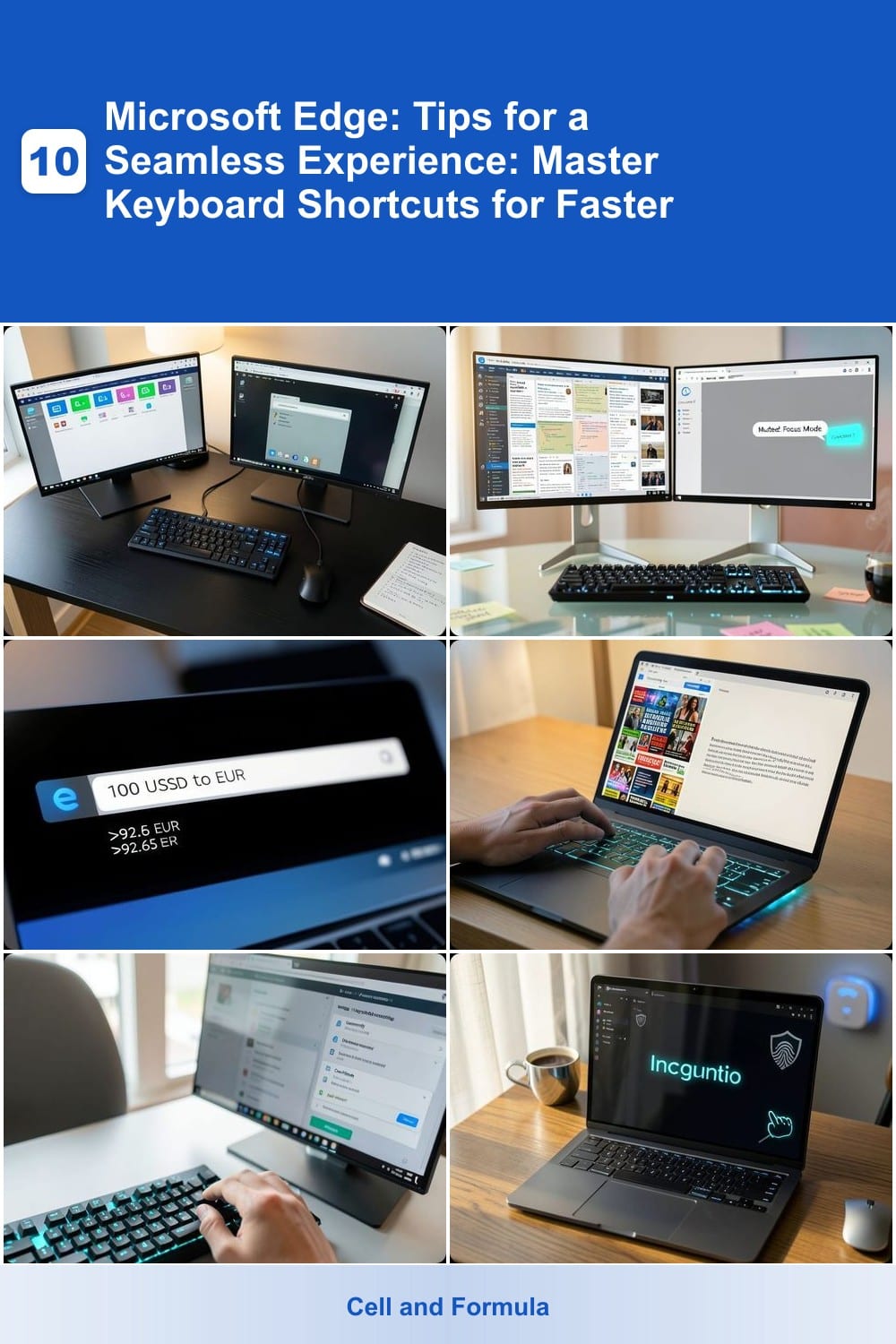
Microsoft Edge: Tips for a Seamless Experience: Master Keyboard Shortcuts for Faster Browsing

November 6, 2026 by Lionel Radcliffe
Microsoft Edge: Tips for a Seamless Experience: Master Keyboard Shortcuts for Faster Browsing

Microsoft Edge is packed with powerful keyboard shortcuts that can transform your browsing experience from slow and cumbersome to lightning-fast and efficient. These hidden gems save time and reduce mouse dependency…

Read more

Categories Software

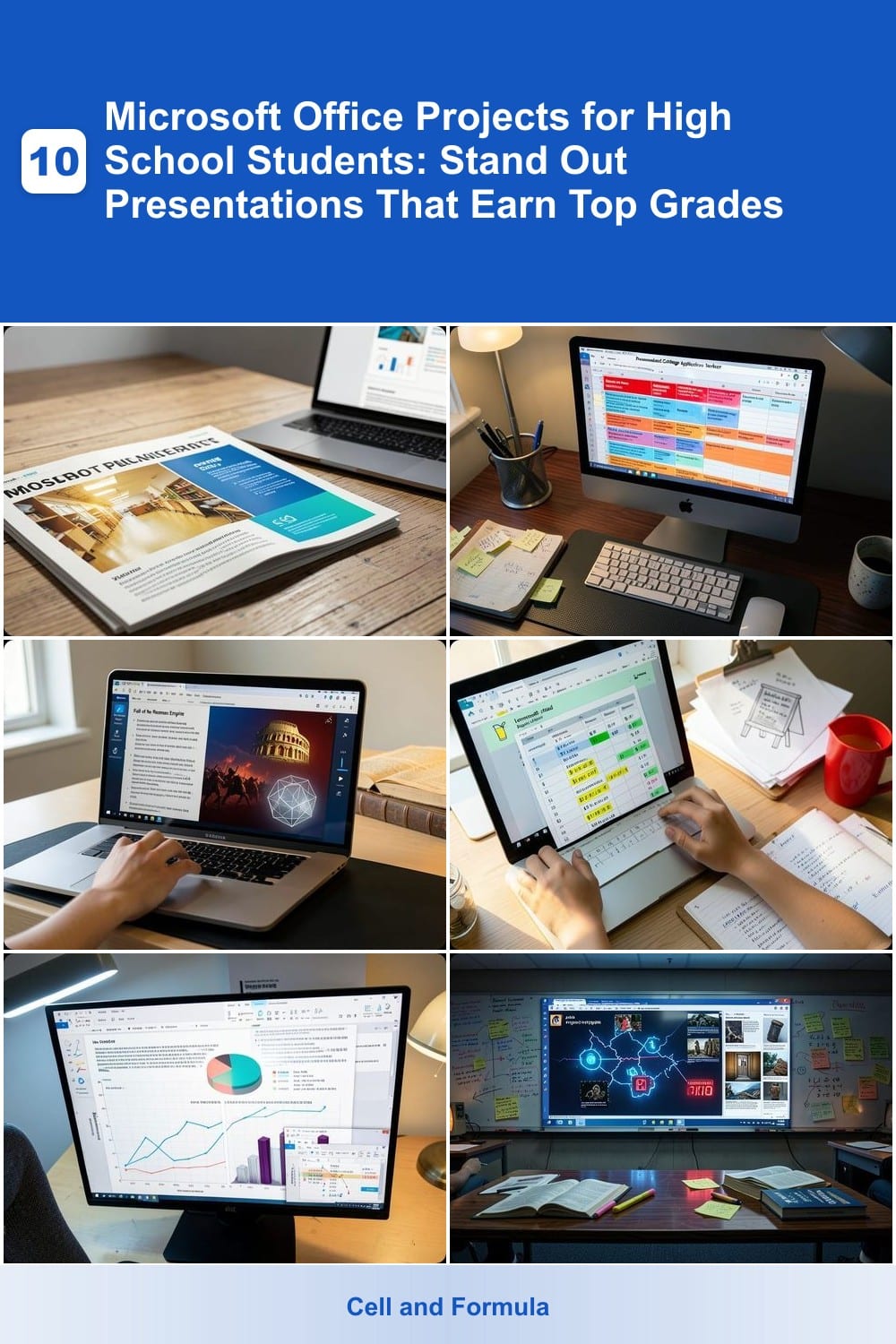
10 Microsoft Office Projects for High School Students: Stand Out Presentations That Earn Top Grades

November 6, 2026 by Lionel Radcliffe
10 Microsoft Office Projects for High School Students: Stand Out Presentations That Earn Top Grades

High school students can transform ordinary assignments into standout projects using Microsoft Office tools. These 10 creative projects leverage Word, Excel, PowerPoint, and Publisher to showcase skills, save time, and…

Read more

Categories PowerPoint
Page1…Page6Page7Page8Page9Page10…Page28Next →

About Me

Lionel Radcliffe

Lionel Radcliffe
My first computer was a hand-me-down 486 with a cracked screen, and I spent more time figuring out how to make it do things it wasn’t supposed to than actually using it for schoolwork. That machine taught me more about patience—and creativity—than any textbook ever could. Now, I run this site to share the practical, no-nonsense tech advice I wish I’d had back then: troubleshooting guides that actually work, software tips that save time, and hardware reviews that cut through the marketing fluff.

Learn more

Recent Posts

  • Acrobat PDFMaker Office COM Addin Download: Trusted Direct Install for Seamless PDF Creation
    Acrobat PDFMaker Office COM Addin Download: Trusted Direct Install for Seamless PDF Creation
  • Windows 8 Email Setup: Instant Sync for Contacts, Calendar, and Mail
    Windows 8 Email Setup: Instant Sync for Contacts, Calendar, and Mail
  • How to Set Up Templates in Outlook: Quick-Click Ready for Emails and Meetings
    How to Set Up Templates in Outlook: Quick-Click Ready for Emails and Meetings
  • Uninstall McAfee Endpoint Security for Mac: Data-Safe Removal in 5 Simple Steps
    Uninstall McAfee Endpoint Security for Mac: Data-Safe Removal in 5 Simple Steps
  • Downloading Pics from Camera to Computer: Instant Transfer Without a Hiccup
    Downloading Pics from Camera to Computer: Instant Transfer Without a Hiccup
  • All Guides
  • About
  • Contact
  • Privacy Policy
  • Cookie Policy
  • Terms of Use
© 2026 cellandformula.com